Finding your true friend pet Web Page Design


Edit Template Offline
2. Create new page and search for id 61800
Edit Template Online
Create Awesome Websites


Free Nicepage Builder
Keywords
Alternating Images and Text Shape the Pet-Care Page
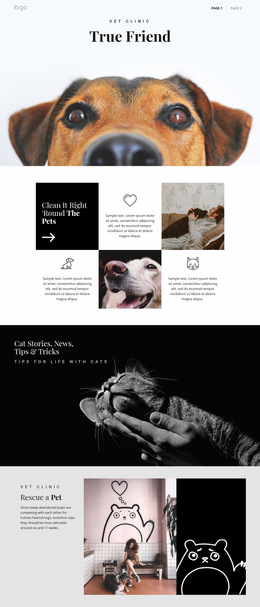
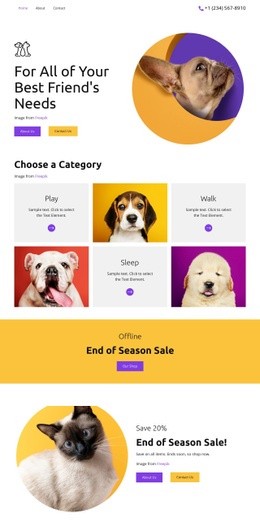
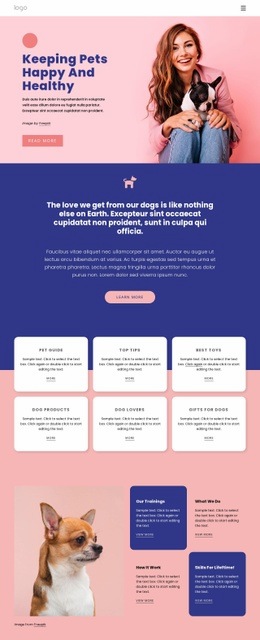
The composition changes visual density as the visitor moves down the page. A compact navigation line keeps the beginning restrained, then the full-width “True Friend” photograph creates an immediate visual opening. The six-cell grid that follows breaks the page into smaller units, alternating short text areas, circular icon treatments, and pet imagery instead of presenting one continuous paragraph.
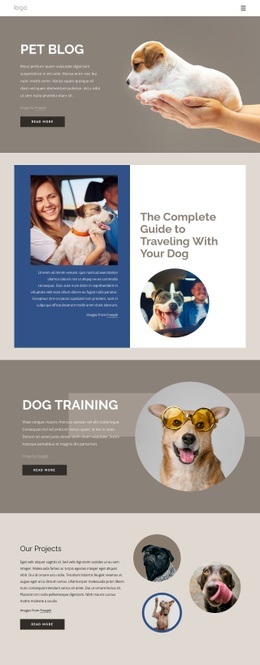
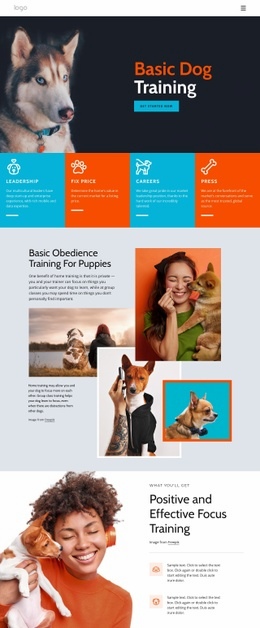
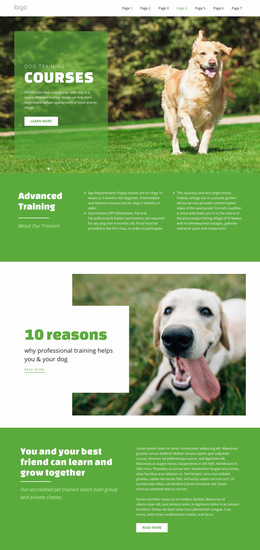
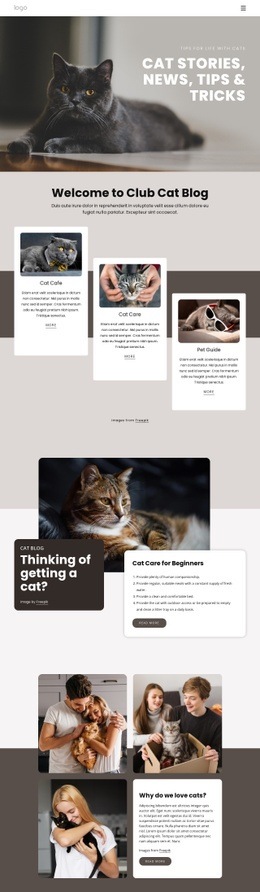
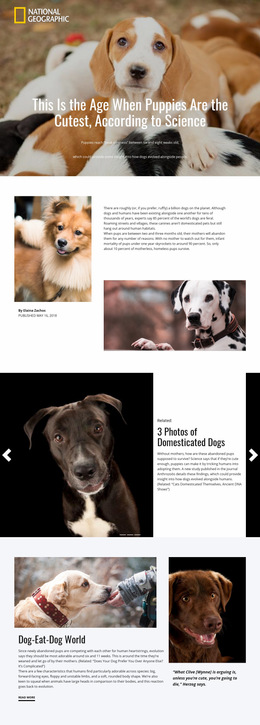
The cat stories section returns to a wide photographic banner with light text over a dark image, creating a strong transition before the rescue content. That rescue block uses a three-part horizontal arrangement: explanatory text on the left, a central pet scene, and a dark illustrated panel on the right. The training section continues the split rhythm with text, a large dog photograph, supporting description, and social icons, while the Basic Dog Training block reverses the emphasis by placing text and an action beside a large image. A black statement band then reduces the composition to centered text and social links before the final form restores the image-and-copy relationship. These transitions control hierarchy through scale, contrast, and placement. The page works as a web page design because each section has a defined compositional role while the repeated pet imagery and restrained palette keep the varied arrangements connected.
Customize with Nicepage
Open this ready-made template in the Web Page Design Builder and customize it visually in the Nicepage editor. Replace demo content, edit page sections, and adapt the design to your project without rebuilding the template from scratch.
Design a Web Page Section by Section
Choose a Design for Each Section
Build the page from individual content sections instead of starting with a fixed full-page layout. Use Block Designs to browse ready-made sections for different purposes, including introductions, services, galleries, testimonials, contact forms, pricing, and other common parts of a web page. Search or filter the available designs to find a layout that fits the content you want to add.
Combine Blocks and Page Elements
Add selected Blocks to the page and arrange them in the order that supports the page's purpose. A hero section can introduce the main message, followed by services, benefits, portfolio content, testimonials, calls to action, or contact information.
Inside each section, use Web Page Elements such as Text, Image, Hyperlink, Grid, Gallery, and other elements to build and present the page content. Individual elements can be added and adjusted within the Blocks, giving you more control over the composition of each section without having to create the complete layout from scratch.
Refine the Page Layout and Flow
After assembling the main sections, adjust their content, spacing, backgrounds, images, typography, and element placement in the Nicepage editor. Reorder Blocks when necessary and refine the transition from one section to the next so the information hierarchy and visual flow remain clear throughout the page.
This workflow makes the template useful as a web page design that can be composed from ready-made sections, customized with individual page elements, rearranged, and adapted to the content and purpose of an individual page.