We design digital products and brands Web Page Design


Edit Template Offline
2. Create new page and search for id 4745875
Edit Template Online
Create Awesome Websites


Free Nicepage Builder
Keywords
Image-Led Work Samples Give the Page a Measured Visual Rhythm
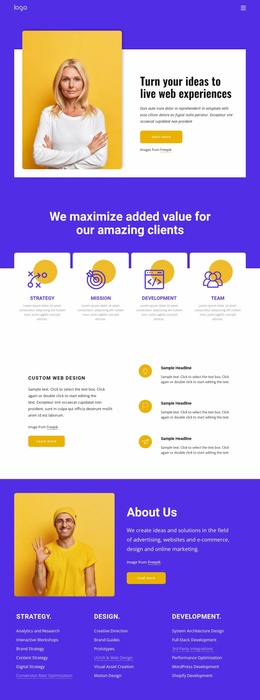
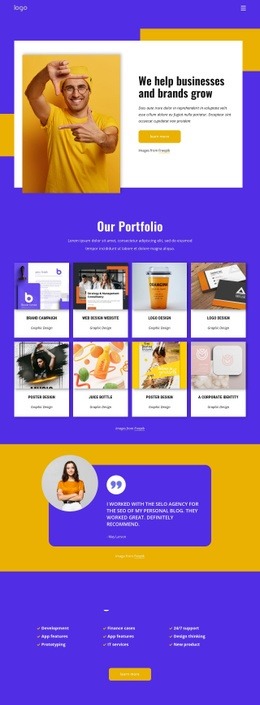
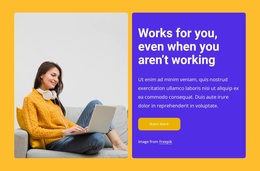
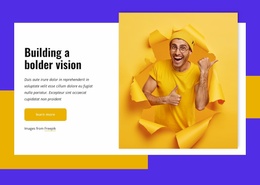
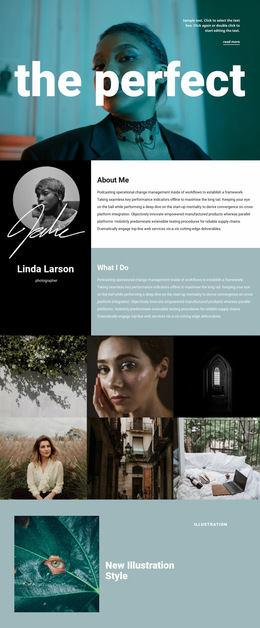
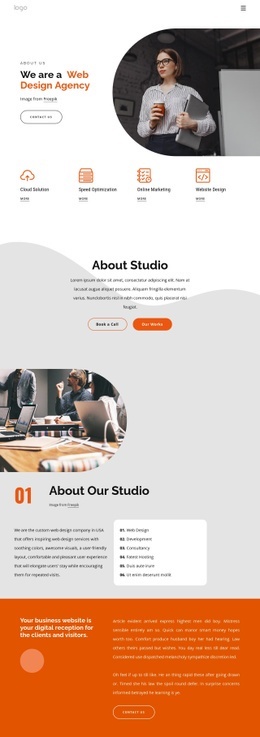
The opening split layout establishes the page’s first contrast: a portrait image occupies one side while centered text and a Learn more button occupy the other. This arrangement combines personal presence with a business-oriented message before the composition expands into the portfolio section. The transition from two-part introduction to repeated cards changes the visual density and makes the work samples the main content event.
Eight portfolio cards are arranged as a collection under the Graphic Design label. Their repetition creates a consistent scanning rhythm, while the image-led treatment keeps the section visually active without requiring long descriptions for every project. After this denser gallery-like area, the single rounded testimonial card acts as a pause. Its portrait, quote, and attribution provide a smaller, centered composition that separates portfolio evidence from the next content group.
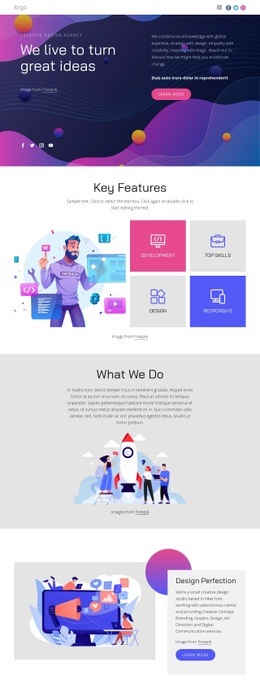
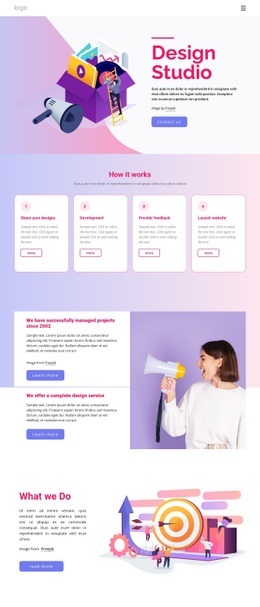
The collaboration section changes the page again through three service columns and a centered heading. Labels such as development, prototyping, app features, and design thinking broaden the informational structure without overwhelming the portfolio focus. Lower down, four evenly arranged contact cards create a horizontal reference row, followed by a split contact area with explanatory copy, social links, and the inquiry form. These changes in scale, repetition, and alignment give the single page a readable progression from introduction to work, reassurance, services, and response.
Customize with Nicepage
Open this ready-made template in the Web Page Design Builder and customize it visually in the Nicepage editor. Replace demo content, edit page sections, and adapt the design to your project without rebuilding the template from scratch.
Design a Web Page Section by Section
Choose a Design for Each Section
Build the page from individual content sections instead of starting with a fixed full-page layout. Use Block Designs to browse ready-made sections for different purposes, including introductions, services, galleries, testimonials, contact forms, pricing, and other common parts of a web page. Search or filter the available designs to find a layout that fits the content you want to add.
Combine Blocks and Page Elements
Add selected Blocks to the page and arrange them in the order that supports the page's purpose. A hero section can introduce the main message, followed by services, benefits, portfolio content, testimonials, calls to action, or contact information.
Inside each section, use Web Page Elements such as Text, Image, Hyperlink, Grid, Gallery, and other elements to build and present the page content. Individual elements can be added and adjusted within the Blocks, giving you more control over the composition of each section without having to create the complete layout from scratch.
Refine the Page Layout and Flow
After assembling the main sections, adjust their content, spacing, backgrounds, images, typography, and element placement in the Nicepage editor. Reorder Blocks when necessary and refine the transition from one section to the next so the information hierarchy and visual flow remain clear throughout the page.
This workflow makes the template useful as a web page design that can be composed from ready-made sections, customized with individual page elements, rearranged, and adapted to the content and purpose of an individual page.