Solar panel factory Web Page Design


The wide image establishes the page rhythm before four cards take over
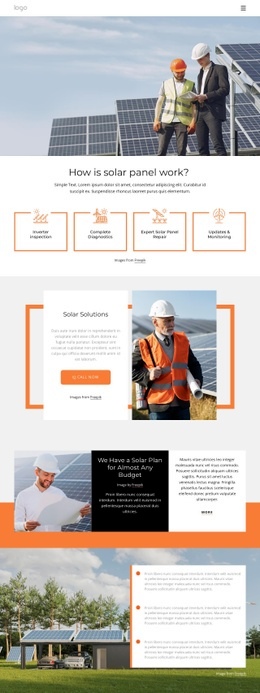
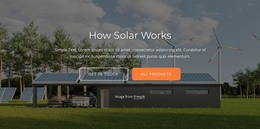
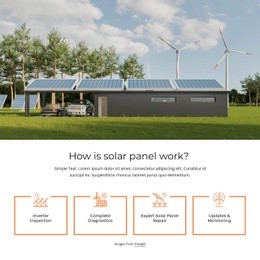
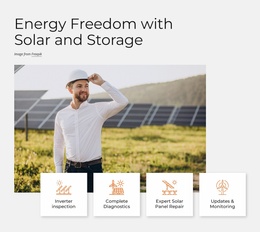
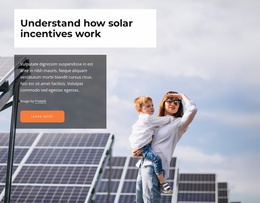
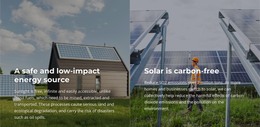
The block’s composition is built around a clear vertical handoff. A wide renewable-energy image occupies the upper visual region, creating an immediate anchor with solar panels, wind turbines, and a building. The centered heading “How is solar panel work?” then acts as the transition into the informational portion, with the supporting paragraph providing context before the service choices begin.
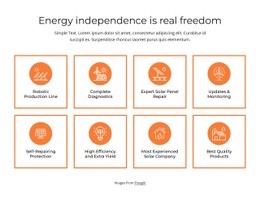
The lower region changes from one broad image area to four evenly spaced cards. Inverter inspection, Complete Diagnostics, Expert Solar Panel Repair, and Updates & Monitoring are presented as a peer group, so the row can function as a compact mid-page information unit rather than as a single dominant callout. Each icon sits above its label, and the orange outlined corners mark the individual card boundaries against the white background. This produces visual rhythm without introducing dense panels or competing image areas.
Within one web page, the section can create a deliberate transition from subject-setting imagery to scannable service information. Its centered copy slows the movement between those regions, while the equal card widths give the lower edge a stable finish. Neighboring sections can provide other page content before or after it, allowing this block to retain a defined compositional role rather than carrying the entire page.
Customize with Nicepage
Open this ready-made template in the Web Page Design Builder and customize it visually in the Nicepage editor. Replace demo content, edit page sections, and adapt the design to your project without rebuilding the template from scratch.
Edit Template Offline
2. Create a new page or select existing
3. Click Add new block, search for id 2276710 and click enter
Edit Template Online
Create Awesome Websites


Free Nicepage Builder
Keywords
Design a Web Page Section by Section
Choose a Design for Each Section
Build the page from individual content sections instead of starting with a fixed full-page layout. Use Block Designs to browse ready-made sections for different purposes, including introductions, services, galleries, testimonials, contact forms, pricing, and other common parts of a web page. Search or filter the available designs to find a layout that fits the content you want to add.
Combine Blocks and Page Elements
Add selected Blocks to the page and arrange them in the order that supports the page's purpose. A hero section can introduce the main message, followed by services, benefits, portfolio content, testimonials, calls to action, or contact information.
Inside each section, use Web Page Elements such as Text, Image, Hyperlink, Grid, Gallery, and other elements to build and present the page content. Individual elements can be added and adjusted within the Blocks, giving you more control over the composition of each section without having to create the complete layout from scratch.
Refine the Page Layout and Flow
After assembling the main sections, adjust their content, spacing, backgrounds, images, typography, and element placement in the Nicepage editor. Reorder Blocks when necessary and refine the transition from one section to the next so the information hierarchy and visual flow remain clear throughout the page.
This workflow makes the template useful as a web page design that can be composed from ready-made sections, customized with individual page elements, rearranged, and adapted to the content and purpose of an individual page.