Gallery with cake recipe Web Page Design


A Full-Width Image Rhythm With a Clear Visual Sequence
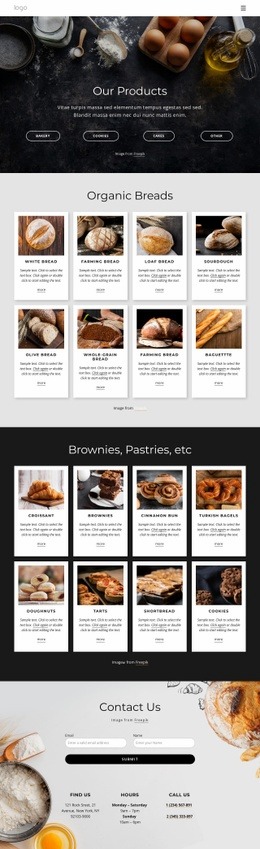
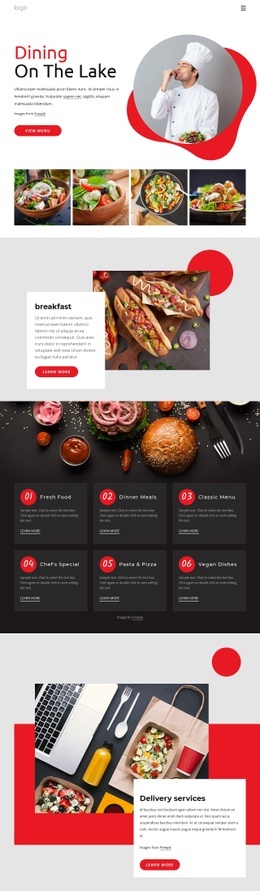
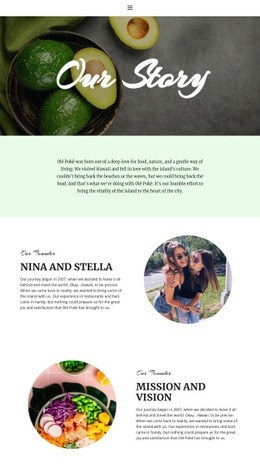
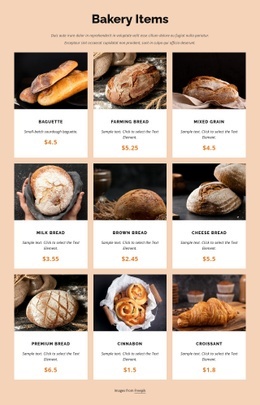
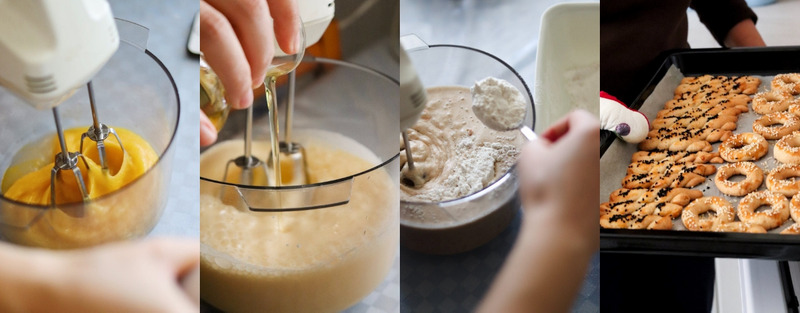
The section’s page composition depends on repetition and continuity. Four equal-width vertical panels stretch across the available width, creating a steady rhythm that can act as a visual pause between denser content areas. At the same time, the image subjects provide direction: eggs and batter introduce preparation, flour continues the process, and trays of baked cookies bring the sequence to its visible result.
The edge-to-edge crops make the photographs the dominant content, while narrow vertical divisions prevent the row from becoming a single indistinct strip. Because the block has no heading or paragraph, its information hierarchy is carried by image order, subject recognition, and the consistent panel geometry. Warm yellow, cream, and brown tones further unify the visual field without adding another content layer.
Within one web page, this block can function as a strong gallery section or transition between explanatory areas. The hover fade helps visitors identify the panel under attention, and the lightbox offers a deeper view without requiring the page to become longer. Its composition is therefore spatial first: a wide, image-led band that contributes visual pacing while leaving surrounding sections to supply headings, recipe detail, or calls to action.
Customize with Nicepage
Open this ready-made template in the Web Page Design Builder and customize it visually in the Nicepage editor. Replace demo content, edit page sections, and adapt the design to your project without rebuilding the template from scratch.
Edit Template Offline
2. Create a new page or select existing
3. Click Add new block, search for id 112436 and click enter
Edit Template Online
Create Awesome Websites


Free Nicepage Builder
Keywords
Design a Web Page Section by Section
Choose a Design for Each Section
Build the page from individual content sections instead of starting with a fixed full-page layout. Use Block Designs to browse ready-made sections for different purposes, including introductions, services, galleries, testimonials, contact forms, pricing, and other common parts of a web page. Search or filter the available designs to find a layout that fits the content you want to add.
Combine Blocks and Page Elements
Add selected Blocks to the page and arrange them in the order that supports the page's purpose. A hero section can introduce the main message, followed by services, benefits, portfolio content, testimonials, calls to action, or contact information.
Inside each section, use Web Page Elements such as Text, Image, Hyperlink, Grid, Gallery, and other elements to build and present the page content. Individual elements can be added and adjusted within the Blocks, giving you more control over the composition of each section without having to create the complete layout from scratch.
Refine the Page Layout and Flow
After assembling the main sections, adjust their content, spacing, backgrounds, images, typography, and element placement in the Nicepage editor. Reorder Blocks when necessary and refine the transition from one section to the next so the information hierarchy and visual flow remain clear throughout the page.
This workflow makes the template useful as a web page design that can be composed from ready-made sections, customized with individual page elements, rearranged, and adapted to the content and purpose of an individual page.