Luxe Interiors One Page Template



Edit Template Offline
2. Create new page and search for id 6511927
Edit Template Online
Create Awesome Websites


Free Nicepage Builder
Keywords
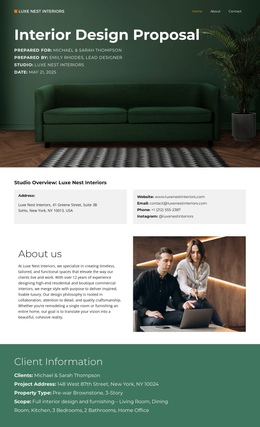
Four Phases Connect the Proposal’s Main Destinations
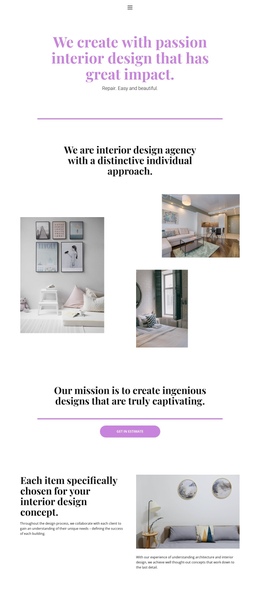
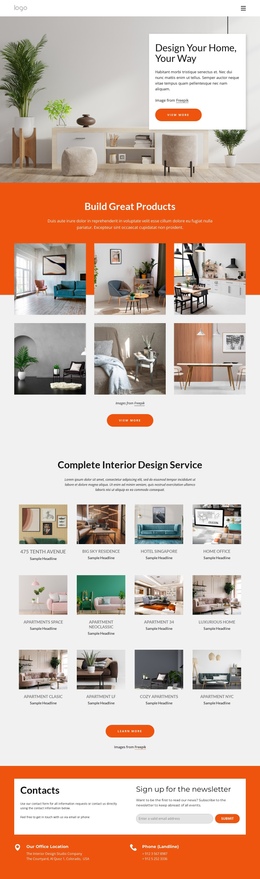
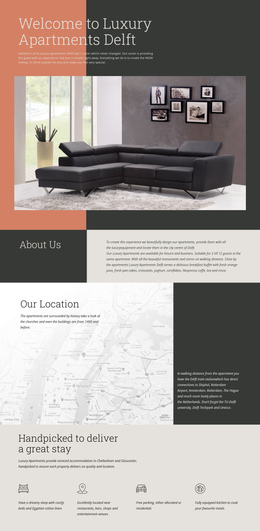
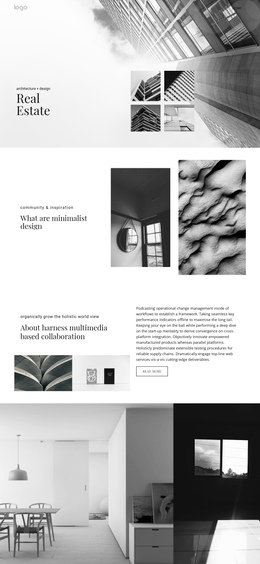
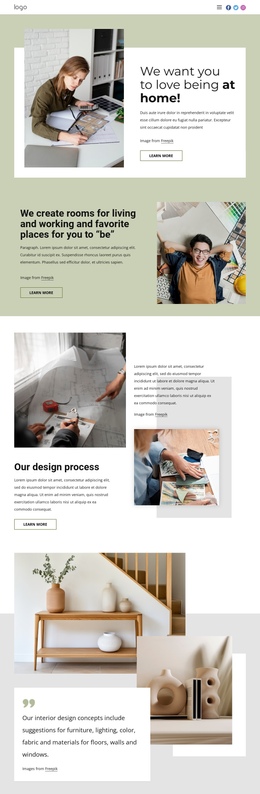
The page contains several meaningful information destinations even though they remain within one document. The opening proposal cover and studio overview establish the source, while About Us and Client Information give visitors context before they reach the project details. The Project Objectives content provides a natural planning destination, distinct from the later Our Services section, where the work is divided into four numbered phases.
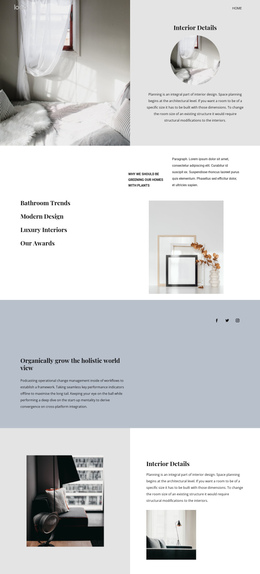
Further down the page, Estimated Timeline and Investment Estimate function as separate review points. The first explains when the work is expected to happen; the second organizes the financial information. Full-width residential photographs interrupt the dense information sections and help visitors recognize the transition from planning to presentation. The benefits list and three testimonials then offer separate reasons for confidence before the Conclusion provides the final summary. This sequence works for a one-page structure because visitors can move through several kinds of content without leaving the proposal: identity, objectives, scope, schedule, investment, credibility, and next steps. The design does not require a claim that anchor navigation already exists. Its verified section order is sufficient to show how the content can be organized as a continuous page with distinct navigation destinations.
Customize with Nicepage
Open this ready-made template in the One Page Template Builder and customize it visually in the Nicepage editor. Replace demo content, edit page sections, and adapt the design to your project without rebuilding the template from scratch.
Build a Navigable One-Page Website
Connect the Menu to Page Sections
Organize the website as a sequence of sections on a single page and use the Menu For One-Page Site to connect menu items with individual page Blocks. Visitors can jump directly to sections such as About, Services, Testimonials, or Contact without opening separate pages.
Keep the Website on One URL
A one-page template can combine several parts of a small website within one continuous page. Arrange the Header, introduction, services, portfolio, company information, reviews, contact details, and other relevant sections in the order that fits the project while keeping them accessible through the same page navigation.
Make Long Pages Easier to Navigate
For longer one-page websites, keep navigation labels short and connected to meaningful sections so visitors can move through the page without relying only on scrolling. You can also use the Back To Top element to provide a quick way back to the beginning after longer sections.
This workflow makes the template suitable for compact websites that need several distinct content sections while keeping the complete visitor experience on one URL.