Pace Of Change One Page Template


Edit Template Offline
2. Create new page and search for id 4945615
Edit Template Online
Create Awesome Websites


Free Nicepage Builder
Keywords
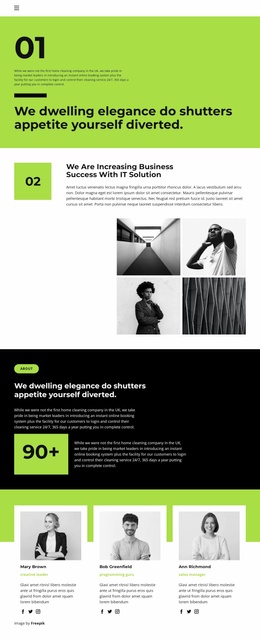
The Three Numbered Showcases Build a Continuous Project Journey
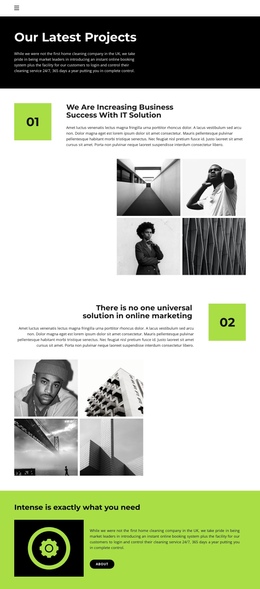
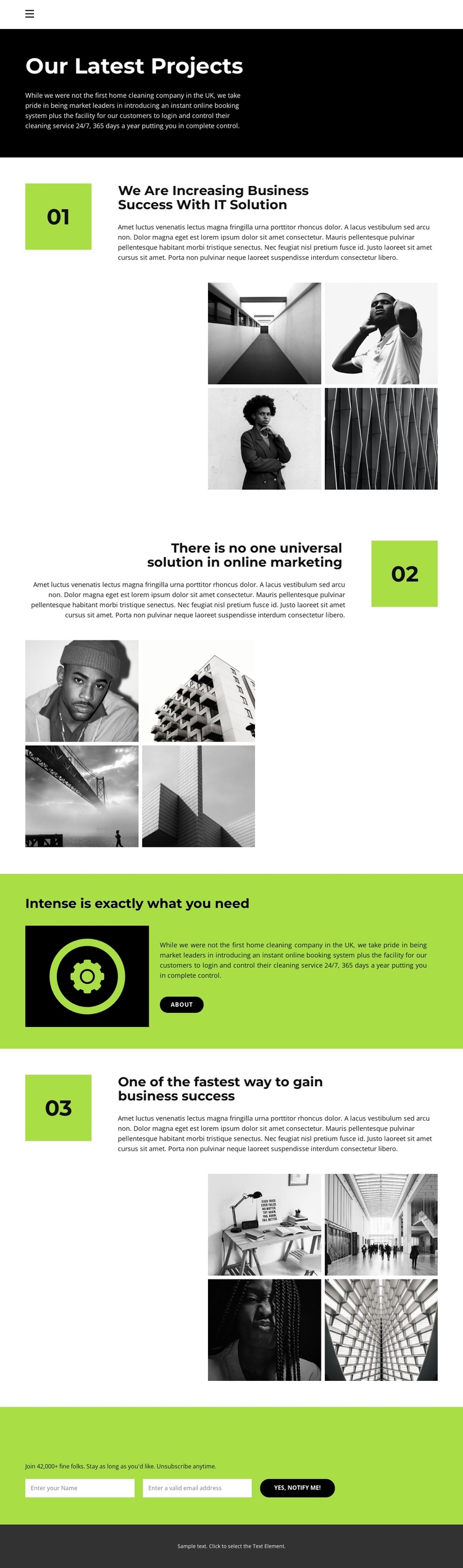
Pace Of Change has a natural one-page sequence because its major content zones are arranged as stages within one uninterrupted document. The compact navigation begins the journey with Home and About links, while the dark introductory banner establishes “Our Latest Projects” before visitors reach the detailed content. The first numbered showcase then sets the pattern: a project heading and description sit beside four monochrome images. The second and third showcases repeat that relationship with different alignment and wording, allowing the visitor to move through several projects without leaving the page.
The bright lime-green statement band works as a meaningful destination between the repeated gallery areas. Its dark icon panel, supporting copy, and About link provide a pause from project viewing and create a transition toward the final response section. The subscription area then closes the sequence with an invitation to receive new articles, videos, and event information. Because it requests both a name and an email address, it functions as a clearly identifiable endpoint within the broader content journey, not merely another gallery block.
This ordering supports one-page navigation through distinct destinations: introduction, project one, project two, the About statement, project three, subscription, and footer. The black, white, and lime-green palette helps visitors recognize the relationship between those destinations while the repeated four-image galleries preserve continuity across the long presentation.
Customize with Nicepage
Open this ready-made template in the One Page Template Builder and customize it visually in the Nicepage editor. Replace demo content, edit page sections, and adapt the design to your project without rebuilding the template from scratch.
Build a Navigable One-Page Website
Connect the Menu to Page Sections
Organize the website as a sequence of sections on a single page and use the Menu For One-Page Site to connect menu items with individual page Blocks. Visitors can jump directly to sections such as About, Services, Testimonials, or Contact without opening separate pages.
Keep the Website on One URL
A one-page template can combine several parts of a small website within one continuous page. Arrange the Header, introduction, services, portfolio, company information, reviews, contact details, and other relevant sections in the order that fits the project while keeping them accessible through the same page navigation.
Make Long Pages Easier to Navigate
For longer one-page websites, keep navigation labels short and connected to meaningful sections so visitors can move through the page without relying only on scrolling. You can also use the Back To Top element to provide a quick way back to the beginning after longer sections.
This workflow makes the template suitable for compact websites that need several distinct content sections while keeping the complete visitor experience on one URL.