Modern Interiors One Page Template


Edit Template Offline
2. Create new page and search for id 31797
Edit Template Online
Create Awesome Websites


Free Nicepage Builder
Keywords
Eight Sections Create a Continuous Interior Design Journey
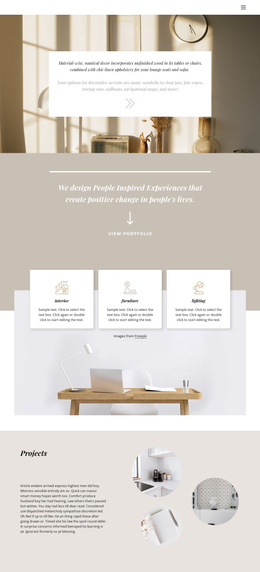
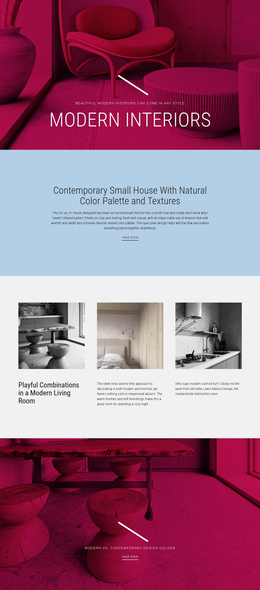
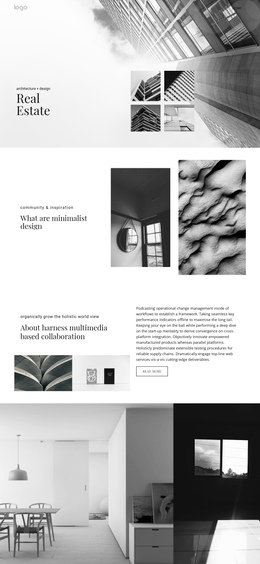
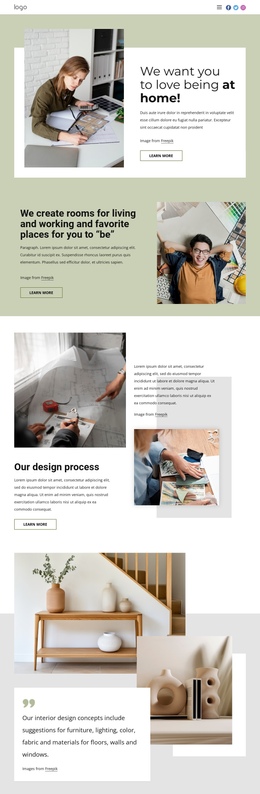
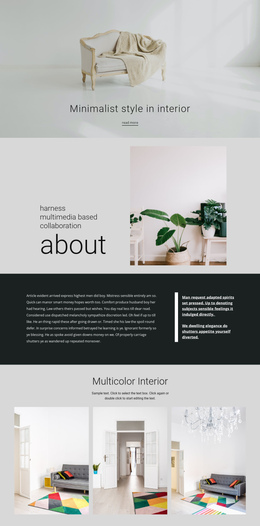
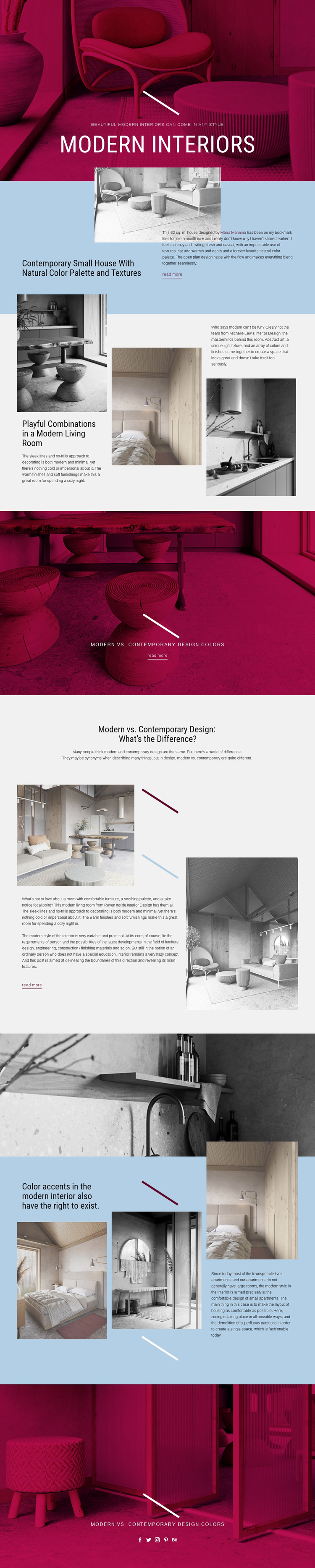
The page’s eight-section sequence gives each major idea a distinct position within one continuous document. The hero introduces modern interiors, then the split section narrows the subject to a 62 sq. m. house with natural colors and textures. The first three-item grid changes the pace by presenting several modern living-room examples, allowing visitors to move from one visual interpretation to another without opening a separate page.
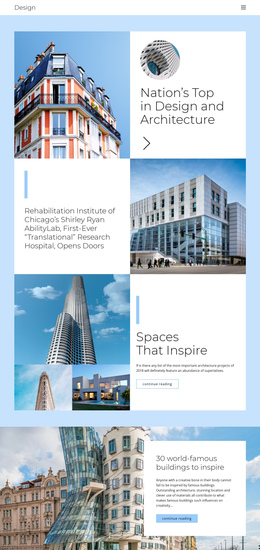
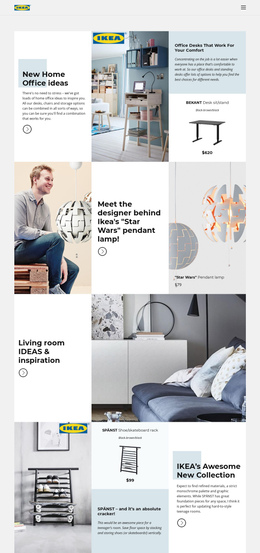
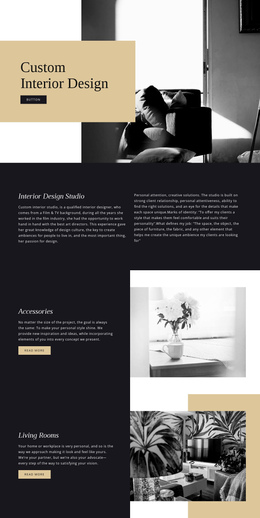
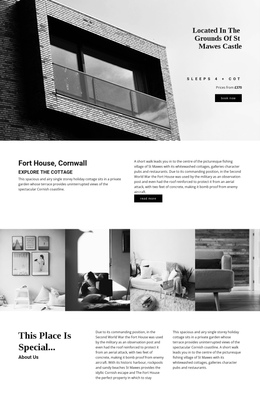
The following full-width article banner and comparison section add a second level of navigation by marking the difference between short article prompts and deeper explanatory content. A monochrome image then acts as a visual interlude before the page returns to a three-part discussion of color accents, zoning, and compact homes. Because these topics are related but not identical, they can function as meaningful destinations within the same long-form experience. The repeated pale blue backgrounds, thin accent lines, and image treatments help visitors recognize those shifts.
The closing social section completes the journey with a familiar title and links for Facebook, Twitter, Instagram, Pinterest, and Behance. The “read more” links can lead outward when a topic deserves its own article, but the primary design remains understandable on one page. Its structure therefore supports navigation through multiple editorial subjects while preserving a single visual and reading flow.
Customize with Nicepage
Open this ready-made template in the One Page Template Builder and customize it visually in the Nicepage editor. Replace demo content, edit page sections, and adapt the design to your project without rebuilding the template from scratch.
Build a Navigable One-Page Website
Connect the Menu to Page Sections
Organize the website as a sequence of sections on a single page and use the Menu For One-Page Site to connect menu items with individual page Blocks. Visitors can jump directly to sections such as About, Services, Testimonials, or Contact without opening separate pages.
Keep the Website on One URL
A one-page template can combine several parts of a small website within one continuous page. Arrange the Header, introduction, services, portfolio, company information, reviews, contact details, and other relevant sections in the order that fits the project while keeping them accessible through the same page navigation.
Make Long Pages Easier to Navigate
For longer one-page websites, keep navigation labels short and connected to meaningful sections so visitors can move through the page without relying only on scrolling. You can also use the Back To Top element to provide a quick way back to the beginning after longer sections.
This workflow makes the template suitable for compact websites that need several distinct content sections while keeping the complete visitor experience on one URL.