Business development level One Page Template



Edit Template Offline
2. Create new page and search for id 2711985
Edit Template Online
Create Awesome Websites


Free Nicepage Builder
Keywords
Portfolio, Services, Team, and Contact in One Continuous Journey
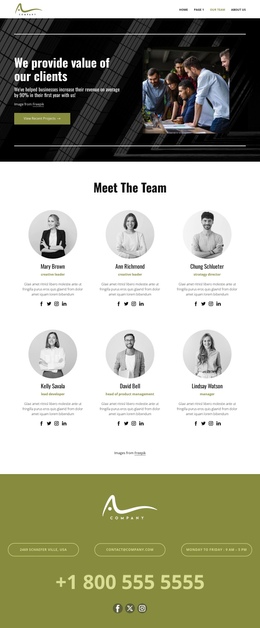
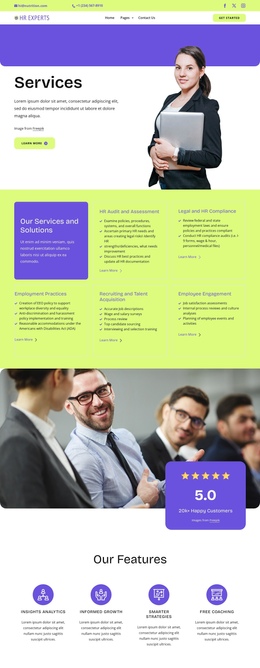
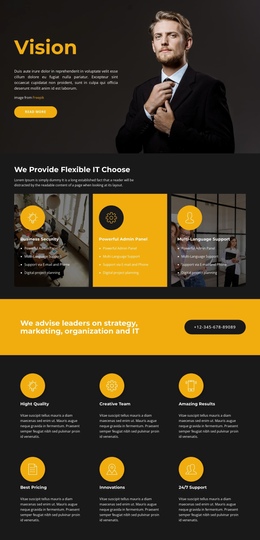
The page contains enough distinct information zones to support a clear one-page journey. It begins with the “Skills and experience that shape eCommerce” introduction and four metric tiles, then moves to three prominent destinations labeled Portfolio, Testimonials, and Contacts. These links establish an early orientation system before the visitor reaches the deeper consulting content.
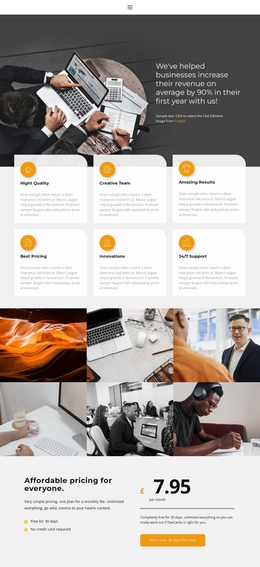
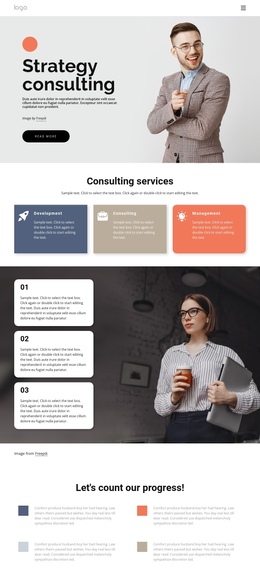
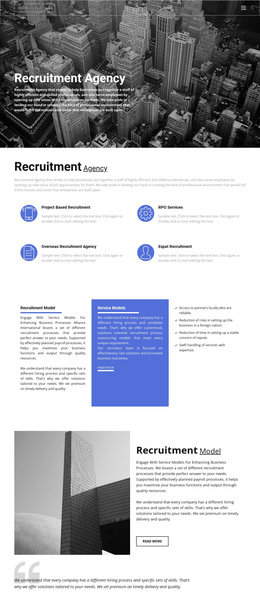
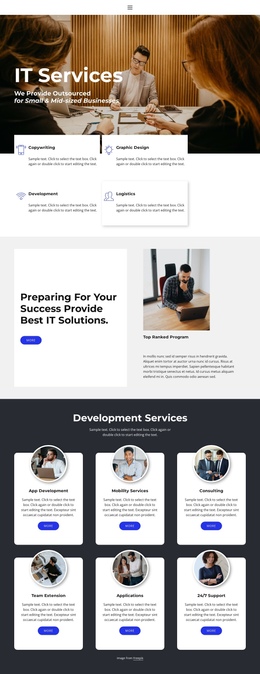
The middle sequence expands the information architecture through four IT solution strategy features, a four-image gallery, and two columns of numbered consulting disciplines. Agile, Cost Transformation, Learning & Development, Mergers and Acquisitions, Operations, Sales and Marketing, and other listed areas can each act as meaningful content points within the same document. The gallery interrupts the text-heavy sections with a compact visual destination, while the split layout restores detail through grouped service categories.
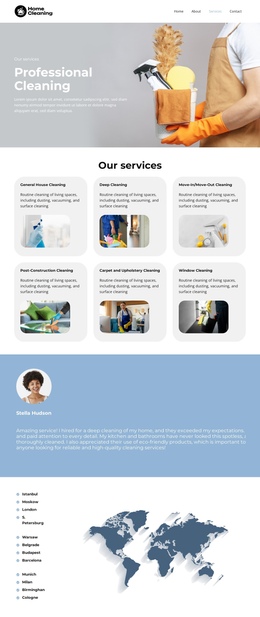
Later sections introduce the team, an operational information block, a single pricing package, and a two-slide testimonial carousel. The page then closes with office-location and landline-phone categories. This progression supports navigation between several content purposes—experience, capabilities, proof, people, offer, and contact—without requiring visitors to leave the page. A one-page implementation should preserve that sequence and use concise navigation labels so the long layout remains easy to explore.
Customize with Nicepage
Open this ready-made template in the One Page Template Builder and customize it visually in the Nicepage editor. Replace demo content, edit page sections, and adapt the design to your project without rebuilding the template from scratch.
Build a Navigable One-Page Website
Connect the Menu to Page Sections
Organize the website as a sequence of sections on a single page and use the Menu For One-Page Site to connect menu items with individual page Blocks. Visitors can jump directly to sections such as About, Services, Testimonials, or Contact without opening separate pages.
Keep the Website on One URL
A one-page template can combine several parts of a small website within one continuous page. Arrange the Header, introduction, services, portfolio, company information, reviews, contact details, and other relevant sections in the order that fits the project while keeping them accessible through the same page navigation.
Make Long Pages Easier to Navigate
For longer one-page websites, keep navigation labels short and connected to meaningful sections so visitors can move through the page without relying only on scrolling. You can also use the Back To Top element to provide a quick way back to the beginning after longer sections.
This workflow makes the template suitable for compact websites that need several distinct content sections while keeping the complete visitor experience on one URL.