Photographer One Page Template


Edit Template Offline
2. Create new page and search for id 18600
Edit Template Online
Create Awesome Websites


Free Nicepage Builder
Keywords
Biography, Services, Gallery, and Contact Form One Continuous Page
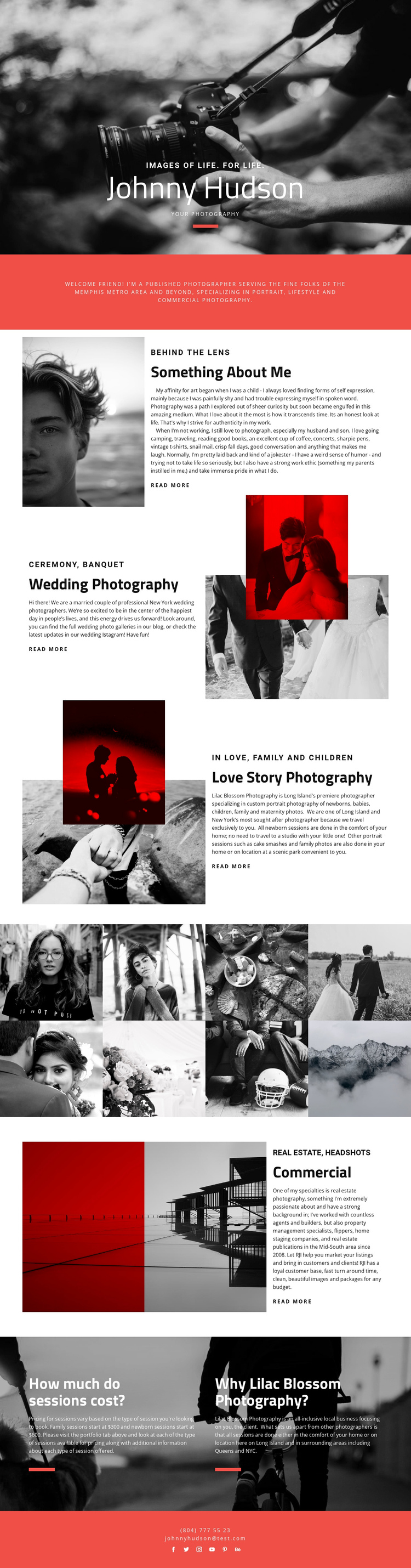
The page has a natural long-form sequence: the hero introduces the photographer, the red statement establishes positioning, and the biography section explains the person behind the lens. From there, the split service blocks create distinct content destinations for Wedding Photography, Love Story Photography, and Commercial work. Their alternating image-and-text arrangements keep the sequence from becoming a plain vertical list while preserving a single continuous document.
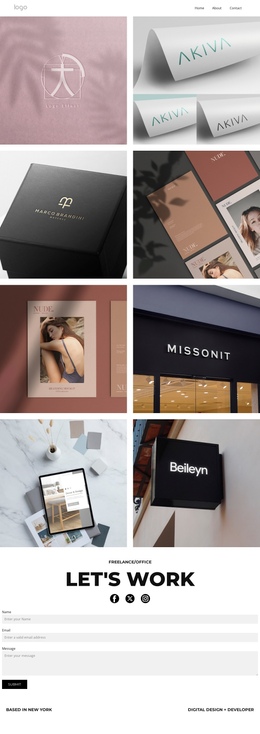
The eight-image gallery marks a useful change in the journey. After visitors read about specialties, they can inspect a concentrated set of portfolio imagery before moving to the section about session costs and the reasons given for choosing the photography service. The commercial block also expands the content path beyond weddings and couples by identifying real estate and headshot work, giving the page several meaningful subjects to explore.
The closing red contact area completes the information architecture with phone, email, and six social links. These elements can serve as the final destination in a one-page navigation plan, while the “Read More” links provide optional paths into more detailed service content. The design therefore works through multiple content stages—identity, personal background, specialties, visual evidence, practical details, and contact—without needing to split the visitor experience across separate URLs.
Customize with Nicepage
Open this ready-made template in the One Page Template Builder and customize it visually in the Nicepage editor. Replace demo content, edit page sections, and adapt the design to your project without rebuilding the template from scratch.
Build a Navigable One-Page Website
Connect the Menu to Page Sections
Organize the website as a sequence of sections on a single page and use the Menu For One-Page Site to connect menu items with individual page Blocks. Visitors can jump directly to sections such as About, Services, Testimonials, or Contact without opening separate pages.
Keep the Website on One URL
A one-page template can combine several parts of a small website within one continuous page. Arrange the Header, introduction, services, portfolio, company information, reviews, contact details, and other relevant sections in the order that fits the project while keeping them accessible through the same page navigation.
Make Long Pages Easier to Navigate
For longer one-page websites, keep navigation labels short and connected to meaningful sections so visitors can move through the page without relying only on scrolling. You can also use the Back To Top element to provide a quick way back to the beginning after longer sections.
This workflow makes the template suitable for compact websites that need several distinct content sections while keeping the complete visitor experience on one URL.