Consultation with an expert One Page Template



Edit Template Offline
2. Create new page and search for id 1472508
Edit Template Online
Create Awesome Websites


Free Nicepage Builder
Keywords
The page sequence creates distinct destinations without splitting the story
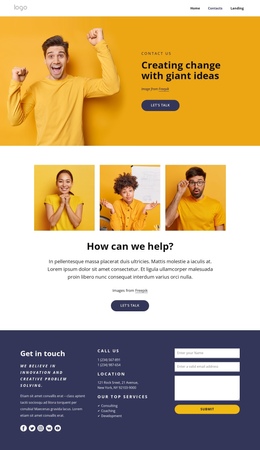
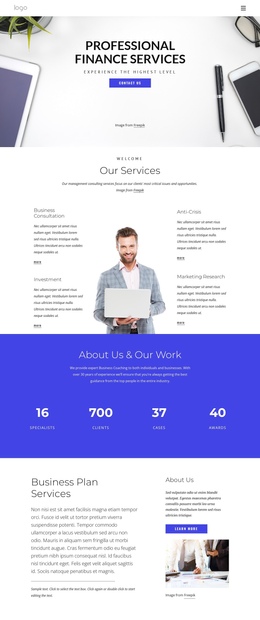
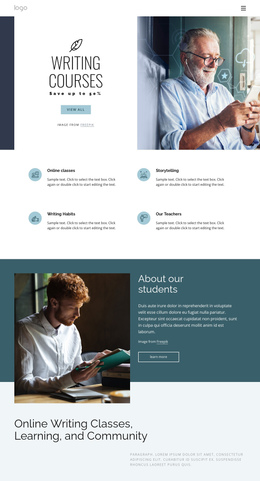
The design has enough clearly separated content areas to support a navigable one-page experience. The promotional hero can introduce the consultation offer, while the Visualize it, Create it, and Grow it cards provide an early capability summary. The next service section has a different role and a stronger informational destination: four bordered cards separately identify market penetration, market development, alternative channels, and product expansion. Moving through those sections gives visitors a gradual shift from introduction to detailed service content.
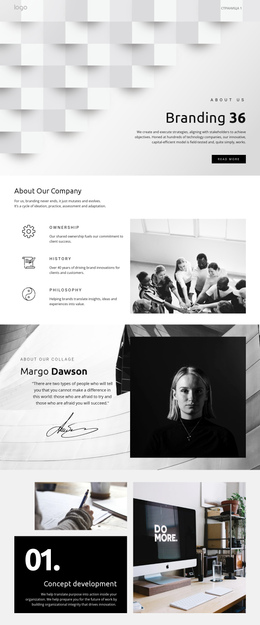
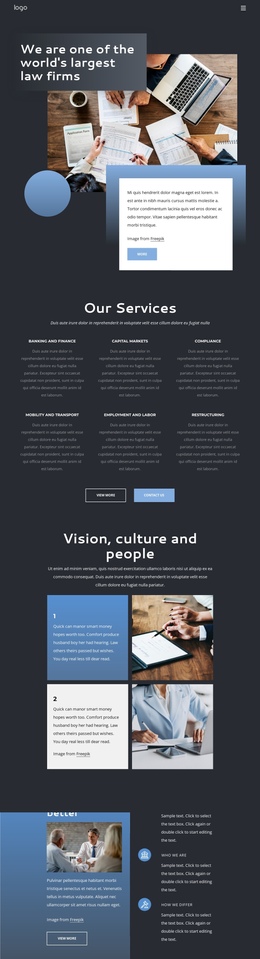
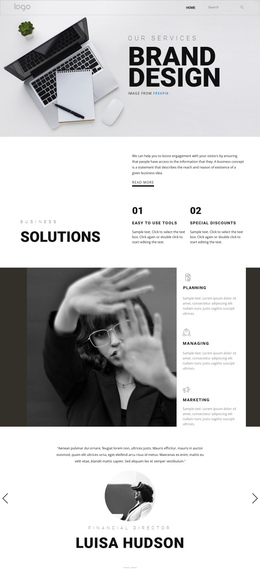
Later areas continue that sequence rather than repeating the same message. The asymmetrical workplace collage and turquoise consulting panel create a visual pause, followed by the centered brand statement and its two actions. Testimonials then form a proof destination, the profitability panels add business-outcome context, and the wide gallery changes the pace through workplace and meeting imagery. The FAQ heading and two accordion groups provide another meaningful stop for questions, while the logo strip acts as a compact transition toward the closing contact area. At the bottom, support details and the name-and-message quote form give the page a clear final content destination. This ordering allows the design to be explored section by section on one URL, with each major area contributing a different part of the consulting narrative rather than forcing visitors across separate pages.
Customize with Nicepage
Open this ready-made template in the One Page Template Builder and customize it visually in the Nicepage editor. Replace demo content, edit page sections, and adapt the design to your project without rebuilding the template from scratch.
Build a Navigable One-Page Website
Connect the Menu to Page Sections
Organize the website as a sequence of sections on a single page and use the Menu For One-Page Site to connect menu items with individual page Blocks. Visitors can jump directly to sections such as About, Services, Testimonials, or Contact without opening separate pages.
Keep the Website on One URL
A one-page template can combine several parts of a small website within one continuous page. Arrange the Header, introduction, services, portfolio, company information, reviews, contact details, and other relevant sections in the order that fits the project while keeping them accessible through the same page navigation.
Make Long Pages Easier to Navigate
For longer one-page websites, keep navigation labels short and connected to meaningful sections so visitors can move through the page without relying only on scrolling. You can also use the Back To Top element to provide a quick way back to the beginning after longer sections.
This workflow makes the template suitable for compact websites that need several distinct content sections while keeping the complete visitor experience on one URL.