Professionele effectenmakelaar Website ontwerp


Bewerk sjabloon offline
2. Maak een nieuwe pagina en zoek naar id 6669826
Sjabloon online bewerken
Maak geweldige websites


Gratis Nicepage Builder
Sleutelwoorden
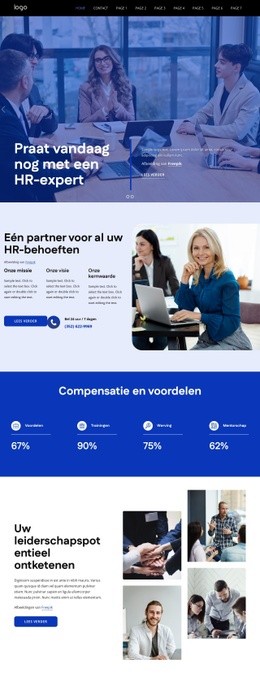
Marineblauwe vlakken en heldere gradiënten bepalen de beleggingsidentiteit
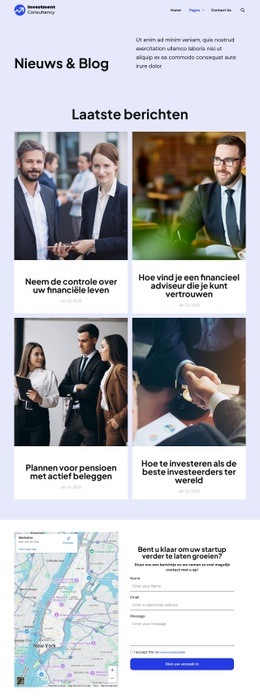
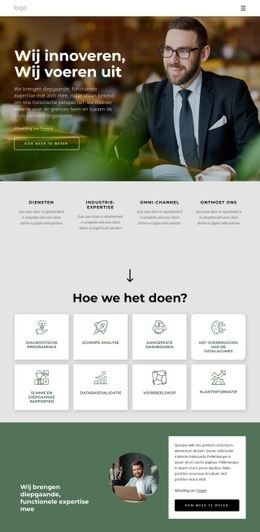
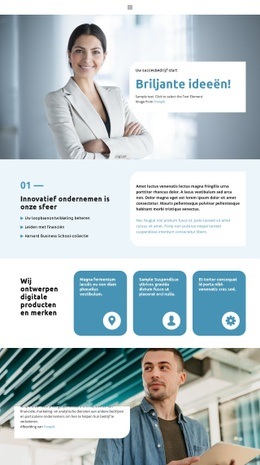
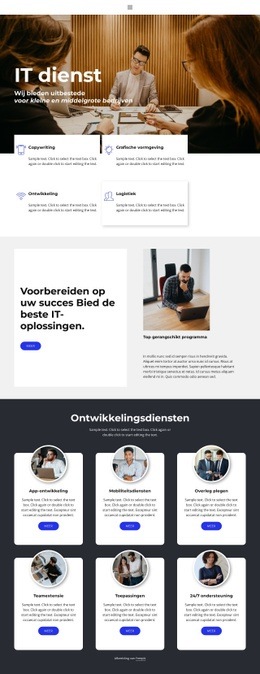
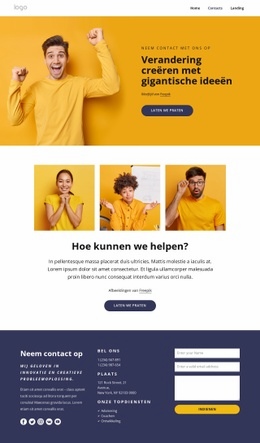
De vormentaal is opgebouwd rond contrast. Diepe marineblauwe vlakken bepalen de zakelijke financiële toon, terwijl gradiënten in elektrisch blauw en paars de hero-sectie en de afsluitende CTA-strook markeren als zones met hoge visuele prioriteit. Witte schreefloze typografie biedt een evenwichtig tegenwicht op deze donkere vlakken en verbindt de boodschap „Beleggen”, de strategiekop en de actielabels visueel met elkaar. Zo verrijkt het kleurenpalet niet alleen afzonderlijke secties, maar koppelt het de openingsbelofte direct aan de afsluitende uitnodiging.
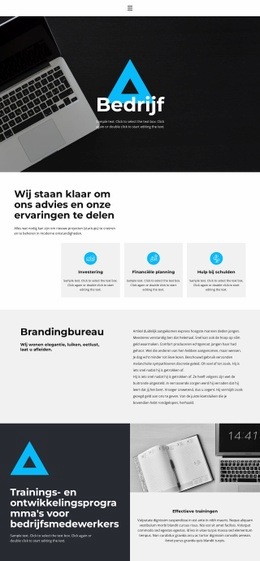
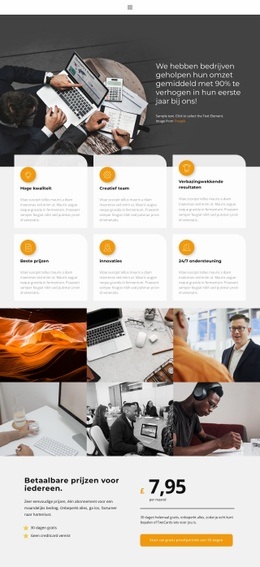
Afgeronde kaarten herhalen een ander kenmerkend merkelement. De drie kaarten tonen een uniforme visuele behandeling voor Aandelenhandel, Portefeuillebeheer en Marktonderzoek, terwijl de drie teamportretten afgeronde kaders gebruiken om de fotografie binnen datzelfde stramien te brengen. De aandelencategorieën worden weergegeven als gestapelde rijen in plaats van kaarten; dit zorgt voor variatie zonder het overzichtelijke karakter van de pagina te doorbreken. Dankzij royale tussenruimtes concurreren het strategieverhaal, de cijfers, de dienstengroep en het teamgedeelte niet met elkaar om de aandacht. De footer keert terug naar een donkere basis en bundelt navigatie met contactgegevens, waardoor de beheerste sfeer tot onderaan de pagina behouden blijft. Samen vormen het palet, de typografie, de afgeronde elementen, de portretbeelden en de beheerste witruimte een herkenbare identiteit voor beleggingsdiensten. Deze visuele richting kan dankzij dezelfde contrastregels en herhaalde componenten eenvoudig worden doorgetrokken naar gerelateerde pagina's, zonder te leunen op één geïsoleerde sectie.
Personaliseer met Nicepage
Wanneer u Website Design Builder gebruikt, kunt u kleuren, lettertypen, koptekst en tekst, lay-out, kolommen en andere ontwerpelementen, evenals inhoud en afbeeldingen aanpassen.
Creëer een consistent ontwerp voor de hele website
Definieer een visuele stijl voor de hele website
Gebruik Thema-instellingen om de visuele basis van de website voor alle pagina's en secties vast te stellen. Stel algemene kleuren, lettertypen en typografie in, zodat de website dezelfde ontwerpstijl volgt in plaats van elke pagina afzonderlijk te stylen.
Coördineer kleuren en typografie
Kies een kleurenschema en lettertypecombinatie die passen bij het karakter van de website en verfijn vervolgens de kopteksten H1-H6, gewone tekst, links, knoppen, citaten, lijsten en andere typografische stijlen. Consistent gebruik van deze instellingen helpt bij het creëren van een duidelijke visuele hiërarchie en zorgt ervoor dat terugkerende ontwerpelementen herkenbaar blijven op de hele website.
Voeg beweging en interactie toe
Gebruik Animatie-effecten om het websiteontwerp dynamischer en interactiever te maken. Elementen en containers kunnen effecten zoals 'Uitvoeren bij weergave', 'Animatie bij hover' en 'Animatie synchroniseren met scrollen' gebruiken om content te tonen terwijl bezoekers door de site navigeren of om te reageren op gebruikersinteractie. Animatievoorinstellingen bieden kant-en-klare effecten die kunnen worden aangepast aan de visuele stijl van de website.
Zorg voor een consistente visuele weergave van de website
Pas dezelfde ontwerpstijl toe op gedeelde website-elementen zoals de header, het menu en de footer. Het Thema-instellingenpaneel brengt algemene stijlopties voor de hele site samen, waardoor het gemakkelijker is om een gecoördineerde look te behouden naarmate de website zich over meerdere pagina's uitbreidt.
Deze workflow maakt de template een handig startpunt voor het creëren van een website met een consistente visuele identiteit, gecoördineerde kleuren en typografie, gedeelde ontwerpregels en interactieve effecten op alle pagina's.