Promotion of a successful business Landing Page



Edit Template Offline
2. Create new page and search for id 1708739
Edit Template Online
Create Awesome Websites


Free Nicepage Builder
Keywords
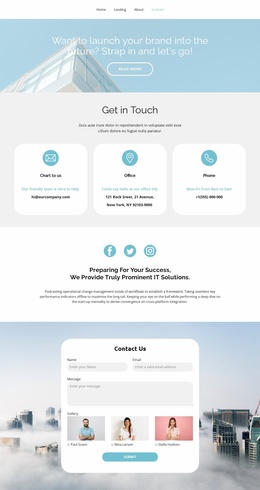
The service story ends with a direct inquiry section
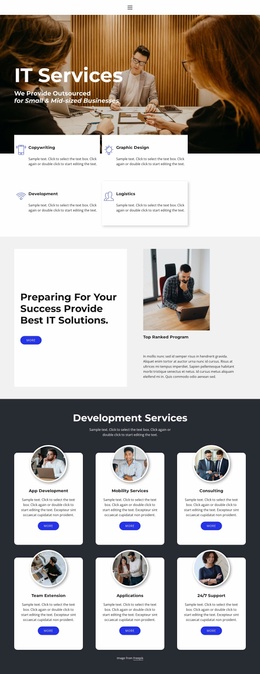
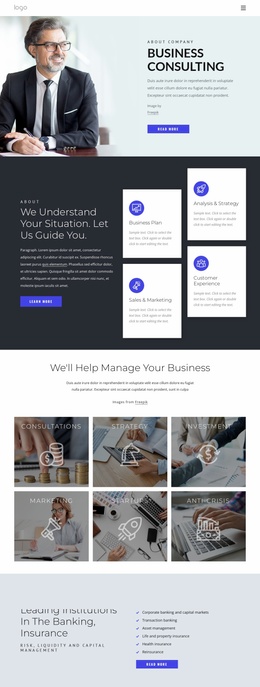
The page establishes its offer in stages. The centered opening statement and the three Strategy, Results, and Expertise cards define the advisory frame first, while the history section adds organizational context before visitors reach the service choices. App Development, Mobility Services, and Consulting then make the offering more concrete. This progression gives the page material to present before asking for a response, instead of placing the form beside an unexplained headline.
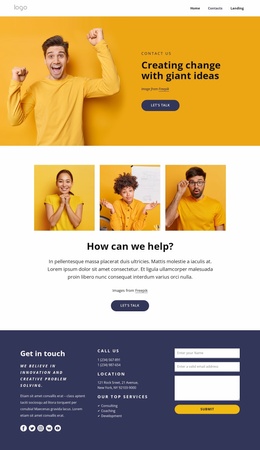
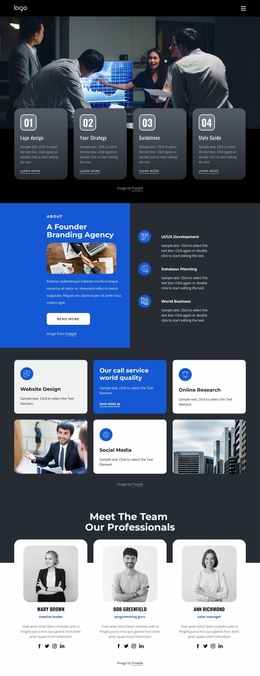
The six-image Projects gallery supplies visual evidence in the middle of the journey, and the About Us and What We Do panels can clarify the relationship between capability and business need. Mission & Vision tabs add focused context, while two testimonial cards and the repeated percentage panels create additional points of reassurance. The sample names, quotations, percentages, and history descriptions should be replaced or independently verified before they are used as proof. Near the end, the brand strip leads into the “Let’s Stay In Touch” section, where email, name, and message inputs provide one clear inquiry point. The Facebook, Twitter, and Instagram links remain secondary paths, so the contact form can serve as the primary response destination for organizations considering strategic or digital project support.
Customize with Nicepage
Open this ready-made template in the Landing Page Builder and customize it visually in the Nicepage editor. Replace demo content, edit page sections, and adapt the design to your project without rebuilding the template from scratch.
Build a Landing Page Around One Conversion Goal
Focus on One Primary Action
Use the landing page to guide visitors toward one measurable response, such as requesting a quote, registering, subscribing, booking a consultation, applying for a service, or submitting an inquiry. Keep the primary call-to-action consistent across the important sections so the headline, supporting content, form, and CTA buttons work toward the same campaign goal instead of competing for attention.
Capture Leads With a Form
Use the Contact Form Element to add a contact, subscription, application, or other conversion form directly to the landing page. Customize the form fields, layout, labels, inputs, and button to collect the information required for your campaign while keeping the form focused on the action you want visitors to complete.
Nicepage also provides several form submission options. Form submissions can be sent to Email, stored as Leads, added to Google Sheets, passed to a custom URL or server endpoint, or used to populate a MailChimp mailing list. This provides practical options for collecting inquiries, registrations, subscriptions, applications, and other campaign responses.
Manage Leads and Campaign Responses
When submissions are stored as Leads, you can use Contact Form Leads to review the information collected through the landing page and use it for follow-up. Keep the form connected to the same offer and primary CTA presented throughout the page so visitors move from the campaign message to a clear conversion action.
This workflow makes the template suitable for landing pages where the offer, content, call-to-action, form, and lead collection process work together toward one defined conversion goal.

More from Business & Law Landing Pages
-
Free Website Builder SoftwareDownload