Diagnostic medicine Landing Page

Edit Template Offline
2. Create new page and search for id 1267705
Edit Template Online
Create Awesome Websites


Free Nicepage Builder
Keywords
Medical Services Build Toward a Clear Contact Response
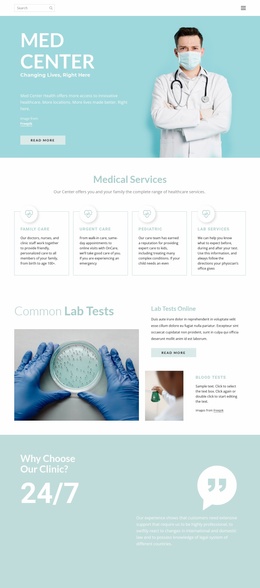
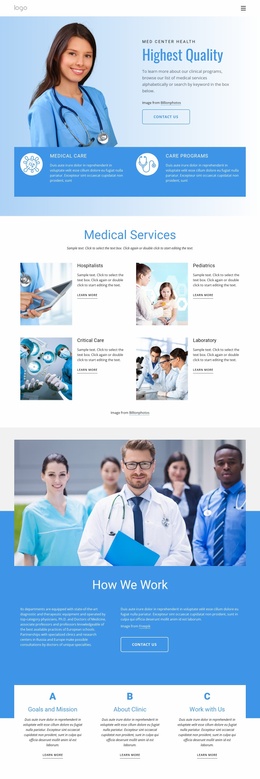
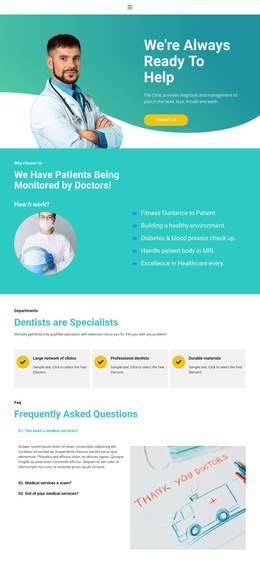
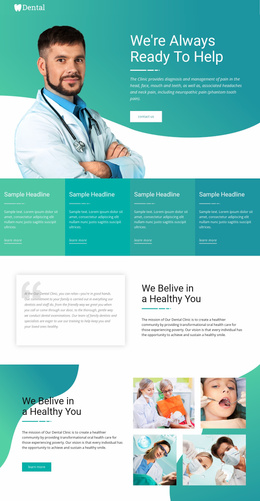
The opening split hero gives the page an immediate message and a first response opportunity: medical photography sits beside the Highest Quality heading, clinical program description, and Contact us action. The two care-category cards beneath it broaden that introduction without creating a competing narrative. Visitors can then move into the four Medical Services cards, where Hospitalists, Pediatrics, Critical Care, and Laboratory make the organization’s service range more concrete.
The following sections provide the evidence needed before a visitor reaches the final response point. How We Work explains the organization’s operating approach, while Healthcare Services adds a separate service-focused presentation with medical equipment imagery. The Goals and Mission, About Clinic, and Work with Us cards offer additional informational routes, and the values section communicates three principles that support the organization’s identity. These sections give the page a progression from offer recognition to institutional understanding.
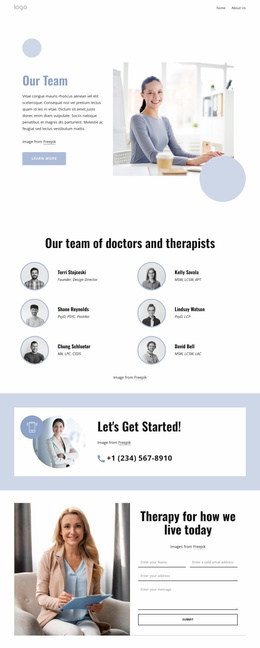
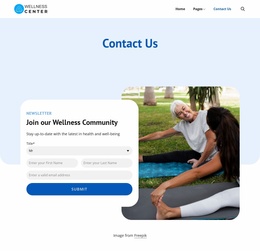
Trust content appears later through the Meet The Team area and four testimonial entries. The three portrait cards identify organizational roles, while the testimonial cards provide customer perspectives without requiring the visitor to leave the page. The closing Contact Us block then concentrates attention on the centered form panel, which includes name, email, telephone, and message inputs. The repeated Contact us, Learn more, and Send message actions can therefore support a focused inquiry path while the surrounding sections explain why that response is relevant.
Customize with Nicepage
Open this ready-made template in the Landing Page Builder and customize it visually in the Nicepage editor. Replace demo content, edit page sections, and adapt the design to your project without rebuilding the template from scratch.
Build a Landing Page Around One Conversion Goal
Focus on One Primary Action
Use the landing page to guide visitors toward one measurable response, such as requesting a quote, registering, subscribing, booking a consultation, applying for a service, or submitting an inquiry. Keep the primary call-to-action consistent across the important sections so the headline, supporting content, form, and CTA buttons work toward the same campaign goal instead of competing for attention.
Capture Leads With a Form
Use the Contact Form Element to add a contact, subscription, application, or other conversion form directly to the landing page. Customize the form fields, layout, labels, inputs, and button to collect the information required for your campaign while keeping the form focused on the action you want visitors to complete.
Nicepage also provides several form submission options. Form submissions can be sent to Email, stored as Leads, added to Google Sheets, passed to a custom URL or server endpoint, or used to populate a MailChimp mailing list. This provides practical options for collecting inquiries, registrations, subscriptions, applications, and other campaign responses.
Manage Leads and Campaign Responses
When submissions are stored as Leads, you can use Contact Form Leads to review the information collected through the landing page and use it for follow-up. Keep the form connected to the same offer and primary CTA presented throughout the page so visitors move from the campaign message to a clear conversion action.
This workflow makes the template suitable for landing pages where the offer, content, call-to-action, form, and lead collection process work together toward one defined conversion goal.

More from Medicine & Science Landing Pages
-
Free Website Builder SoftwareDownload