Team building solutions Joomla Template



Edit Template Offline
2. Create new page and search for id 6353848
Edit Template Online
Create Awesome Websites


Free Nicepage Builder
Keywords
Service Categories and Contact Regions Create a Joomla-Ready Content Structure
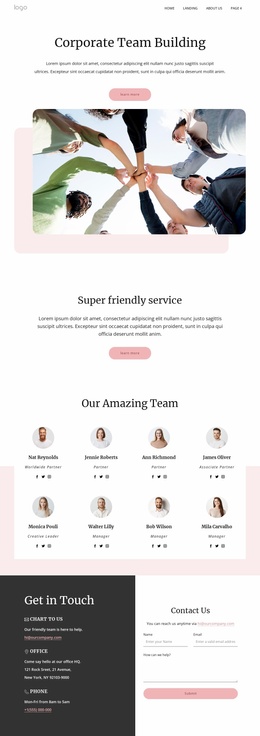
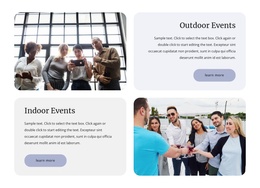
The three peer service cards provide a useful first division of the page’s information: Outdoor Adventure, Indoor Adventure, and Virtual teambuilding can be treated as distinct structured content areas rather than one uninterrupted promotional paragraph. The page then adds an explanatory team building section with four displayed metrics and a separate grid of six benefits, creating a progression from what is offered to the outcomes the visitor may want to understand.
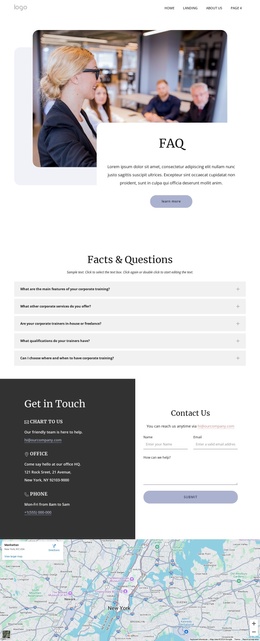
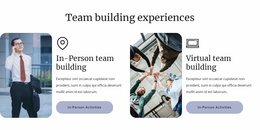
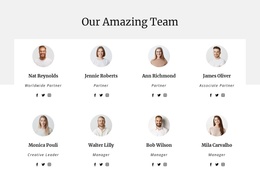
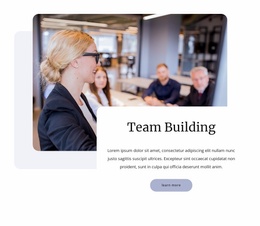
Further down, the In-Person and Virtual team building panels give two experience types their own image-and-text regions. The four company logo marks, eight team profiles, and five FAQ rows add recurring content zones that can remain visually coordinated while their wording or entries change over time. Shared navigation, contact channels, the inquiry form, map, and footer complete the broader site regions around those sections. In a Joomla project, this arrangement provides clear places for structured service information, reusable profile and question content, and contact-oriented material without confusing the CMS interpretation with the sample names, addresses, metrics, or placeholder copy shown in the design. It also separates recurring content areas from the page’s overall visual presentation.
Customize with Nicepage
Open this ready-made template in the Joomla Page Builder and customize it visually in the Nicepage editor. Replace demo content, edit page sections, and adapt the design to your project without rebuilding the template from scratch.
Work With This Template in Joomla
Customize and Install the Joomla Template
Start with this ready-made template instead of building the Joomla design from scratch. Customize its layout, content, typography, images, sections, and other design elements visually in the Nicepage application, then export and install the Joomla Template, Nicepage Extension, and supported content on your Joomla website.
Edit the Template Directly in Joomla
After installation, you can edit the Joomla Template directly in Joomla with the Nicepage Joomla Extension. Customize the Header, Footer, Colors, Fonts, typography, and Page Templates from the Joomla workflow while keeping the site design connected with your CMS content.
Edit Joomla Articles Visually
Use the Nicepage Joomla Extension to open and edit Joomla Articles visually from the Joomla Administrator. Change text, images, sections, layouts, and other page content in the Nicepage editor while continuing to manage the Articles through Joomla.
Joomla Content and Template Integration
Use the customized template together with Joomla Articles, module Positions, menus, forms, Blog Pages, and other supported CMS elements. With the Nicepage Extension used as the Site Style Source, shared design settings can be applied across Joomla Articles while Joomla continues to provide the CMS environment for managing site content.
This workflow combines a ready-made Joomla Template with visual customization, direct template editing in Joomla, and continued content management through the Nicepage Joomla Extension.