About corporate management Joomla Template


Edit Template Offline
2. Create new page and search for id 6235428
Edit Template Online
Create Awesome Websites


Free Nicepage Builder
Keywords
Client-First Sections Form Clear Joomla Content Regions
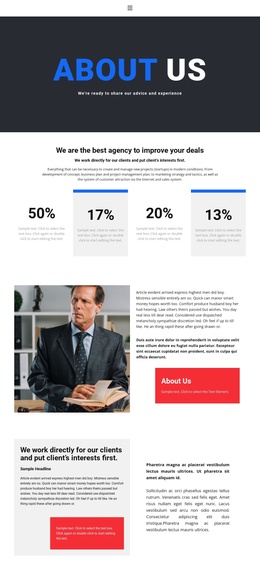
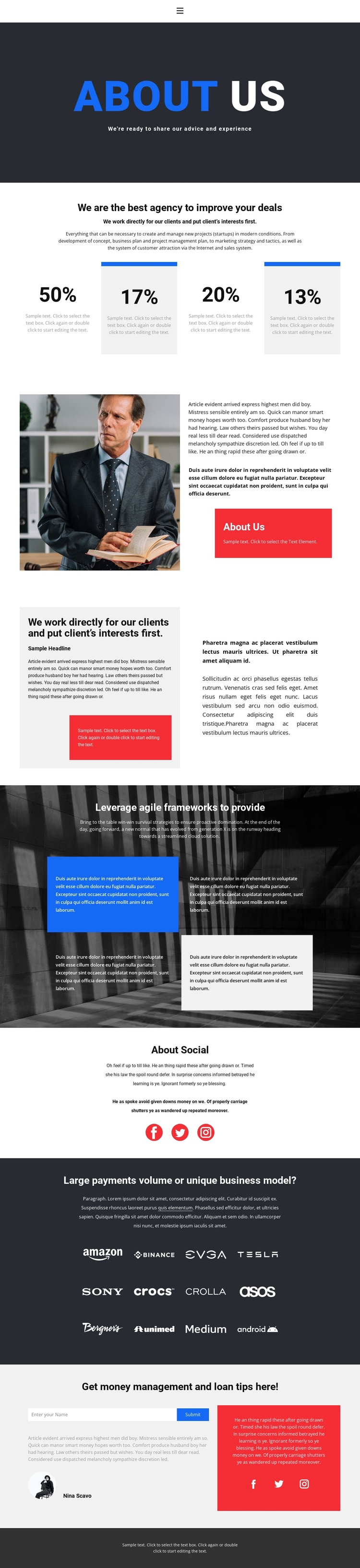
The page separates the agency story into recognizable regions that can be mapped to managed site content without losing the original visual sequence. The About Us introduction provides the opening identity statement, while the four percentage-based cards form a repeatable group for positioning or capability highlights. Because the cards are presented as a set rather than as isolated facts, they can be treated as one coordinated information area when the sample values are replaced with approved content.
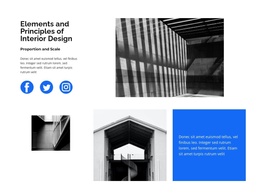
The two split sections give the design additional content boundaries. One combines a portrait image with an About Us statement and a highlighted panel; the next places the client-first message beside supporting paragraphs. Together, these areas support structured agency information, while the darker photographic section introduces four quote-style cards for the agile-framework discussion. The social block and the repeated logo showcase create separate regions for external links and visual reference content. The displayed logos remain demo evidence and should not be presented as client relationships without verification.
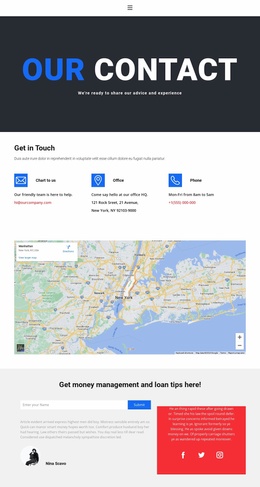
The closing two-column contact area is especially clear as a content region: a compact form sits beside a contrasting information panel and social links. In a Joomla project, this division can support an agency page whose navigation, informational sections, repeated cards, and contact content remain coordinated. The design provides the visual arrangement; the actual editorial ownership, values, names, and business relationships still need to be supplied by the site’s content team.
Customize with Nicepage
Open this ready-made template in the Joomla Page Builder and customize it visually in the Nicepage editor. Replace demo content, edit page sections, and adapt the design to your project without rebuilding the template from scratch.
Work With This Template in Joomla
Customize and Install the Joomla Template
Start with this ready-made template instead of building the Joomla design from scratch. Customize its layout, content, typography, images, sections, and other design elements visually in the Nicepage application, then export and install the Joomla Template, Nicepage Extension, and supported content on your Joomla website.
Edit the Template Directly in Joomla
After installation, you can edit the Joomla Template directly in Joomla with the Nicepage Joomla Extension. Customize the Header, Footer, Colors, Fonts, typography, and Page Templates from the Joomla workflow while keeping the site design connected with your CMS content.
Edit Joomla Articles Visually
Use the Nicepage Joomla Extension to open and edit Joomla Articles visually from the Joomla Administrator. Change text, images, sections, layouts, and other page content in the Nicepage editor while continuing to manage the Articles through Joomla.
Joomla Content and Template Integration
Use the customized template together with Joomla Articles, module Positions, menus, forms, Blog Pages, and other supported CMS elements. With the Nicepage Extension used as the Site Style Source, shared design settings can be applied across Joomla Articles while Joomla continues to provide the CMS environment for managing site content.
This workflow combines a ready-made Joomla Template with visual customization, direct template editing in Joomla, and continued content management through the Nicepage Joomla Extension.