We work in close collaboration Joomla Template



Edit Template Offline
2. Create new page and search for id 6219380
Edit Template Online
Create Awesome Websites


Free Nicepage Builder
Keywords
Team, Capability, and Contact Regions Suit a Joomla Content Structure
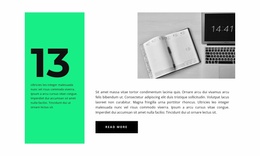
The page separates consulting information into clearly recognizable content regions. A leadership statement establishes the opening context, and the following positioning section names strategy, marketing, organization, and operations as the central advisory areas. The About block adds team and credential-oriented information, while the numbered Development, Design projects, and New materials rows provide shorter recurring items that can be maintained as distinct capability content.
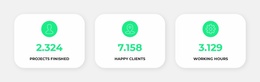
The team gallery and the second image gallery create two different editorial spaces. Six portrait images support the people-focused section, whereas the later image strip sits beside article-style copy and attribution content. The three metric cards form another compact region for activity or performance figures; because the displayed numbers are demo values, they should be replaced or confirmed when the page is adapted. This separation helps preserve a consistent visual arrangement while the underlying consulting content changes.
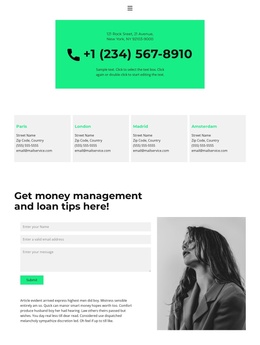
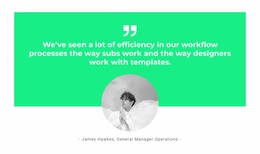
Near the end, the testimonial-style agency statement leads into a money-management and loan-advice section with name, email, and message fields in the contact form. In a Joomla-managed project, these regions can be treated as coordinated site content areas rather than flattened sample text. Shared navigation and the footer provide the recurring frame, while the bright green panels, grayscale imagery, black typography, and pale backgrounds keep capabilities, people, proof, and contact information within one recognizable CMS-oriented design.
Customize with Nicepage
Open this ready-made template in the Joomla Page Builder and customize it visually in the Nicepage editor. Replace demo content, edit page sections, and adapt the design to your project without rebuilding the template from scratch.
Work With This Template in Joomla
Customize and Install the Joomla Template
Start with this ready-made template instead of building the Joomla design from scratch. Customize its layout, content, typography, images, sections, and other design elements visually in the Nicepage application, then export and install the Joomla Template, Nicepage Extension, and supported content on your Joomla website.
Edit the Template Directly in Joomla
After installation, you can edit the Joomla Template directly in Joomla with the Nicepage Joomla Extension. Customize the Header, Footer, Colors, Fonts, typography, and Page Templates from the Joomla workflow while keeping the site design connected with your CMS content.
Edit Joomla Articles Visually
Use the Nicepage Joomla Extension to open and edit Joomla Articles visually from the Joomla Administrator. Change text, images, sections, layouts, and other page content in the Nicepage editor while continuing to manage the Articles through Joomla.
Joomla Content and Template Integration
Use the customized template together with Joomla Articles, module Positions, menus, forms, Blog Pages, and other supported CMS elements. With the Nicepage Extension used as the Site Style Source, shared design settings can be applied across Joomla Articles while Joomla continues to provide the CMS environment for managing site content.
This workflow combines a ready-made Joomla Template with visual customization, direct template editing in Joomla, and continued content management through the Nicepage Joomla Extension.