Come and see Joomla Template


Edit Template Offline
2. Create new page and search for id 4721686
Edit Template Online
Create Awesome Websites


Free Nicepage Builder
Keywords
Contact Details and a Quotation Form Create Clear Joomla Content Areas
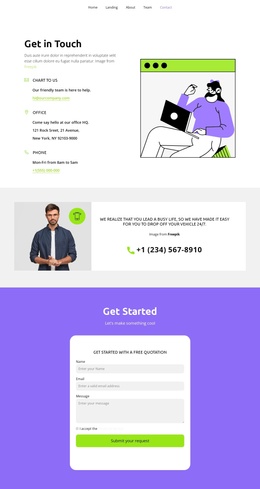
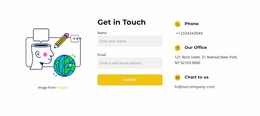
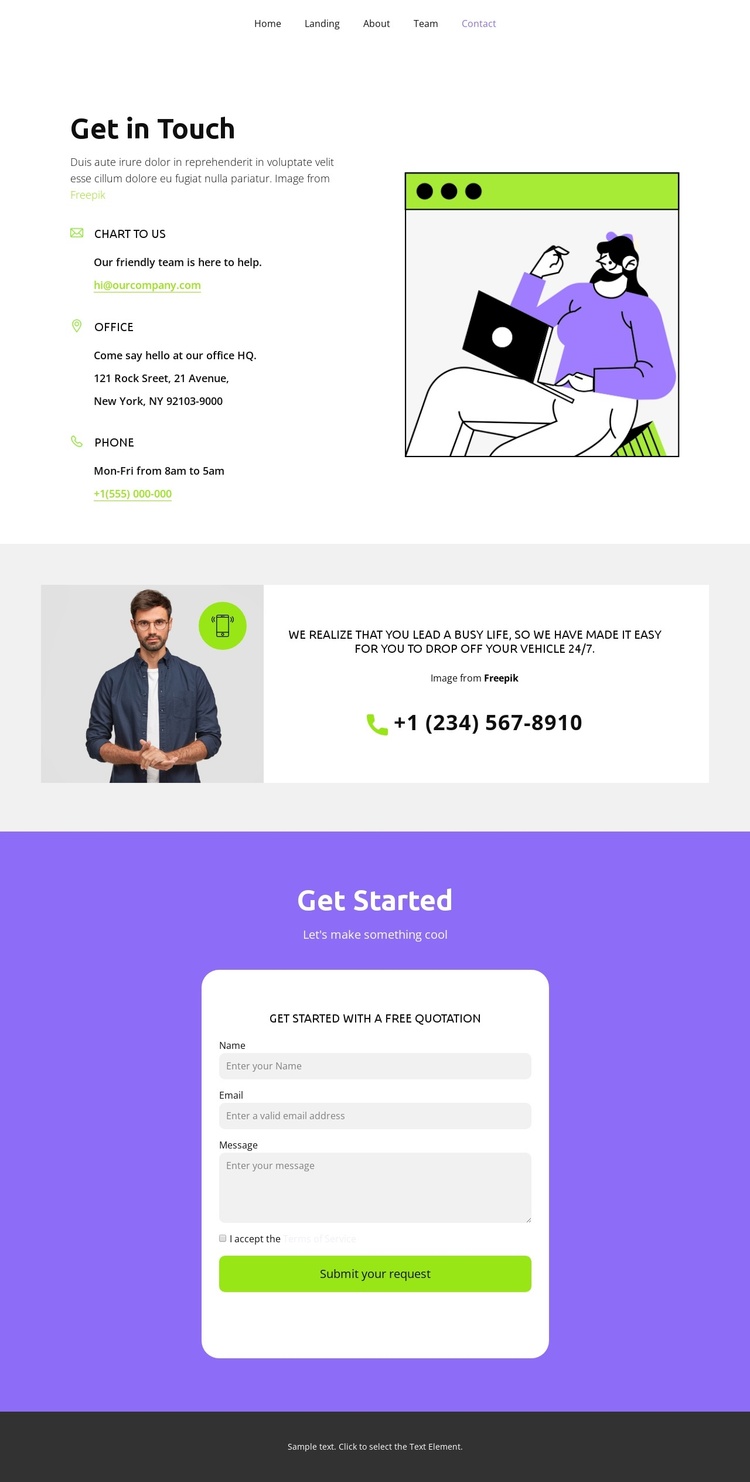
The opening Get in Touch section divides the contact information into a recognizable content region: email, office address, and phone details appear beside an illustration rather than being buried in a dense paragraph. That separation gives a Joomla-managed site a practical way to keep contact information distinct from the supporting visual message while preserving one coordinated presentation.
The next section adds a vehicle drop-off message, a supporting photograph, and a phone action. Because this content has a different role from the three contact methods, it can be treated as a separate informational area when the page is adapted for automotive services or another quotation-led project. The page navigation also names Home, Landing, About, Team, and Contact, creating a visible relationship between this contact page and the wider site structure without claiming that those linked destinations are included here.
At the end, the centered Get Started card brings the quotation request into a defined content region. Name, email, and message inputs, the terms acceptance checkbox, and the Submit your request action provide a complete request-oriented arrangement for a Joomla implementation. The purple form section and lime-green action styling help distinguish this interactive area from the informational contact blocks, while the dark footer supplies a clear visual endpoint.
Customize with Nicepage
Open this ready-made template in the Joomla Page Builder and customize it visually in the Nicepage editor. Replace demo content, edit page sections, and adapt the design to your project without rebuilding the template from scratch.
Work With This Template in Joomla
Customize and Install the Joomla Template
Start with this ready-made template instead of building the Joomla design from scratch. Customize its layout, content, typography, images, sections, and other design elements visually in the Nicepage application, then export and install the Joomla Template, Nicepage Extension, and supported content on your Joomla website.
Edit the Template Directly in Joomla
After installation, you can edit the Joomla Template directly in Joomla with the Nicepage Joomla Extension. Customize the Header, Footer, Colors, Fonts, typography, and Page Templates from the Joomla workflow while keeping the site design connected with your CMS content.
Edit Joomla Articles Visually
Use the Nicepage Joomla Extension to open and edit Joomla Articles visually from the Joomla Administrator. Change text, images, sections, layouts, and other page content in the Nicepage editor while continuing to manage the Articles through Joomla.
Joomla Content and Template Integration
Use the customized template together with Joomla Articles, module Positions, menus, forms, Blog Pages, and other supported CMS elements. With the Nicepage Extension used as the Site Style Source, shared design settings can be applied across Joomla Articles while Joomla continues to provide the CMS environment for managing site content.
This workflow combines a ready-made Joomla Template with visual customization, direct template editing in Joomla, and continued content management through the Nicepage Joomla Extension.