Brand power Joomla Template


A Four-Part Creative Methodology for Structured Site Content
The left side of the section organizes the brand approach into four concise informational units. The statements begin with cultivating the tensions that matter, continue through collecting and recutting cultural references, then refine the questions that guide the work before arriving at solutions designed to create meaning and memory. This sequence gives the content an article-like progression while preserving the visual clarity of separate points.
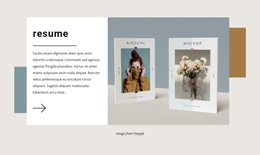
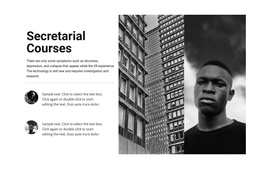
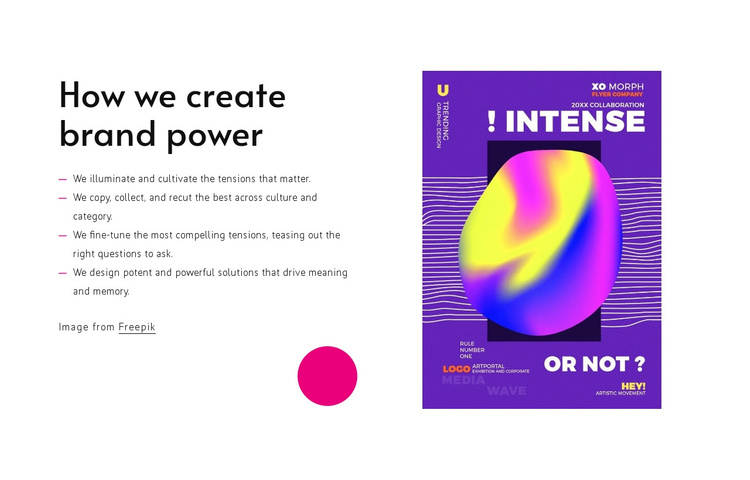
The right column contributes a single portrait-oriented editorial image, so the visual reference remains closely tied to the methodology rather than appearing as an unrelated decoration. Both columns are vertically centered, and the magenta circular accent below the text adds a recognizable visual marker without introducing another content group. The image credit line provides a defined attribution detail within the section.
In a Joomla-managed project, this arrangement can serve as a stable structured information region for a page about creative practice, brand thinking, or design approach. The four statements can remain the section’s central content while the broader site manages additional editorial areas around it. The block’s white field, black type, vivid magenta accents, and saturated poster image also make the region easy to distinguish from neighboring content without requiring it to act as a complete Joomla template.
Customize with Nicepage
Open this ready-made template in the Joomla Page Builder and customize it visually in the Nicepage editor. Replace demo content, edit page sections, and adapt the design to your project without rebuilding the template from scratch.
Edit Template Offline
2. Create a new page or select existing
3. Click Add new block, search for id 457008 and click enter
Edit Template Online
Create Awesome Websites


Free Nicepage Builder
Keywords
Work With This Template in Joomla
Customize and Install the Joomla Template
Start with this ready-made template instead of building the Joomla design from scratch. Customize its layout, content, typography, images, sections, and other design elements visually in the Nicepage application, then export and install the Joomla Template, Nicepage Extension, and supported content on your Joomla website.
Edit the Template Directly in Joomla
After installation, you can edit the Joomla Template directly in Joomla with the Nicepage Joomla Extension. Customize the Header, Footer, Colors, Fonts, typography, and Page Templates from the Joomla workflow while keeping the site design connected with your CMS content.
Edit Joomla Articles Visually
Use the Nicepage Joomla Extension to open and edit Joomla Articles visually from the Joomla Administrator. Change text, images, sections, layouts, and other page content in the Nicepage editor while continuing to manage the Articles through Joomla.
Joomla Content and Template Integration
Use the customized template together with Joomla Articles, module Positions, menus, forms, Blog Pages, and other supported CMS elements. With the Nicepage Extension used as the Site Style Source, shared design settings can be applied across Joomla Articles while Joomla continues to provide the CMS environment for managing site content.
This workflow combines a ready-made Joomla Template with visual customization, direct template editing in Joomla, and continued content management through the Nicepage Joomla Extension.