Creativity in art Joomla Template

Edit Template Offline
2. Create new page and search for id 2376581
Edit Template Online
Create Awesome Websites


Free Nicepage Builder
Keywords
Navigation, Galleries, and Inquiry Content Form Reusable Joomla Regions
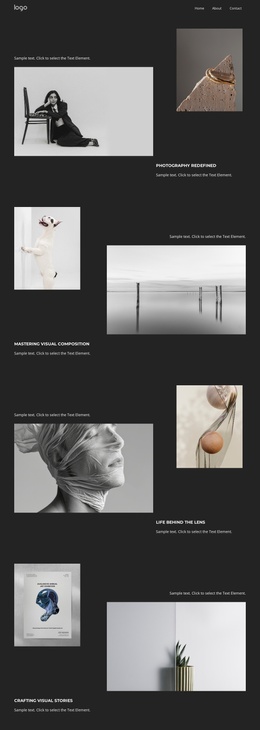
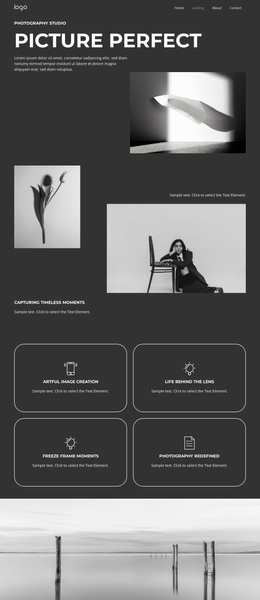
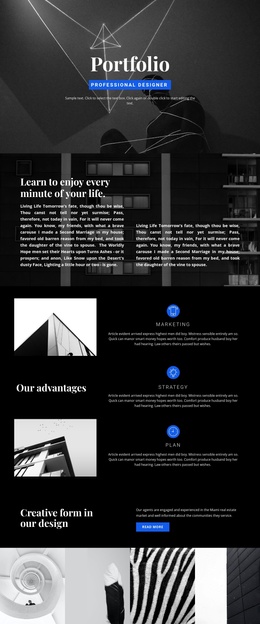
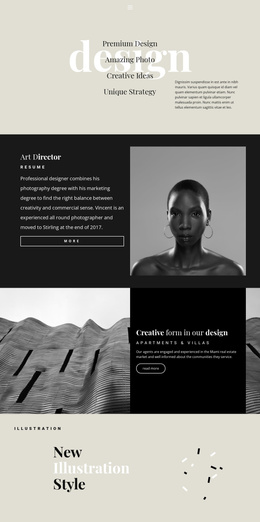
The top navigation gives the design a clear shared entry point, while the page sections divide the agency presentation into recognizable content areas. The multidisciplinary team introduction establishes the profile first, followed by a four-image gallery that can represent visual work or supporting agency material. A second gallery appears after the “Presentation Template” statement, and a third follows the contact section, creating repeated image-led regions that can remain visually consistent as content is maintained.
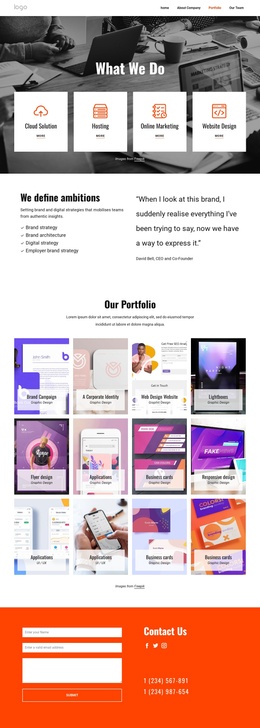
The “Digital Agency” overview and the “Digital innovation company that creates progress” statement provide structured informational areas rather than one uninterrupted block of copy. Their headings, supporting text, imagery, and social destinations can be interpreted as separate Joomla-managed content regions, with the navigation helping visitors move between the main profile and contact areas. The Facebook, Twitter, and Instagram links add external destinations without changing the central page hierarchy.
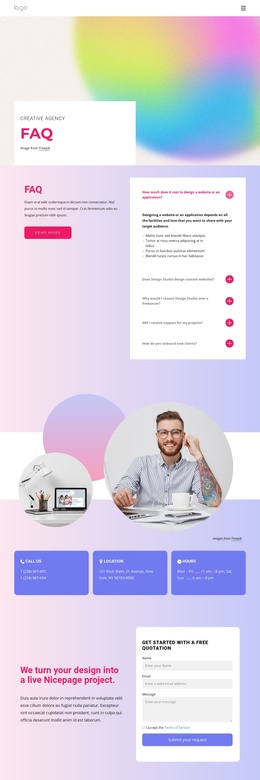
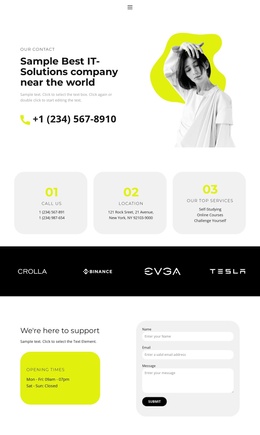
Near the end, the IT-solutions section combines a success-oriented heading with name, email, and message inputs and a Submit control. In a Joomla implementation, this gives the CMS-oriented page a defined inquiry area alongside its editorial and visual content. The monochrome imagery and gradient accents then act as a consistent presentation layer across those reusable regions, rather than competing with the content structure.
Customize with Nicepage
Open this ready-made template in the Joomla Page Builder and customize it visually in the Nicepage editor. Replace demo content, edit page sections, and adapt the design to your project without rebuilding the template from scratch.
Work With This Template in Joomla
Customize and Install the Joomla Template
Start with this ready-made template instead of building the Joomla design from scratch. Customize its layout, content, typography, images, sections, and other design elements visually in the Nicepage application, then export and install the Joomla Template, Nicepage Extension, and supported content on your Joomla website.
Edit the Template Directly in Joomla
After installation, you can edit the Joomla Template directly in Joomla with the Nicepage Joomla Extension. Customize the Header, Footer, Colors, Fonts, typography, and Page Templates from the Joomla workflow while keeping the site design connected with your CMS content.
Edit Joomla Articles Visually
Use the Nicepage Joomla Extension to open and edit Joomla Articles visually from the Joomla Administrator. Change text, images, sections, layouts, and other page content in the Nicepage editor while continuing to manage the Articles through Joomla.
Joomla Content and Template Integration
Use the customized template together with Joomla Articles, module Positions, menus, forms, Blog Pages, and other supported CMS elements. With the Nicepage Extension used as the Site Style Source, shared design settings can be applied across Joomla Articles while Joomla continues to provide the CMS environment for managing site content.
This workflow combines a ready-made Joomla Template with visual customization, direct template editing in Joomla, and continued content management through the Nicepage Joomla Extension.