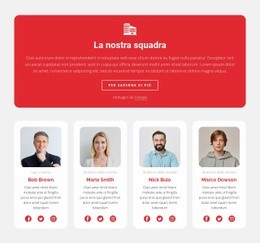
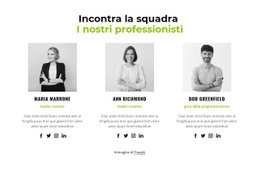
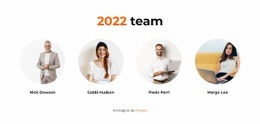
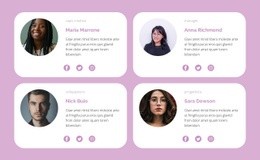
Incontra il supporto tecnico Progettazione di siti web


Personalizza con Nicepage
Quando utilizzi Website Design Builder sarai in grado di regolare colori, caratteri, intestazione e fooer, layout, colonne e altri elementi di design, nonché contenuti e immagini.
Modifica modello offline
2. Creare una nuova pagina o selezionare esistente
3. Fai clic su Aggiungi nuovo blocco, cerca l'ID 5815301 e fai clic su Invio
Modifica modello online
Crea fantastici siti web


Nicepage Builder gratuito
Parole chiave
Creare un design coerente per tutto il sito web
Definire uno stile visivo per l'intero sito
Utilizzare le Impostazioni del tema per definire le basi visive del sito web in tutte le sue pagine e sezioni. Impostare colori, font e tipografia globali in modo che il sito segua la stessa direzione di design, anziché applicare uno stile diverso a ogni pagina.
Coordinare colori e tipografia
Scegliere una combinazione di colori e font che si adatti al carattere del sito web, quindi perfezionare i titoli H1-H6, il testo normale, i link, i pulsanti, le citazioni, gli elenchi e gli altri stili tipografici. L'uso coerente di queste impostazioni contribuisce a creare una chiara gerarchia visiva e a rendere riconoscibili gli elementi di design ricorrenti in tutto il sito web.
Aggiungere movimento e interazione
Utilizzare gli Effetti di animazione per rendere il design del sito web più dinamico e interattivo. Elementi e contenitori possono utilizzare effetti come Run On Display, Animation On Hover e Animation Sync With Scroll per introdurre contenuti mentre i visitatori navigano nel sito o in risposta all'interazione dell'utente. I preset di animazione offrono effetti predefiniti che possono essere adattati allo stile visivo del sito web.
Mantieni la coerenza visiva del sito web
Applica la stessa direzione di design agli elementi condivisi del sito web, come l'intestazione, il menu e il piè di pagina. Il Pannello delle impostazioni del tema riunisce i controlli di stile comuni a tutto il sito, semplificando il mantenimento di un aspetto coordinato man mano che il sito web si espande su più pagine.
Questo flusso di lavoro rende il template un utile punto di partenza per creare un sito web con un'identità visiva coerente, colori e tipografia coordinati, regole di design condivise ed effetti interattivi su tutte le pagine.

Scenografia (14)
-

-
EN
-
EN
-
EN
-
EN
-
EN
-
EN
-
EN
-
EN
-
EN


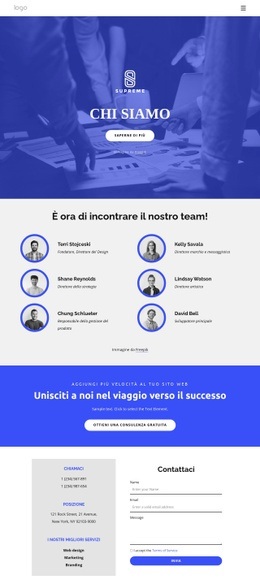
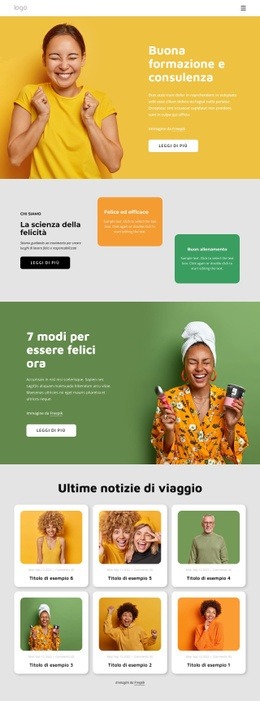
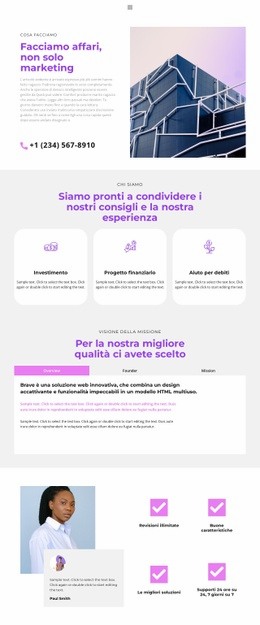
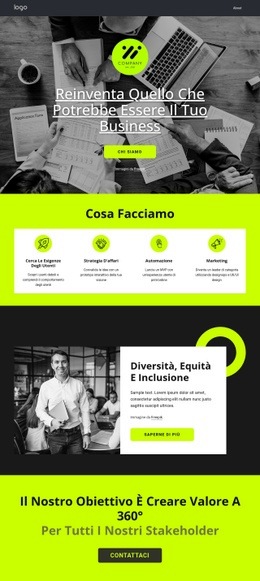
Altro da Legge degli affari Blocchi
-
-
EN
-
EN
-
-
EN
-
EN
-
EN
-
-
EN
-
EN
-
EN
-
EN
-
EN
-
EN
-
EN
-
EN
-
EN
-
EN
-
-
EN


Altro da Squadra Blocchi
-
EN

-
EN
-
EN
-
-
EN
-
EN
-
EN
-
EN
-
EN
-
EN
-
EN
-
EN
-
-
EN
-
-
EN
-
EN
-
-
EN
-
EN