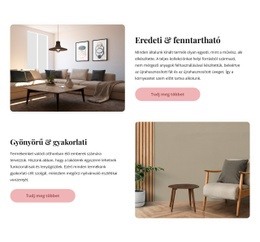
A weboldal építés alatt Weboldal sablon


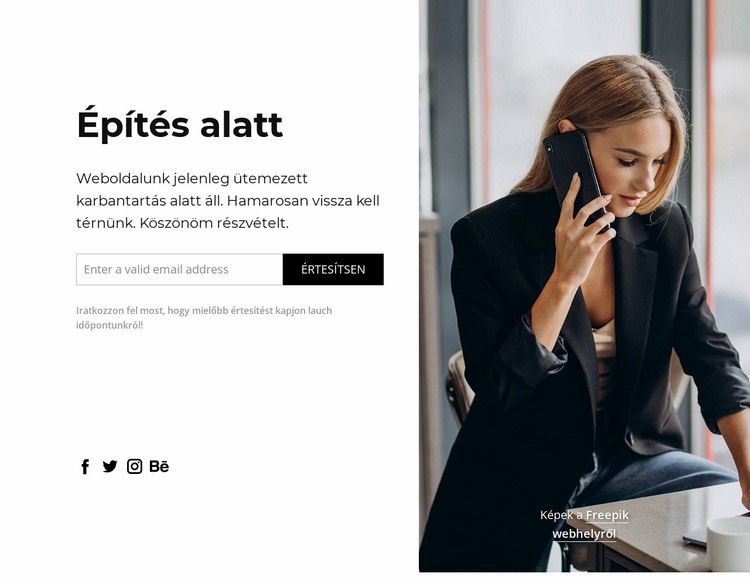
Testreszabás a Nicepage segítségével
A (z) Weboldal sablon készítő használatakor módosíthatja a színeket, a betűtípusokat, a fejlécet és a homályosítást, az elrendezést, az oszlopokat és más design elemeket, valamint a tartalmat és a képeket.
Sablon szerkesztése offline
2. Hozzon létre új oldalt, vagy válassza ki a meglévőt
3. Kattintson az Új blokk hozzáadása gombra, keresse meg az azonosítót 307440, majd kattintson az Enter gombra
Sablon szerkesztése online
Félelmetes webhelyek létrehozása


Ingyenes Nicepage Builder
Kulcsszavak
Készítsen teljes weboldalt ebből a sablonból
Testreszabhatja a weboldalt vizuálisan
Használja ezt a kész weboldal sablont kiindulópontként projektjéhez, és alakítsa át vizuálisan az oldalait a Nicepage-ben. Módosítsa a tartalmat, a képeket, a tipográfiát, a navigációt, a szekciókat és az egyéb tervezési elemeket, miközben a weboldalt egyetlen szerkeszthető projektként tartja fenn.
Weboldalak kezelése egy projektben
Használja az Oldalak panelt webhelye oldalainak megnyitásához, hozzáadásához, másolásához és kezeléséhez. Dolgozzon az egyes oldalakon, miközben a navigáció és a webhely általános szerkezete ugyanabból a projektből elérhető marad, így könnyebben fejleszthet egy teljes weboldalt a különálló oldalfájlok kezelése helyett.
Bővítse a weboldalt illeszkedő dizájnokkal
Ha további oldalakra vagy szekciókra van szüksége, használja az Oldalterv-készleteket az azonos vizuális stílusban létrehozott oldal- és blokktervek megtalálásához. A Design Sets (Dizájnkészletek) csoportosítja az egyező dizájnokat, így könnyebben bővíthető a weboldal új tartalommal, miközben egységes megjelenést biztosít az oldalakon és a szakaszokon.
Nagyobb, többoldalas weboldalak rendszerezése
Ahogy a weboldal növekszik, az Oldalmappák segítségével rendszerezheti a kapcsolódó oldalakat, és a nagyobb, többoldalas projektek könnyebben navigálhatók a szerkesztőben. Ez különösen hasznos azoknál a weboldalaknál, amelyek külön szolgáltatásoldalakkal, céginformációkkal, kapcsolattartókkal, landing page-ekkel és egyéb tartalomterületekkel rendelkeznek.
Ez a munkafolyamat a sablont praktikus alappá teszi egy teljes weboldal felépítéséhez és bővítéséhez, miközben az oldalakat, a tartalmat és a vizuális designt egyetlen Nicepage projekten belül kezeli.

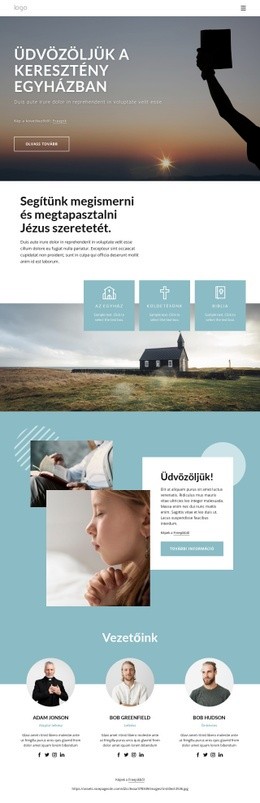
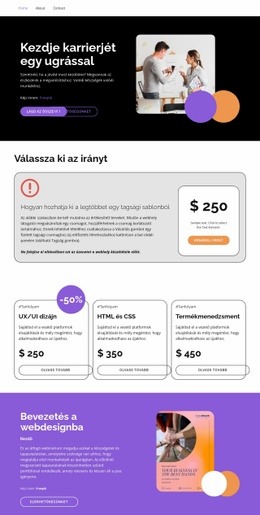



Továbbiak a Üzleti jog Blokkokból
-
EN
-
EN

-
-
EN
-
-
-
EN
-
EN
-
-
-
-
EN
-
-
EN
-
EN
-
EN
-
-
-
-
EN







Továbbiak a Rács Blokkokból
-
EN

-
EN
-
EN
-
EN
-
EN
-
EN
-
EN
-
EN
-
EN
-
EN
-
EN
-
EN
-
EN
-
EN
-
EN
-
-
EN
-
-
-
EN