Team of barbers HTML Template


Four Profile Items Create a Ready-Made Static Team Section
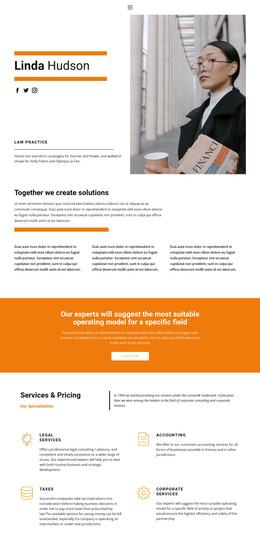
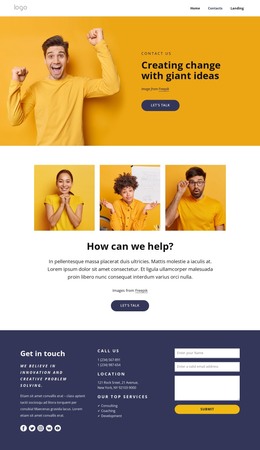
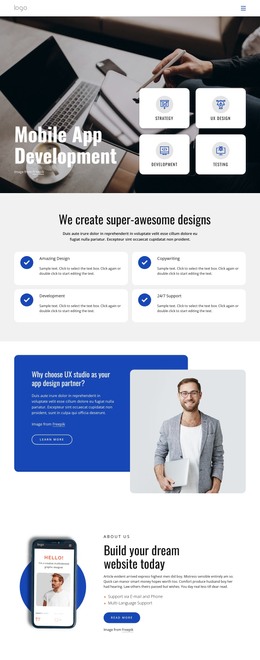
Four repeated profiles give this section a clear content purpose inside a static HTML page: introduce the people associated with a project, organization, or service. Each item combines a portrait, a name, and a role label, so visitors can scan the visual identities and professional positions as one consistent group. The content model is stable enough to work as a prepared team area while other sections provide introductions, services, contact details, or broader page structure.
The vertically stacked “team” heading creates a strong identifier on the right, contrasting with the compact two-column profile arrangement on the left and center. Black provides the base field, grayscale portraits keep the imagery restrained, and neon green typography supplies the main accent and contrast for the labels and heading. Together, these relationships give the section an editorial presentation rather than a plain list of names. In a static HTML context, the arrangement can be placed as one finished section and adapted to the surrounding page without changing its four-profile logic. The block is static, so its value comes from clear grouping, visual contrast, and recognizable team content rather than built-in rotation or expandable behavior.
Customize with Nicepage
Open this ready-made template in the HTML Builder and customize it visually in the Nicepage editor. Replace demo content, edit page sections, and adapt the design to your project without rebuilding the template from scratch.
Edit Template Offline
2. Create a new page or select existing
3. Click Add new block, search for id 89496 and click enter
Edit Template Online
Create Awesome Websites


Free Nicepage Builder
Keywords
Use This Block in a Static HTML Page
Start With a Ready-Made Section
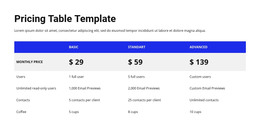
A block provides one prepared content area that can be combined with other sections to build a static HTML page. Customize its text, images, spacing, colors, and other elements in the Nicepage editor while keeping the block focused on its own purpose, such as services, testimonials, pricing, contact information, or visual presentation.
Export the Containing HTML Project
When the page or website that contains the block is ready, use HTML Export to create the files required for a static HTML project. The export applies to the containing page/site rather than turning one individual block into a complete website by itself.
Reuse the Section Within the Project
The same block design can be adapted as one content section within a larger static site. Other Blocks can provide navigation, introductions, portfolios, forms, footers, and additional page content while this section keeps its own verified content and layout role.
This workflow makes the block useful as a ready-made section inside a static HTML implementation, with export and deployment handled at the page or website level.