Tutorial Online Learning HTML Template



Edit Template Offline
2. Create new page and search for id 6672925
Edit Template Online
Create Awesome Websites


Free Nicepage Builder
Keywords
Categories, Courses, and Enrollment Form a Complete Static Page
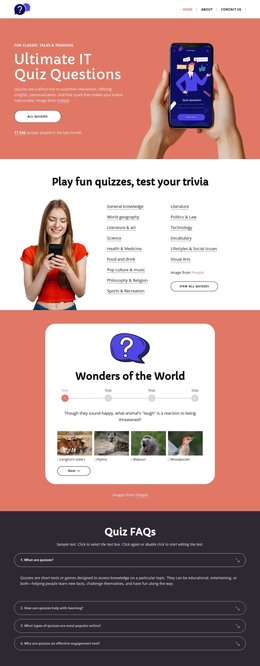
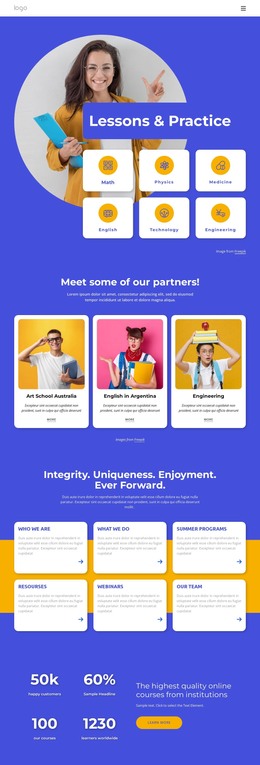
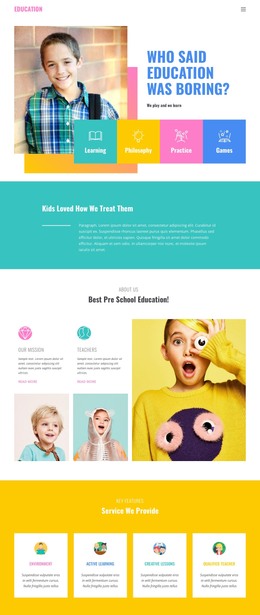
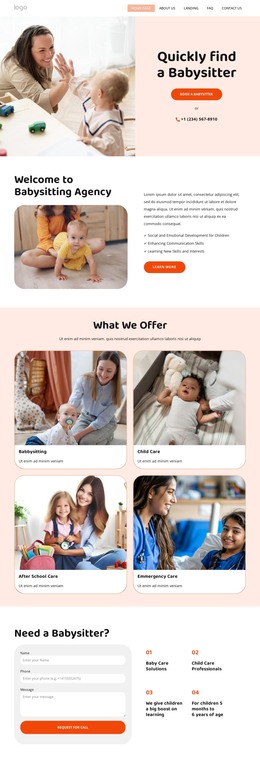
The page already brings together a coherent set of sections for a standalone online learning presentation. The opening navigation and promotional strip establish the subject quickly, while the split hero explains the offer and places Explore Courses and Start Free actions beside a learner image. Visitors can then move from broad discovery into six learning categories before reaching three featured course presentations.
Each course presentation includes a title, description, instructor information, lesson and duration details, and a View Course action. That gives the static page more than a promotional headline: it provides a visible path from topic selection to specific course consideration. The testimonial band adds learner perspective, and the three instructor profiles provide a second form of supporting information by showing who teaches the material.
The final enrollment panel returns to the central action with Explore Classes and Join For Free buttons, while the dark footer closes the composition without competing with the offer. As a ready-made HTML implementation, the design supplies a complete content arrangement that can stand on its own as an education-focused page rather than only serving as an isolated visual concept.
Customize with Nicepage
Open this ready-made template in the HTML Builder and customize it visually in the Nicepage editor. Replace demo content, edit page sections, and adapt the design to your project without rebuilding the template from scratch.
Export and Use This Template as an HTML Website
Create a Portable HTML Website
When the template is ready, use the HTML Export option to create a static website with the files required for deployment. The exported website can be used independently of the Nicepage editor and deployed on your preferred hosting.
Nicepage also provides SEO settings and optimization features, including Page Titles and Descriptions, Canonical settings, headings, image Alt Text, and other page-level properties that help prepare the website for search engines.
Deploy Without a CMS
Upload the finished website to the hosting environment that fits your project. Because the exported site does not require WordPress, Joomla, or another CMS to deliver its pages, it can be placed on your own server, uploaded to a hosting provider, or deployed through an existing web infrastructure.
Hand Off the Website Files
The generated website files can also be provided to a client, developer, or hosting team. They remain available outside the Nicepage editor for deployment, technical review, or project-specific development when additional work is required.
This workflow makes the template a practical foundation for a portable static website that can be exported from the Nicepage editor and deployed independently.

More from Education HTML Templates
-
Free Website Builder SoftwareDownload