We are a full service travel agency HTML Template


Edit Template Offline
2. Create new page and search for id 6000414
Edit Template Online
Create Awesome Websites


Free Nicepage Builder
Keywords
Adventure stories, tour categories, and inquiries form a complete static page
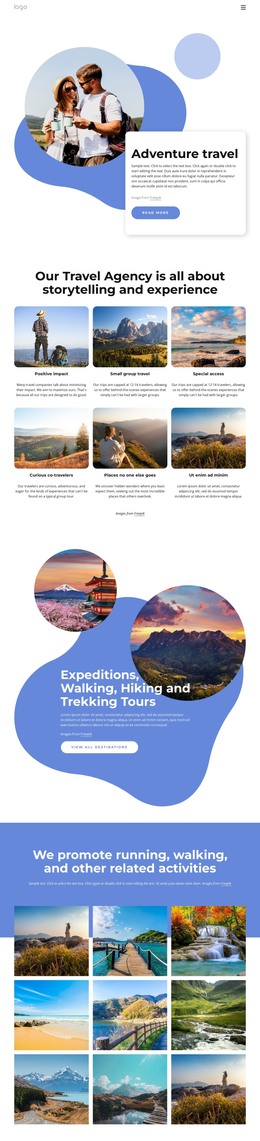
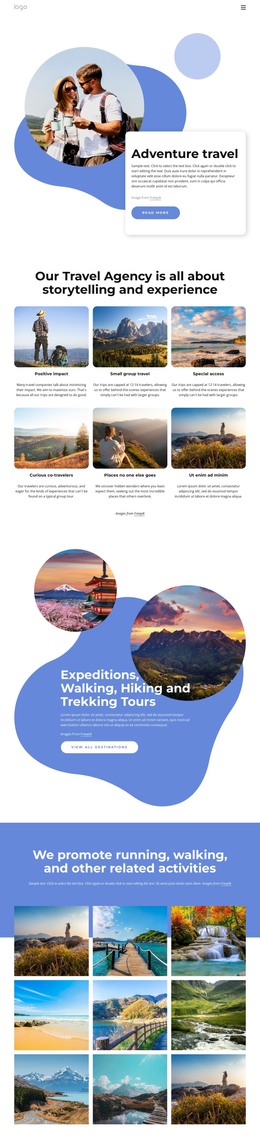
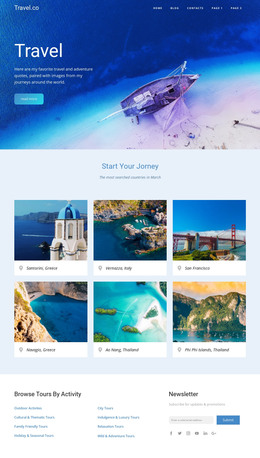
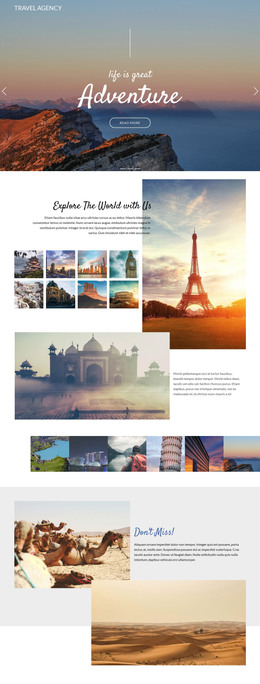
The opening hero gives this design an immediately usable beginning: Adventure travel is introduced with a large outdoor image, an overlapping white text card, and a Read more button. From there, the six image-led feature cards broaden the presentation by showing the agency’s themes rather than leaving the page dependent on one headline. Their repeated format creates a coherent group for explaining small-group travel, special access, positive impact, curious co-travelers, and destinations that feel less conventional.
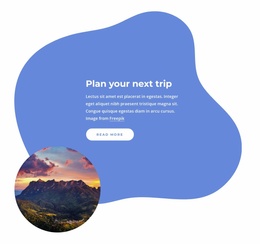
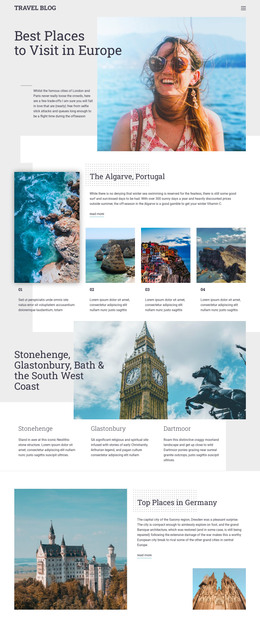
The page then moves from general experience to a more specific offering. The expeditions, walking, hiking, and trekking section uses layered circular destination photographs and a View all destinations button to present tour content as a distinct part of the static arrangement. The following nine-image gallery adds visual evidence for running, walking, and related outdoor activities, giving the page a finished portfolio area rather than a collection of disconnected promotional blocks.
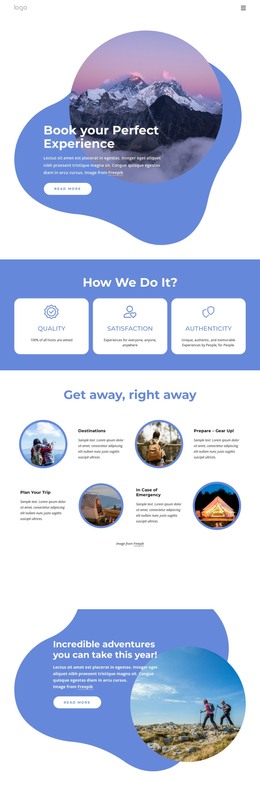
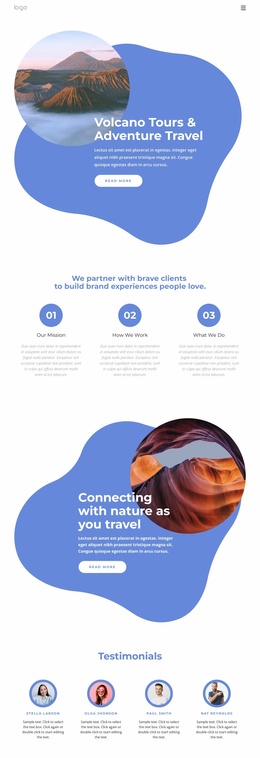
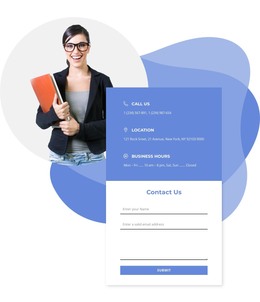
At the end, destination imagery sits beside a contact form that accepts a name, email, and message. That closing interaction gives visitors a clear way to move from browsing experiences to sending an inquiry. Together, the hero, feature cards, tour promotion, gallery, navigation, and contact area provide the main content coverage expected from a self-contained HTML travel page. The blue, white, and soft gray palette, rounded shapes, bold headings, and generous spacing keep these sections visually connected as one standalone implementation.
Customize with Nicepage
Open this ready-made template in the HTML Builder and customize it visually in the Nicepage editor. Replace demo content, edit page sections, and adapt the design to your project without rebuilding the template from scratch.
Export and Use This Template as an HTML Website
Create a Portable HTML Website
When the template is ready, use the HTML Export option to create a static website with the files required for deployment. The exported website can be used independently of the Nicepage editor and deployed on your preferred hosting.
Nicepage also provides SEO settings and optimization features, including Page Titles and Descriptions, Canonical settings, headings, image Alt Text, and other page-level properties that help prepare the website for search engines.
Deploy Without a CMS
Upload the finished website to the hosting environment that fits your project. Because the exported site does not require WordPress, Joomla, or another CMS to deliver its pages, it can be placed on your own server, uploaded to a hosting provider, or deployed through an existing web infrastructure.
Hand Off the Website Files
The generated website files can also be provided to a client, developer, or hosting team. They remain available outside the Nicepage editor for deployment, technical review, or project-specific development when additional work is required.
This workflow makes the template a practical foundation for a portable static website that can be exported from the Nicepage editor and deployed independently.