Transparency & Security HTML Template


Edit Template Offline
2. Create new page and search for id 4072359
Edit Template Online
Create Awesome Websites


Free Nicepage Builder
Keywords
Three Workspace Plans Anchor a Complete Static Page
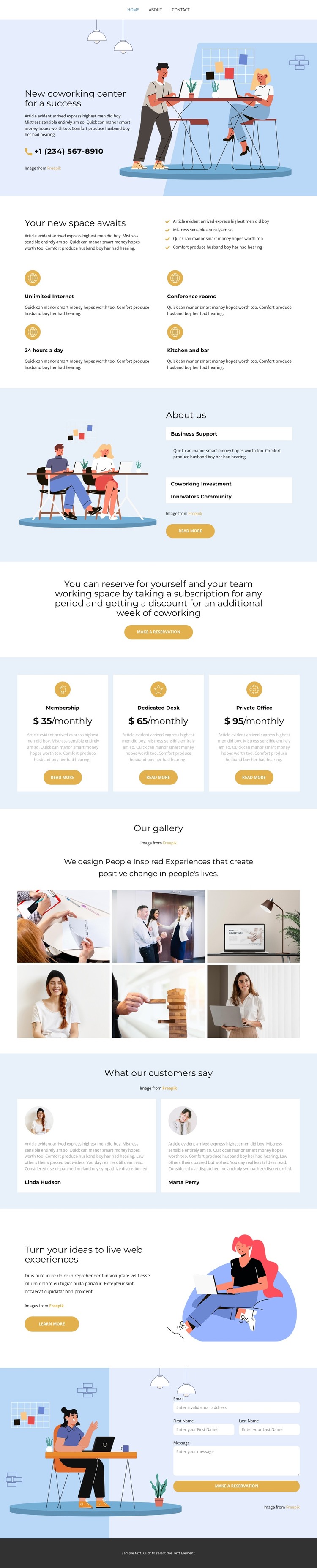
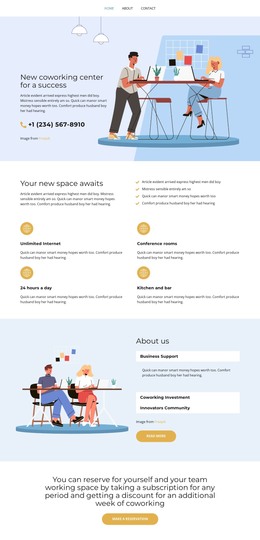
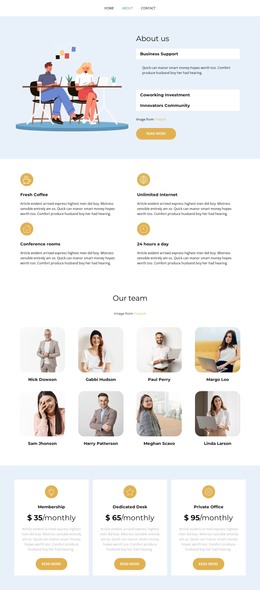
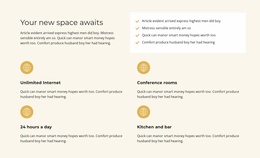
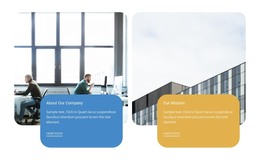
The page already brings together the main content areas needed for a self-contained coworking presentation. The opening split section introduces the center and pairs its message with an illustrated workplace scene, while the amenity section explains practical details such as conference rooms, unlimited Internet, 24/7 access, and a kitchen and bar. Visitors can then move from general information into the About Us panel and its business support, coworking investment, and innovations community labels.
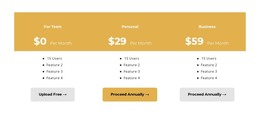
The three displayed plans make the offering concrete without requiring the page to be rebuilt around a separate catalog. Membership, Dedicated Desk, and Private Office appear as related choices in a repeated pricing arrangement, each with its own monthly price, description, and action button. A centered reservation band connects the informational sections to those choices, giving the static page a visible progression from introduction to decision.
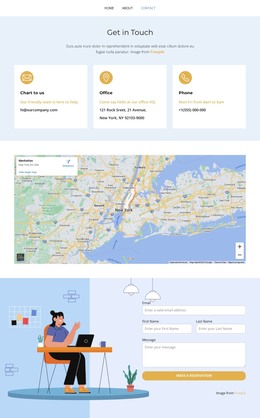
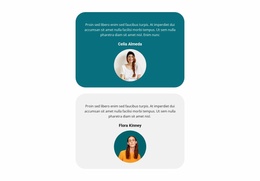
The six-image gallery supplies visual evidence of the workspace and community, while two testimonial cards add a separate form of supporting content. The promotional split band keeps the page from becoming a simple list of plans before the final contact form collects name, email, and message details. Together with the dark footer, these sections create a finished HTML page structure that can stand on its own as a coworking website presentation.
Customize with Nicepage
Open this ready-made template in the HTML Builder and customize it visually in the Nicepage editor. Replace demo content, edit page sections, and adapt the design to your project without rebuilding the template from scratch.
Export and Use This Template as an HTML Website
Create a Portable HTML Website
When the template is ready, use the HTML Export option to create a static website with the files required for deployment. The exported website can be used independently of the Nicepage editor and deployed on your preferred hosting.
Nicepage also provides SEO settings and optimization features, including Page Titles and Descriptions, Canonical settings, headings, image Alt Text, and other page-level properties that help prepare the website for search engines.
Deploy Without a CMS
Upload the finished website to the hosting environment that fits your project. Because the exported site does not require WordPress, Joomla, or another CMS to deliver its pages, it can be placed on your own server, uploaded to a hosting provider, or deployed through an existing web infrastructure.
Hand Off the Website Files
The generated website files can also be provided to a client, developer, or hosting team. They remain available outside the Nicepage editor for deployment, technical review, or project-specific development when additional work is required.
This workflow makes the template a practical foundation for a portable static website that can be exported from the Nicepage editor and deployed independently.

Design Set (12)
-

-
-
-
-
-
-
-
Free Website Builder SoftwareDownload
-
-




More from Business & Law HTML Templates
-
Free Website Builder SoftwareDownload