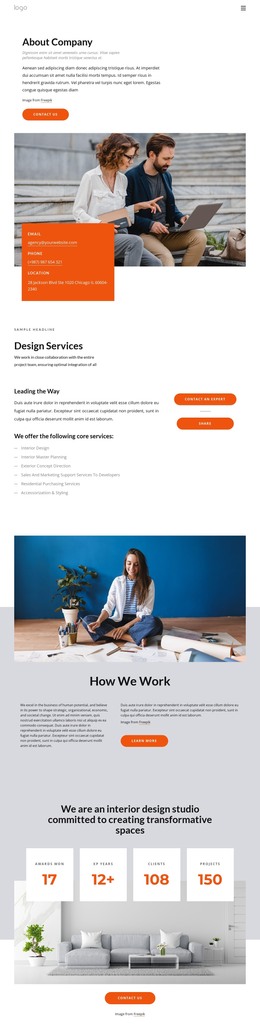
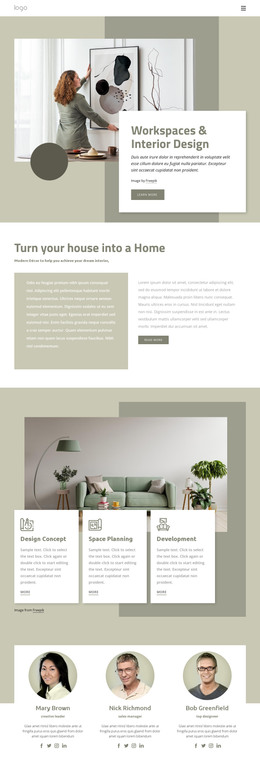
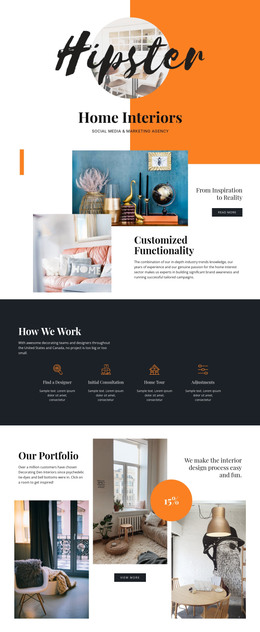
Modern Interiors HTML Template


Edit Template Offline
2. Create new page and search for id 31797
Edit Template Online
Create Awesome Websites


Free Nicepage Builder
Keywords
Editorial Articles Form a Complete Static Interior Page
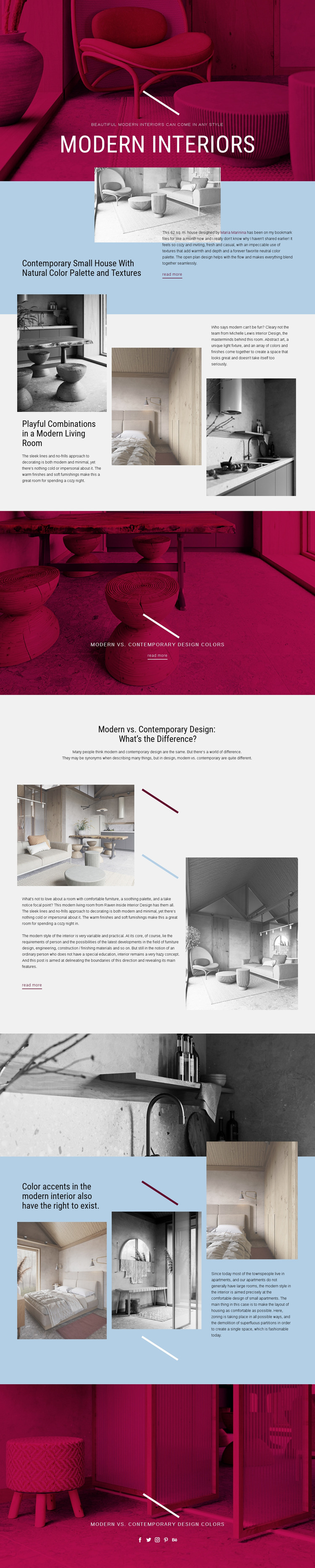
The hero, featured house article, example grids, comparison section, and closing social banner already form a coherent static page rather than a collection of unrelated visual samples. The opening image and centered title establish the subject immediately, then the split section gives the page a specific editorial anchor: a 62 sq. m. house explained through its natural color palette and textures. That combination of image and compact copy can stand on its own as a finished content introduction.
Further down, three-item grids broaden the subject from one house to modern living-room examples, color accents, zoning, and small-apartment layouts. The comparison between modern and contemporary design adds an educational layer, while the full-width monochrome image creates a deliberate pause between denser text-and-image sections. Repeated “read more” links provide clear continuation points for related articles without requiring the page to become a multi-page system.
As a standalone HTML implementation, the design therefore offers both visual identity and meaningful content coverage. Magenta photographic bands, pale blue editorial panels, thin accent lines, uppercase typography, and generous whitespace can remain coordinated while the sample wording and images are replaced with project-specific material. The final social-link row gives the page a recognizable closing area for sharing interior content.
Customize with Nicepage
Open this ready-made template in the HTML Builder and customize it visually in the Nicepage editor. Replace demo content, edit page sections, and adapt the design to your project without rebuilding the template from scratch.
Export and Use This Template as an HTML Website
Create a Portable HTML Website
When the template is ready, use the HTML Export option to create a static website with the files required for deployment. The exported website can be used independently of the Nicepage editor and deployed on your preferred hosting.
Nicepage also provides SEO settings and optimization features, including Page Titles and Descriptions, Canonical settings, headings, image Alt Text, and other page-level properties that help prepare the website for search engines.
Deploy Without a CMS
Upload the finished website to the hosting environment that fits your project. Because the exported site does not require WordPress, Joomla, or another CMS to deliver its pages, it can be placed on your own server, uploaded to a hosting provider, or deployed through an existing web infrastructure.
Hand Off the Website Files
The generated website files can also be provided to a client, developer, or hosting team. They remain available outside the Nicepage editor for deployment, technical review, or project-specific development when additional work is required.
This workflow makes the template a practical foundation for a portable static website that can be exported from the Nicepage editor and deployed independently.

More from Interior HTML Templates
-
Free Website Builder SoftwareDownload