The best barbers in London HTML Template


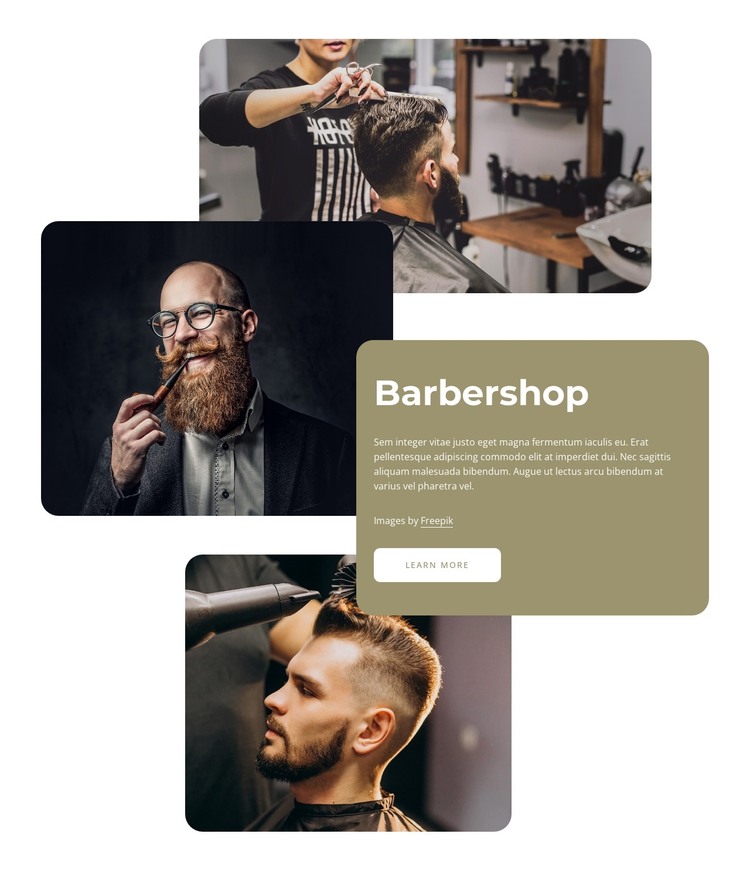
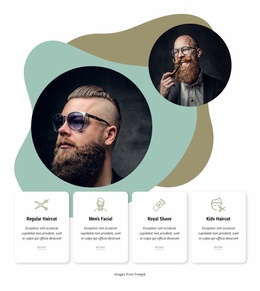
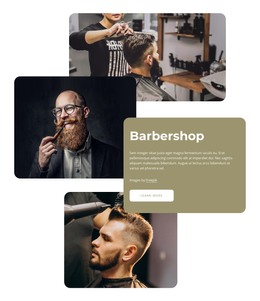
Three Layered Photographs Form a Ready-Made Static Section
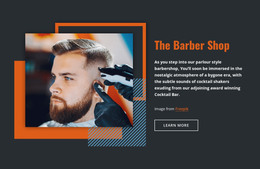
The heading, paragraph, attribution line, and learn-more button already give this block a complete introductory content arrangement for its specific subject. Three barbering photographs sit beside and partly behind a rounded olive card, creating a finished relationship between visual context and written explanation. The staggered image placement adds depth without requiring a gallery or other interactive component, while the card gathers the readable message into one bounded area.
Inside a static HTML page or site, this section can carry the barbershop introduction while neighboring sections provide navigation, service details, appointments, or contact information. Its role is therefore substantial but local: the block communicates one topic and offers a follow-up route, yet it does not need to supply the containing page’s complete structure. The white background helps the section transition into adjacent content, and the contrast between the photographs and olive card gives it a recognizable visual boundary. The larger heading establishes the subject before the paragraph adds context, while the button remains a clear next step. As a ready-made HTML section, the existing arrangement can be placed and then adapted to the surrounding page without rebuilding its central image-and-card composition.
Customize with Nicepage
Open this ready-made template in the HTML Builder and customize it visually in the Nicepage editor. Replace demo content, edit page sections, and adapt the design to your project without rebuilding the template from scratch.
Edit Template Offline
2. Create a new page or select existing
3. Click Add new block, search for id 2455158 and click enter
Edit Template Online
Create Awesome Websites


Free Nicepage Builder
Keywords
Export and Use This Template as an HTML Website
Create a Portable HTML Website
When the template is ready, use the HTML Export option to create a static website with the files required for deployment. The exported website can be used independently of the Nicepage editor and deployed on your preferred hosting.
Nicepage also provides SEO settings and optimization features, including Page Titles and Descriptions, Canonical settings, headings, image Alt Text, and other page-level properties that help prepare the website for search engines.
Deploy Without a CMS
Upload the finished website to the hosting environment that fits your project. Because the exported site does not require WordPress, Joomla, or another CMS to deliver its pages, it can be placed on your own server, uploaded to a hosting provider, or deployed through an existing web infrastructure.
Hand Off the Website Files
The generated website files can also be provided to a client, developer, or hosting team. They remain available outside the Nicepage editor for deployment, technical review, or project-specific development when additional work is required.
This workflow makes the template a practical foundation for a portable static website that can be exported from the Nicepage editor and deployed independently.

Design Set (32)
-

-
-
-
-
Free Website Builder SoftwareDownload
-
-
-
-
-
-
-
-
-
-
-
-
-
-
-
-
-
-
-
-
-
-













More from Fashion & Beauty Blocks
-
-
-
-
-
-
-
-
-
-
-
Free Website Builder SoftwareDownload
-
-
-
-
-
-
-
-
-
-






More from Layered Images Blocks
-

-
-
-
-
-
-
-
-
-
-
Free Website Builder SoftwareDownload
-
-
-
-
-
-
-
-
-
-