Trends Of Design HTML Template


Edit Template Offline
2. Create new page and search for id 14351
Edit Template Online
Create Awesome Websites


Free Nicepage Builder
Keywords
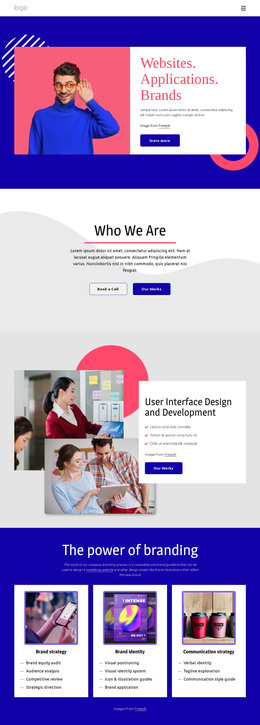
The Guide Moves from Abstract Introduction to Finished Trend Sections
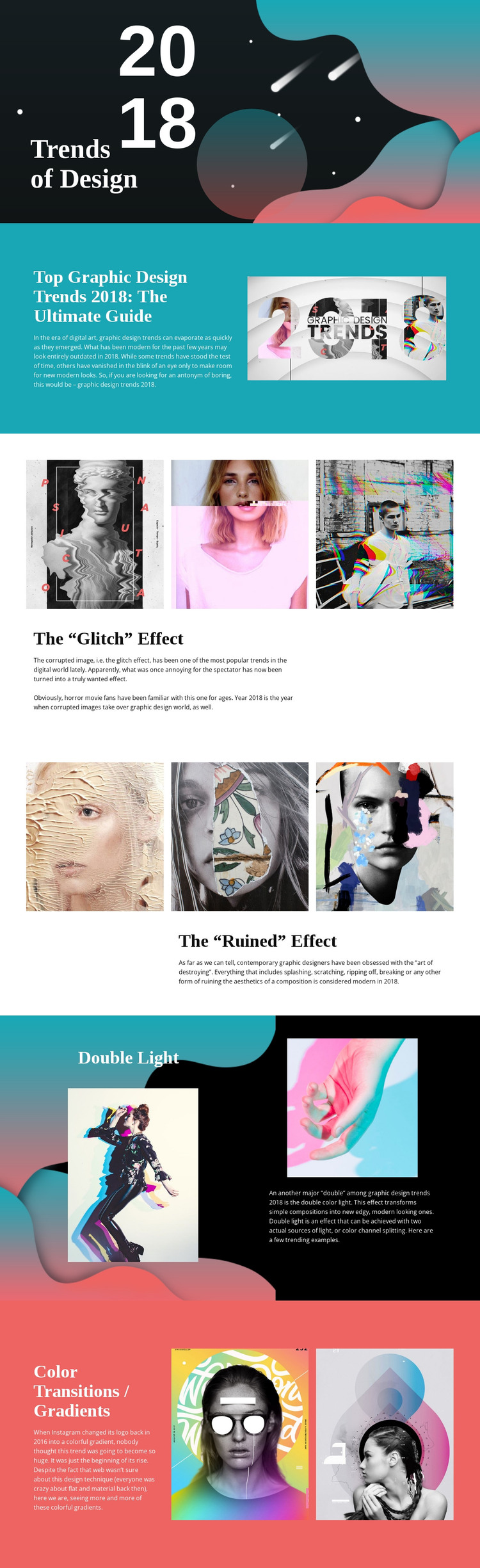
The page already contains the main content relationships needed for a self-contained static HTML article. Its opening combines the 2018 title, “Trends of Design,” and an abstract graphic background to establish the publication theme. The following cyan split section adds the heading “Top Graphic Design Trends 2018: The Ultimate Guide,” placing introductory explanation beside an editorial image before the page moves into individual trend discussions.
The middle of the document supplies visual proof for the written subject. Three-image rows illustrate the glitch and ruined effects, and each gallery is paired with explanatory copy rather than appearing as an isolated image collection. The Double Light section changes to a dark two-column treatment with two examples, while the closing Color Transitions / Gradients section uses a coral field and two colorful images. Together, these sections create a coherent static reading path from overview to examples and interpretation.
Because the content is already arranged as a complete article, the design functions as more than a decorative mockup. It has an identifiable introduction, repeated topic sections, image-based evidence, and supporting text. The serif-and-sans typography pairing distinguishes headings from explanations, while the recurring split layouts and generous spacing keep the long page readable. A static implementation can therefore preserve the editorial sequence and visual contrast without first needing to invent the article’s core sections.
Customize with Nicepage
Open this ready-made template in the HTML Builder and customize it visually in the Nicepage editor. Replace demo content, edit page sections, and adapt the design to your project without rebuilding the template from scratch.
Export and Use This Template as an HTML Website
Create a Portable HTML Website
When the template is ready, use the HTML Export option to create a static website with the files required for deployment. The exported website can be used independently of the Nicepage editor and deployed on your preferred hosting.
Nicepage also provides SEO settings and optimization features, including Page Titles and Descriptions, Canonical settings, headings, image Alt Text, and other page-level properties that help prepare the website for search engines.
Deploy Without a CMS
Upload the finished website to the hosting environment that fits your project. Because the exported site does not require WordPress, Joomla, or another CMS to deliver its pages, it can be placed on your own server, uploaded to a hosting provider, or deployed through an existing web infrastructure.
Hand Off the Website Files
The generated website files can also be provided to a client, developer, or hosting team. They remain available outside the Nicepage editor for deployment, technical review, or project-specific development when additional work is required.
This workflow makes the template a practical foundation for a portable static website that can be exported from the Nicepage editor and deployed independently.

More from Art & Design HTML Templates
-
Free Website Builder SoftwareDownload