Please contact us Html Code Example


Edit Template Offline
2. Create new page and search for id 6456624
Edit Template Online
Create Awesome Websites


Free Nicepage Builder
Keywords
The contact form and subscription area create clear extension points
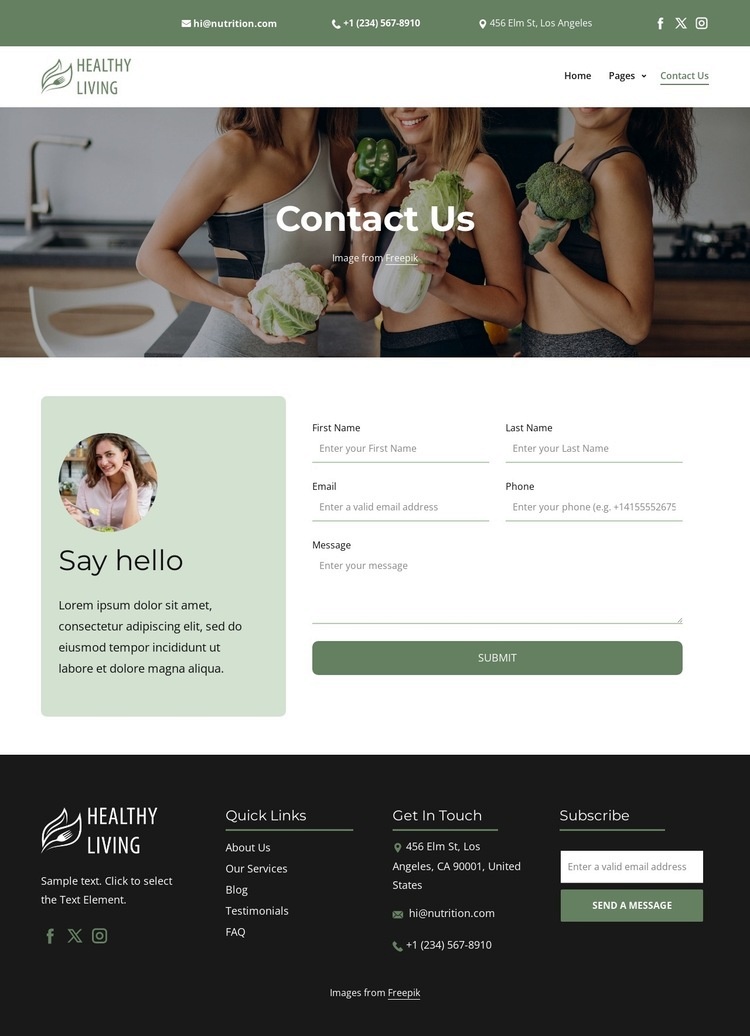
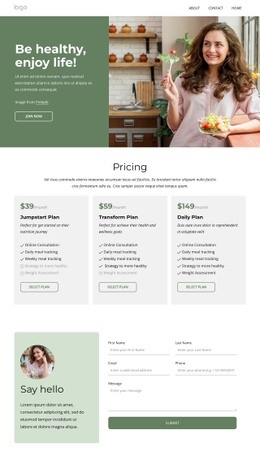
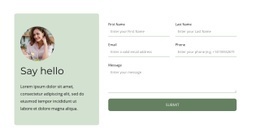
The Say hello section gives the page a defined interaction zone: an introductory image and heading establish context, then the contact form collects first name, last name, email, phone, and message details before the Submit action. That structure leaves a clear place for project-specific functionality if the finished site needs more than the standard inquiry flow. For example, an external booking widget, a custom validation layer, or another service connection could be positioned beside the existing contact content without changing the purpose of the hero or footer.
The separate Subscribe form in the dark footer provides a second, independent interaction area. It should remain distinct from the inquiry form because subscription data and direct contact requests represent different kinds of visitor response. The header and footer also contain contact channels, social links, and navigation, creating additional locations where custom links, tracking elements, or external components might logically be introduced. The page therefore offers several content zones for extending functionality while preserving the existing visual arrangement: the hero for context, the central form for detailed messages, and the footer for recurring communication. Nicepage’s HTML Element can support custom additions when a project requires functionality beyond the standard elements, but the existing form and contact structure should remain the organizing framework.
Customize with Nicepage
Open this ready-made template in the HTML Code Generator and customize it visually in the Nicepage editor. Replace demo content, edit page sections, and adapt the design to your project without rebuilding the template from scratch.
Extend This Page With Custom HTML Code
Insert Code With the HTML Element
Use the HTML Element to add custom code directly to a Block in the Nicepage editor. Enter the required markup in the Code field when the page needs content or functionality that is not available through the standard page elements.
Place the HTML Element in the Layout
Treat the HTML Element as part of the visual page composition. Adjust its position, width, height, alignment, and margins to place the custom content where it belongs alongside text, images, buttons, and other elements. This makes it possible to combine visually edited sections with project-specific code without separating the custom element from the rest of the layout.
Add HTML, CSS, JavaScript, and External Components
The HTML Element supports HTML, CSS, and JavaScript, allowing you to extend the page with custom markup and interactive functionality. It can also be used to embed custom code and third-party components, such as social feeds, advertising code, widgets, or other external functionality required by the project.
This workflow makes the template useful for projects that need a visual page editor together with custom HTML code, JavaScript, embedded components, and functionality beyond the standard page elements.

Design Set (18)
-

-
Customize Any TemplateDownload
-
-
-
-
-
-
-
-







More from Food & Restaurant Html Code Examples
-
Customize Any TemplateDownload