Services de conseil en réussite Modèle d'une page


Personnalisez avec Nicepage
Lorsque vous utilisez Générateur de modèles d'une page, vous pourrez ajuster les couleurs, les polices, l'en-tête et le texte, la mise en page, les colonnes et autres éléments de conception, ainsi que le contenu et les images.
Modifier le modèle hors ligne
2. Créez une nouvelle page ou sélectionnez une page existante
3. Cliquez sur Ajouter un nouveau bloc, recherchez l'identifiant 1806035 et cliquez sur Entrée
Modifier le modèle en ligne
Créez des sites Web géniaux


Nicepage Builder gratuit
Mots clés
Créer un site web monopage facile à naviguer
Associer le menu aux sections de la page
Organisez votre site web sous forme de sections sur une seule page et utilisez le Menu pour site monopage pour associer les éléments du menu aux blocs de la page. Les visiteurs peuvent ainsi accéder directement à des sections comme « À propos », « Services », « Témoignages » ou « Contact » sans ouvrir de pages séparées.
Un seul lien vers le site web
Un modèle monopage permet de regrouper plusieurs parties d'un petit site web sur une seule page. Organisez l'en-tête, l'introduction, les services, le portfolio, les informations sur l'entreprise, les avis, les coordonnées et les autres sections pertinentes dans l'ordre le plus approprié à votre projet, tout en veillant à ce qu'elles restent accessibles via la même navigation.
Faciliter la navigation sur les pages longues
Pour les sites web monopages longs, utilisez des libellés de navigation courts et pertinents afin que les visiteurs puissent naviguer facilement sur la page sans avoir à la faire défiler. Vous pouvez également utiliser l'élément Retour en haut pour permettre un retour rapide au début après les sections plus longues.
Ce flux de travail rend le modèle idéal pour les sites web compacts nécessitant plusieurs sections de contenu distinctes, tout en conservant une expérience utilisateur complète sur une seule URL.


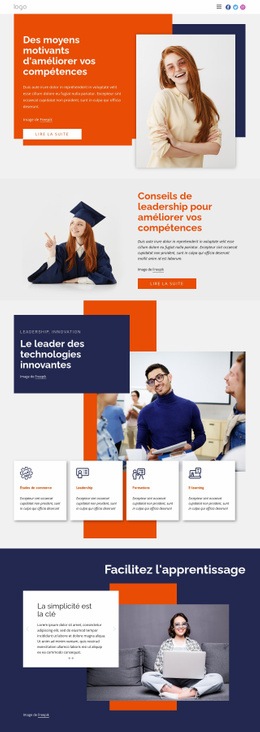
Plus de Éducation blocs
-
EN
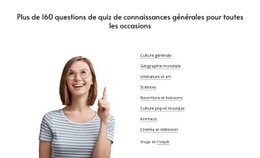
-
EN

-
EN
-
EN
-
-
-
EN
-
EN
-
-
-
EN
-
EN
-
EN
-
EN
-
-
EN
-
EN
-
EN
-
EN
-
EN
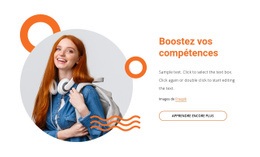
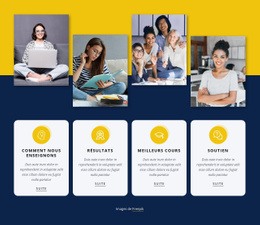





Plus de Formes blocs
-
EN
-
-
-
EN
-
EN
-
EN
-
EN
-
EN
-
EN
-
-
EN
-
EN
-
EN
-
EN
-
EN
-
EN
-
EN
-
-
EN
-