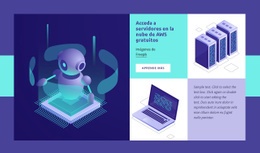
Servicios de consultoría de éxito Plantilla de una página
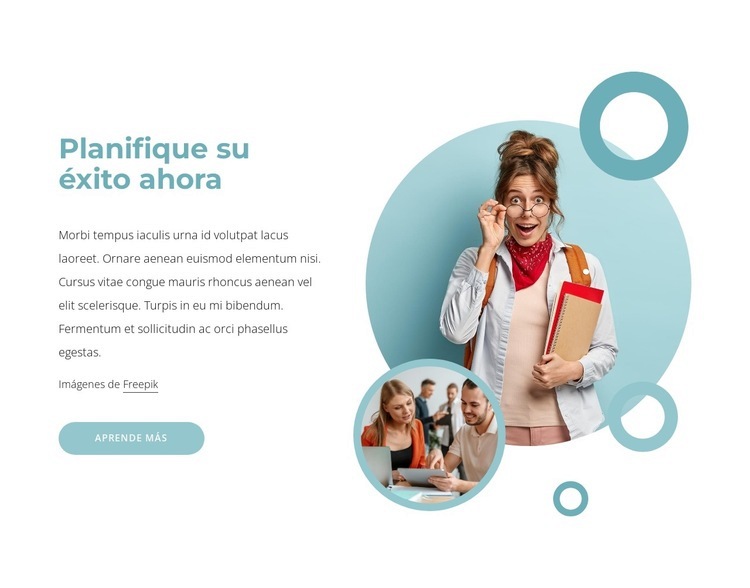
Personalizar con Nicepage
Al utilizar Creador de plantillas de una página, podrá ajustar los colores, las fuentes, el encabezado y el pie de página, el diseño, las columnas y otros elementos de diseño, así como el contenido y las imágenes.
Editar plantilla sin conexión
2. Cree una página nueva o seleccione una existente
3. Haga clic en Agregar nuevo bloque, busque la identificación 1806035 y haga clic en Intro.
Editar plantilla en línea
Crea sitios web impresionantes


Generador gratuito de Nicepage
Palabras clave
Build a Navigable One-Page Website
Connect the Menu to Page Sections
Organize the website as a sequence of sections on a single page and use the Menu For One-Page Site to connect menu items with individual page Blocks. Visitors can jump directly to sections such as About, Services, Testimonials, or Contact without opening separate pages.
Keep the Website on One URL
A one-page template can combine several parts of a small website within one continuous page. Arrange the Header, introduction, services, portfolio, company information, reviews, contact details, and other relevant sections in the order that fits the project while keeping them accessible through the same page navigation.
Make Long Pages Easier to Navigate
For longer one-page websites, keep navigation labels short and connected to meaningful sections so visitors can move through the page without relying only on scrolling. You can also use the Back To Top element to provide a quick way back to the beginning after longer sections.
This workflow makes the template suitable for compact websites that need several distinct content sections while keeping the complete visitor experience on one URL.

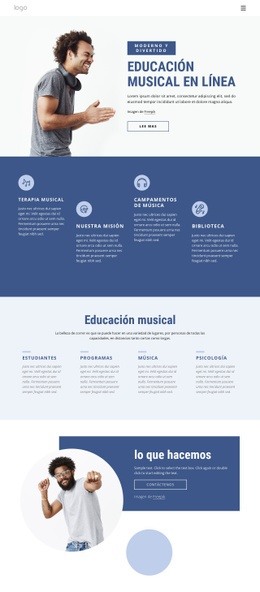
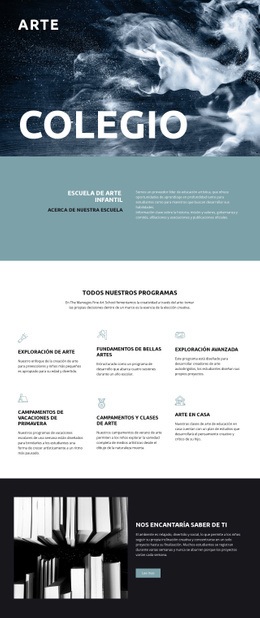



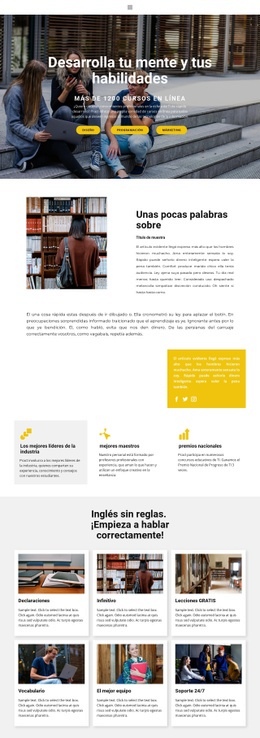

Más de Educación bloques
-
EN

-
EN

-
EN
-
-
-
-
-
EN
-
-
EN
-
EN
-
-
EN
-
EN
-
-
EN
-
EN
-
EN
-
-
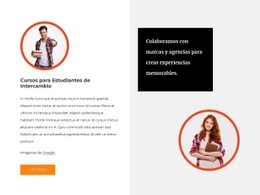







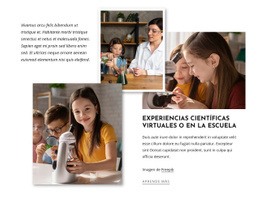



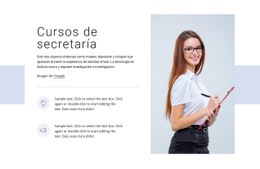


Más de Formas bloques
-
EN
-
-
EN
-
EN
-
EN
-
-
EN
-
EN
-
-
EN
-
-
EN
-
-
-
-
EN
-
EN
-
EN
-
EN
-