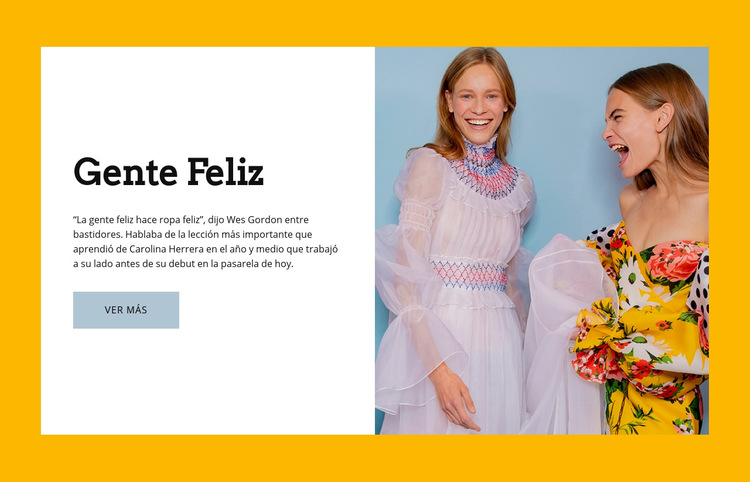
Gente feliz Plantilla de sitio web


Personalizar con Nicepage
Al utilizar Creador de plantillas de sitios web, podrá ajustar los colores, las fuentes, el encabezado y el pie de página, el diseño, las columnas y otros elementos de diseño, así como el contenido y las imágenes.
Editar plantilla sin conexión
2. Cree una página nueva o seleccione una existente
3. Haga clic en Agregar nuevo bloque, busque la identificación 42463 y haga clic en Intro.
Editar plantilla en línea
Crea sitios web impresionantes


Generador gratuito de Nicepage
Palabras clave
Crea un sitio web completo con esta plantilla
Personaliza el sitio web visualmente
Utiliza esta plantilla prediseñada como punto de partida para tu proyecto y adapta sus páginas visualmente en Nicepage. Modifica el contenido, las imágenes, la tipografía, la navegación, las secciones y otros elementos de diseño, manteniendo el sitio web como un único proyecto editable.
Gestiona las páginas del sitio web en un solo proyecto
Utiliza el panel Páginas para abrir, añadir, duplicar y gestionar las páginas de tu sitio web. Trabaja en páginas individuales manteniendo la navegación y la estructura general del sitio accesibles desde el mismo proyecto, lo que facilita el desarrollo de un sitio web completo en lugar de gestionar archivos de página separados.
Amplía el sitio web con diseños a juego
Cuando necesites páginas o secciones adicionales, utiliza los Conjuntos de diseño de página para encontrar diseños de página y de bloque creados con el mismo estilo visual. Los conjuntos de diseño agrupan diseños similares, lo que facilita la expansión del sitio web con nuevo contenido y mantiene una apariencia coherente en todas sus páginas y secciones.
Organización de sitios web extensos de varias páginas
A medida que el sitio web crece, utilice las carpetas de páginas para organizar las páginas relacionadas y facilitar la navegación en proyectos extensos de varias páginas en el editor. Esto resulta especialmente útil para sitios web con páginas de servicios, información de la empresa, contactos, páginas de destino y otras áreas de contenido independientes.
Este flujo de trabajo convierte la plantilla en una base práctica para crear y expandir un sitio web completo, gestionando sus páginas, contenido y diseño visual dentro de un único proyecto de Nicepage.

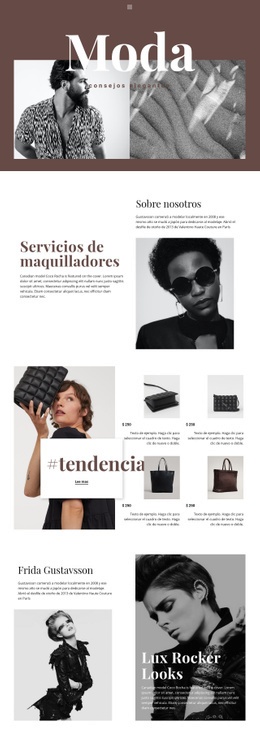
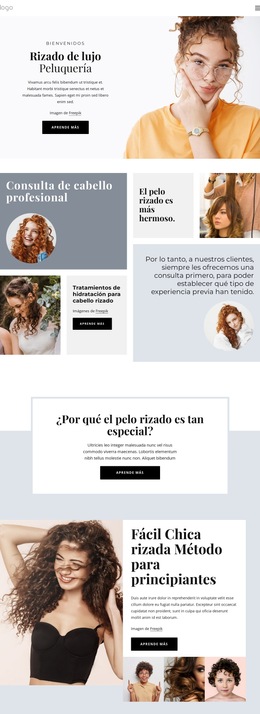
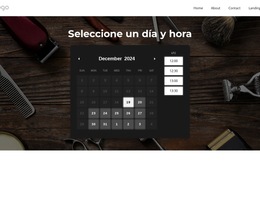
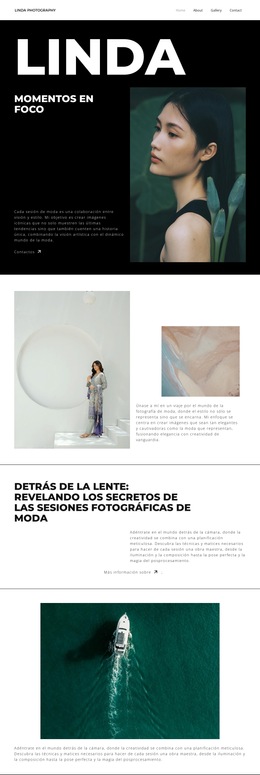
Más de Belleza de la moda bloques
-
-
EN

-
EN
-
EN
-
EN
-
EN
-
EN
-
EN
-
-
-
EN
-
EN
-
EN
-
EN
-
EN
-
-
EN
-
EN
-
EN
-
EN












Más de Separar bloques
-
EN
-
EN
-
-
EN
-
EN
-
EN
-
EN
-
-
EN
-
EN
-
EN
-
EN
-
EN
-
EN
-
EN
-
-
EN
-
EN
-
EN
-
EN