Emergency Pipe Repair Template


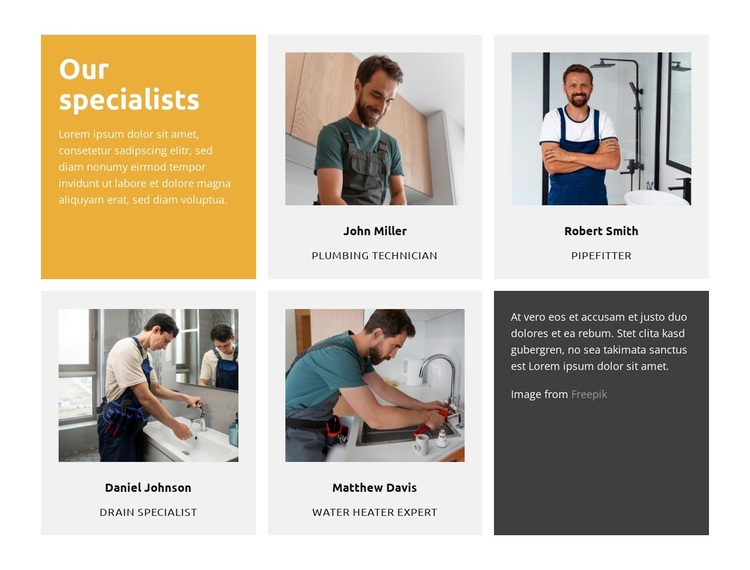
Four Specialist Roles in a Compact Two-Row Composition
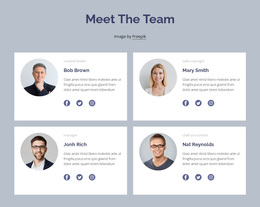
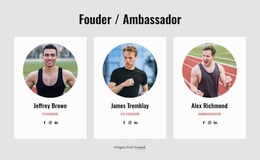
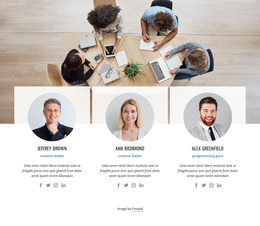
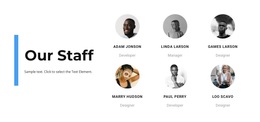
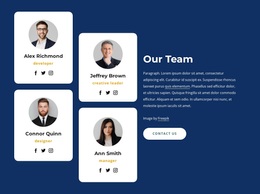
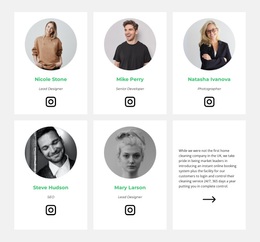
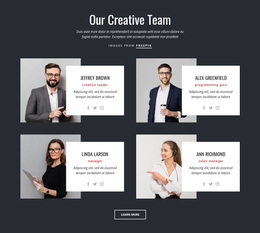
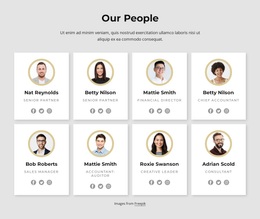
The section brings together four displayed specialist roles—Plumbing Technician, Pipefitter, Drain Specialist, and Water Heater Expert—without spreading them across a long list. Portrait cards repeat the same centered structure, so visitors can compare the profile names and role labels quickly. The two-row arrangement adds visual presence while keeping the content within a defined block, making this design different from a basic grid with identical cards extending across one line.
The mustard introductory panel gives the section an immediate point of entry through the “Our specialists” heading, while the dark lower-right panel adds a second level of contrast for supporting copy. Light gray profile cards sit between those stronger tones and keep the portraits and labels visually grouped. This combination of four team items, a strong color contrast, and a three-region composition gives the block a clear reason to stand out among alternative team-section designs.
It is particularly suitable when a page needs to show several areas of plumbing expertise while still presenting the people behind those roles. The displayed names and sample copy should be adapted to the final project, but the underlying design logic remains useful: introduce the specialist group, repeat the profile pattern, then use the darker panel for additional context. That balance offers more editorial structure than a plain row of employee cards while keeping the block focused on team presentation.
Customize with Nicepage
Open this ready-made template in the Template Builder and customize it visually in the Nicepage editor. Replace demo content, edit page sections, and adapt the design to your project without rebuilding the template from scratch.
Edit Template Offline
2. Create a new page or select existing
3. Click Add new block, search for id 6475623 and click enter
Edit Template Online
Create Awesome Websites


Free Nicepage Builder
Keywords
Start With a Ready-Made Template
Choose a Design for a New Page
Use a ready-made template as a starting point instead of creating every page from a blank canvas. When adding a new page in Nicepage, browse available designs, compare different layouts, and choose an option that already fits the general purpose and visual direction of your project.
Browse Different Page Designs
Explore Page Designs using search, thematic categories, Design Sets, and full-page previews. The collection includes layouts for different subjects and page purposes, making it easier to compare alternatives before selecting a design to customize.
Customize the Selected Template
After choosing a design, create the page and continue editing it visually in Nicepage. Replace the demo content, adjust images, typography, colors, sections, and other elements, and adapt the ready-made layout to your own content instead of rebuilding the design from the beginning.
Explore More Design Directions
If the first option does not match your project closely enough, return to the design collection and compare other templates before committing to a layout. This makes the template library useful not only for faster page creation, but also for exploring different visual approaches and finding a suitable starting point for a new project.
This workflow gives you access to a broad collection of ready-made designs that can be selected, compared, and customized according to the needs of each new page or project.