Key Benefits Template



Edit Template Offline
2. Create new page and search for id 3754084
Edit Template Online
Create Awesome Websites


Free Nicepage Builder
Keywords
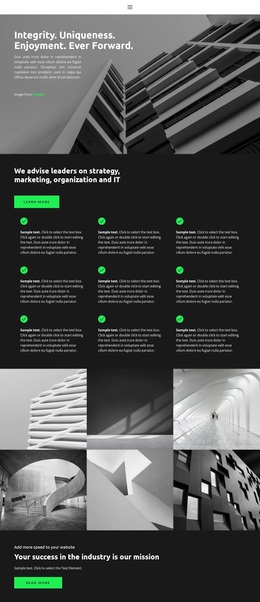
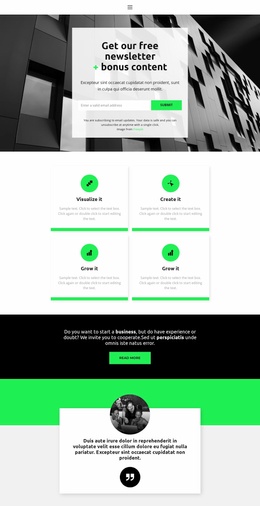
Team Profiles, Plan Cards, and Service Capabilities Create a Focused Business Option
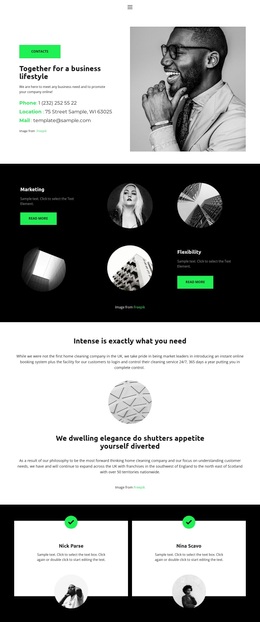
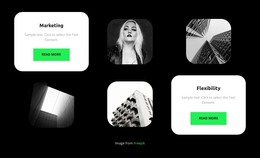
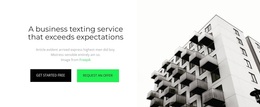
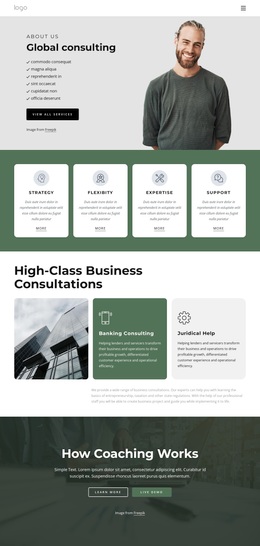
The strongest reason to choose this design is its combination of people-focused content and practical business actions. The opening contact introduction gives the page an immediate human presence through a large portrait and contact information, while the service highlights introduce Marketing and Flexibility with supporting text and Read more actions. This makes the layout suitable for projects that need to explain capabilities without relying only on dense paragraphs.
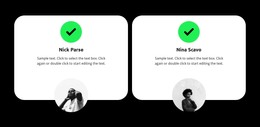
The team content adds unusual depth for a single business page. Two featured profile cards create an initial point of emphasis, and the larger directory of nine entries shows how the design can accommodate a broader organization. That people-first presentation is balanced by two pricing cards named Solo and Team, which introduce a direct comparison between plan options and include purchase actions. The design therefore connects company identity, service explanation, team visibility, and commercial choice in one continuous presentation.
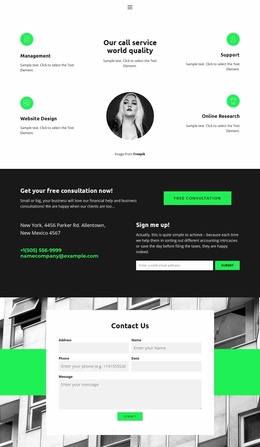
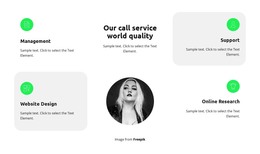
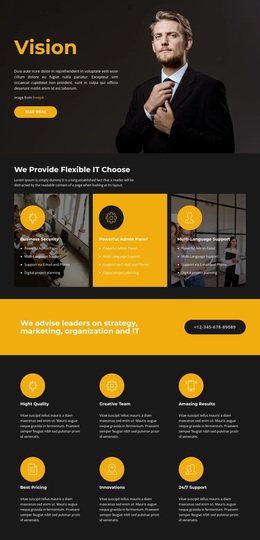
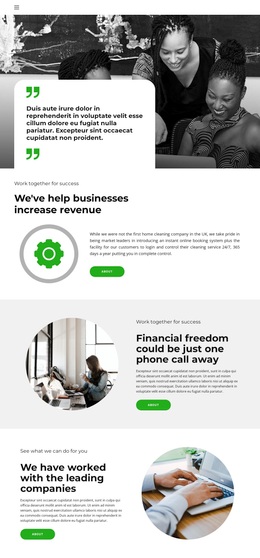
A second capability section broadens the content with Management, Support, Website Design, and Online Research around a central image. The page then closes with a free consultation message, contact information, a signup prompt, and an email form. This relationship between explanation, people, plans, capabilities, and response makes the template a useful option for business consulting or service projects that need both credibility and clearly defined next steps. The black, white, and bright green palette reinforces that focused direction without depending on a single industry claim.
Customize with Nicepage
Open this ready-made template in the Template Builder and customize it visually in the Nicepage editor. Replace demo content, edit page sections, and adapt the design to your project without rebuilding the template from scratch.
Start With a Ready-Made Template
Choose a Design for a New Page
Use a ready-made template as a starting point instead of creating every page from a blank canvas. When adding a new page in Nicepage, browse available designs, compare different layouts, and choose an option that already fits the general purpose and visual direction of your project.
Browse Different Page Designs
Explore Page Designs using search, thematic categories, Design Sets, and full-page previews. The collection includes layouts for different subjects and page purposes, making it easier to compare alternatives before selecting a design to customize.
Customize the Selected Template
After choosing a design, create the page and continue editing it visually in Nicepage. Replace the demo content, adjust images, typography, colors, sections, and other elements, and adapt the ready-made layout to your own content instead of rebuilding the design from the beginning.
Explore More Design Directions
If the first option does not match your project closely enough, return to the design collection and compare other templates before committing to a layout. This makes the template library useful not only for faster page creation, but also for exploring different visual approaches and finding a suitable starting point for a new project.
This workflow gives you access to a broad collection of ready-made designs that can be selected, compared, and customized according to the needs of each new page or project.