Branding and packaging design Template



Edit Template Offline
2. Create new page and search for id 1505584
Edit Template Online
Create Awesome Websites


Free Nicepage Builder
Keywords
A nine-image project gallery connects packaging expertise with agency services
The design leads with a specific visual subject rather than a generic agency introduction: Packaging Design is paired with a large product image, vertically centered copy, and a Learn more action. That opening makes the page immediately relevant to projects where packaging is part of the brand conversation. The three service cards then widen the scope through Strategy, Design, and Marketing, giving the design enough coverage for agencies that need to present related capabilities together.
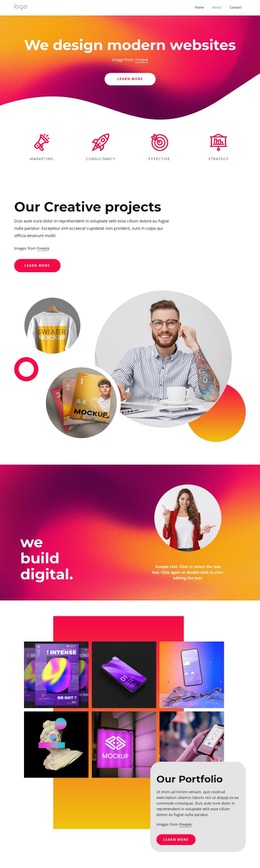
Its strongest differentiator is the relationship between explanation and visual proof. Image-led sections introduce meaningful projects, growth, and the question of why packaging is designed, while the Our Projects block follows with nine portfolio images. The gallery is not an isolated decorative feature; it confirms the visual emphasis established at the beginning and gives prospective clients a way to understand the agency through examples.
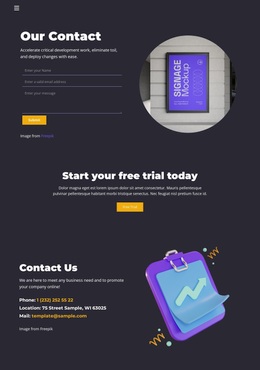
The page also includes a practical closing sequence: agency highlights with four displayed percentage figures, then a contact area containing a portrait, form, Submit button, and social follow links. Rounded cards and overlaid panels soften the editorial layout, while the warm beige, cream, muted blue, and charcoal palette keeps the service and portfolio content related. This makes the template a useful choice for a creative agency that needs to balance a distinctive packaging focus, broad service coverage, visual work samples, and a direct contact opportunity.
Customize with Nicepage
Open this ready-made template in the Template Builder and customize it visually in the Nicepage editor. Replace demo content, edit page sections, and adapt the design to your project without rebuilding the template from scratch.
Start With a Ready-Made Template
Choose a Design for a New Page
Use a ready-made template as a starting point instead of creating every page from a blank canvas. When adding a new page in Nicepage, browse available designs, compare different layouts, and choose an option that already fits the general purpose and visual direction of your project.
Browse Different Page Designs
Explore Page Designs using search, thematic categories, Design Sets, and full-page previews. The collection includes layouts for different subjects and page purposes, making it easier to compare alternatives before selecting a design to customize.
Customize the Selected Template
After choosing a design, create the page and continue editing it visually in Nicepage. Replace the demo content, adjust images, typography, colors, sections, and other elements, and adapt the ready-made layout to your own content instead of rebuilding the design from the beginning.
Explore More Design Directions
If the first option does not match your project closely enough, return to the design collection and compare other templates before committing to a layout. This makes the template library useful not only for faster page creation, but also for exploring different visual approaches and finding a suitable starting point for a new project.
This workflow gives you access to a broad collection of ready-made designs that can be selected, compared, and customized according to the needs of each new page or project.