Stay-at-home medicine Web Page Design


Edit Template Offline
2. Create new page and search for id 79580
Edit Template Online
Create Awesome Websites


Free Nicepage Builder
Keywords
The Four-Column Row Breaks the Alternating Image Rhythm
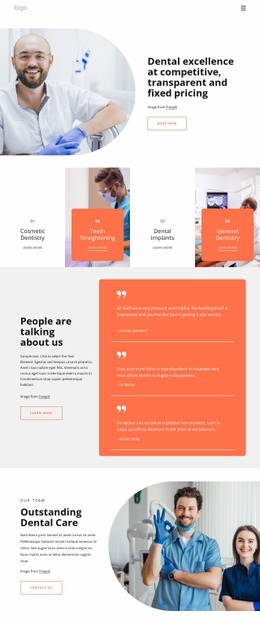
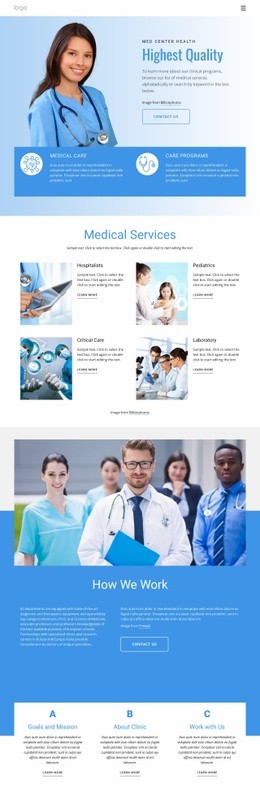
The page composition depends on changes in width, density, and alignment. A compact white header sets a quiet horizontal baseline, while the large Stay-at-home hero immediately increases scale through its image and prominent heading. The four feature highlights then compress the information into a single row of evenly spaced text columns with matching accent rules, creating a clear visual pause before the longer sections begin.
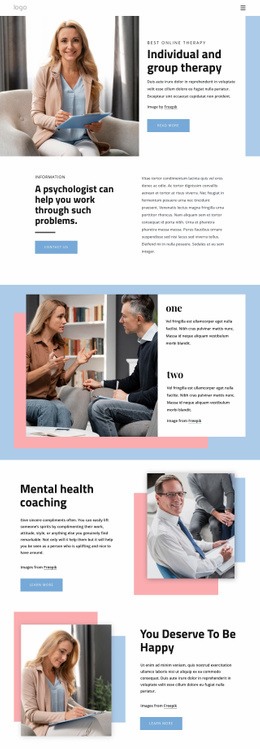
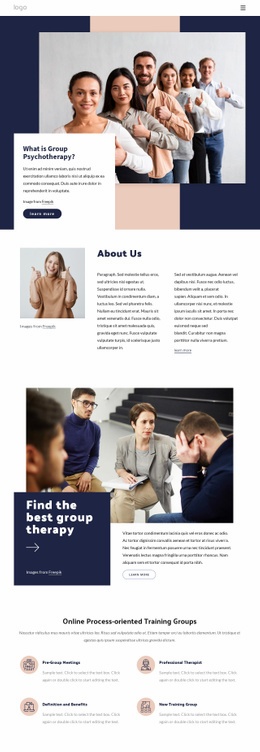
The middle sequence alternates between split arrangements and centered full-width panels. The Mental Health section places a medical image beside explanatory copy, while the Plan panel removes that split and centers its message on a bright cyan field. The online-course section returns to image and text, and the Relax panel repeats the centered cyan approach with a different numbered message. This alternation prevents the page from becoming a continuous stack of identical blocks.
The six-image gallery introduces a regular two-row grid, after which the three-column accommodation section narrows the content into parallel text areas. Finally, the contact block combines a heading, message, social links, and telephone information before the footer’s separate social row. These transitions create the page’s information hierarchy: large introduction, concise highlights, alternating explanation, visual browsing, descriptive detail, and contact. The Web Page Design interpretation rests on that spatial arrangement and sequence.
Customize with Nicepage
Open this ready-made template in the Web Page Design Builder and customize it visually in the Nicepage editor. Replace demo content, edit page sections, and adapt the design to your project without rebuilding the template from scratch.
Design a Web Page Section by Section
Choose a Design for Each Section
Build the page from individual content sections instead of starting with a fixed full-page layout. Use Block Designs to browse ready-made sections for different purposes, including introductions, services, galleries, testimonials, contact forms, pricing, and other common parts of a web page. Search or filter the available designs to find a layout that fits the content you want to add.
Combine Blocks and Page Elements
Add selected Blocks to the page and arrange them in the order that supports the page's purpose. A hero section can introduce the main message, followed by services, benefits, portfolio content, testimonials, calls to action, or contact information.
Inside each section, use Web Page Elements such as Text, Image, Hyperlink, Grid, Gallery, and other elements to build and present the page content. Individual elements can be added and adjusted within the Blocks, giving you more control over the composition of each section without having to create the complete layout from scratch.
Refine the Page Layout and Flow
After assembling the main sections, adjust their content, spacing, backgrounds, images, typography, and element placement in the Nicepage editor. Reorder Blocks when necessary and refine the transition from one section to the next so the information hierarchy and visual flow remain clear throughout the page.
This workflow makes the template useful as a web page design that can be composed from ready-made sections, customized with individual page elements, rearranged, and adapted to the content and purpose of an individual page.