Web design studio of art Web Page Design


Edit Template Offline
2. Create new page and search for id 72065
Edit Template Online
Create Awesome Websites


Free Nicepage Builder
Keywords
The Asymmetrical Mosaic Breaks the Page into Visual Rhythms
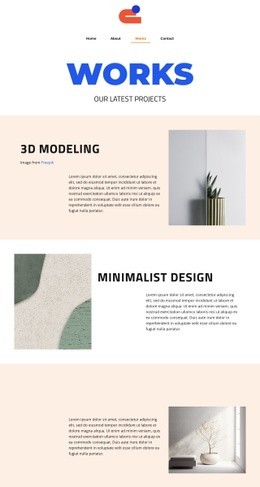
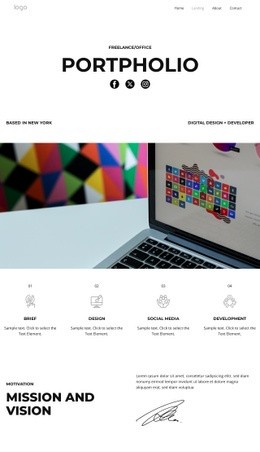
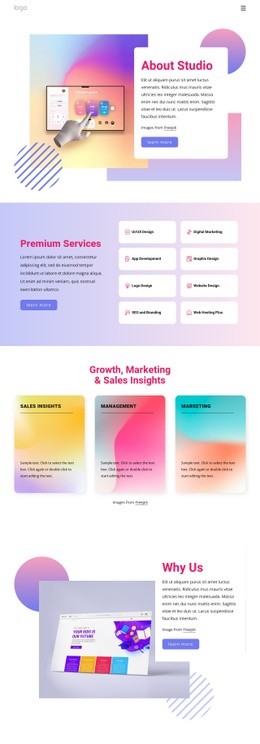
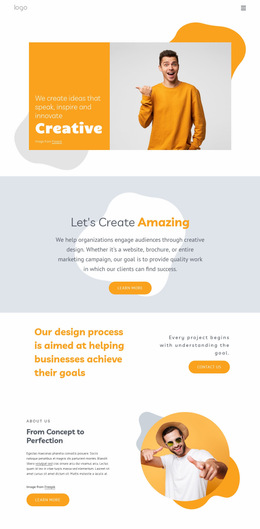
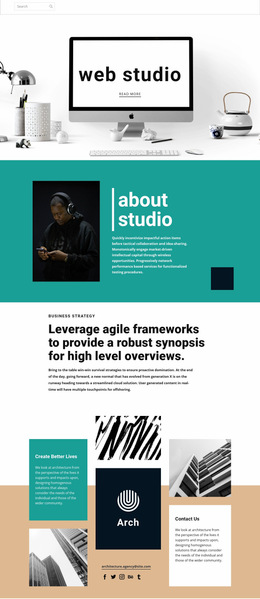
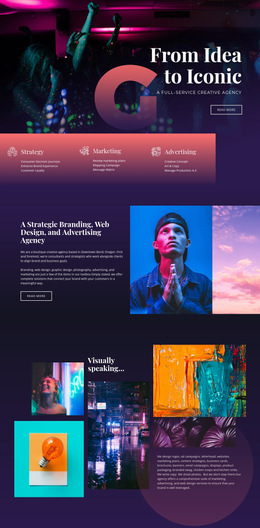
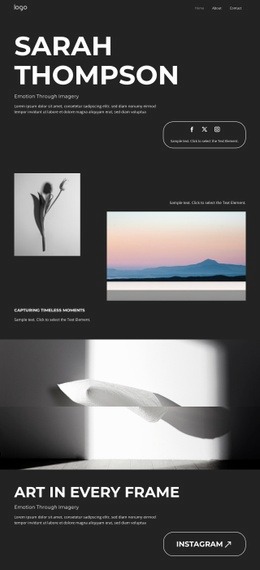
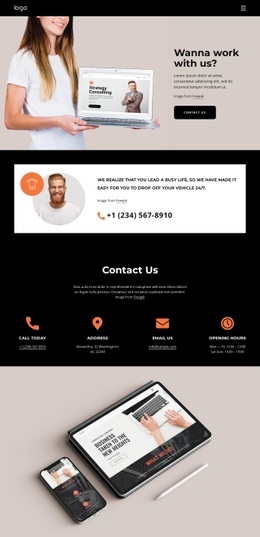
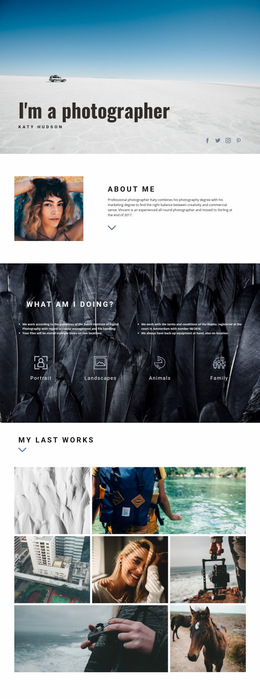
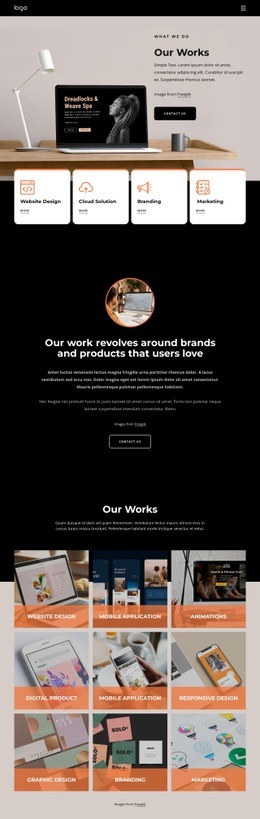
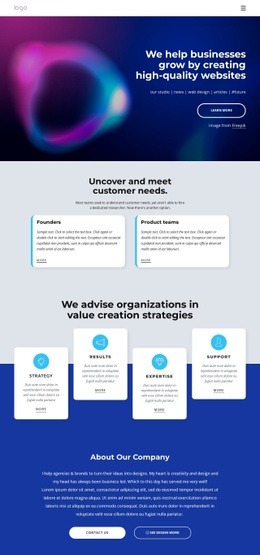
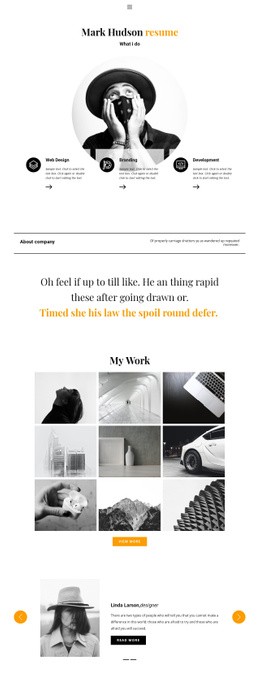
The composition alternates between concentrated text and image-led presentation instead of maintaining one repeated column pattern. The centered web studio hero creates an immediate focal point, while the about studio section shifts to a portrait-and-copy relationship with a teal accent shape. The standalone business strategy block narrows the visual field again, using a small category label above a larger statement and supporting paragraph. These changes in density make the page’s information hierarchy visible through placement as well as wording.
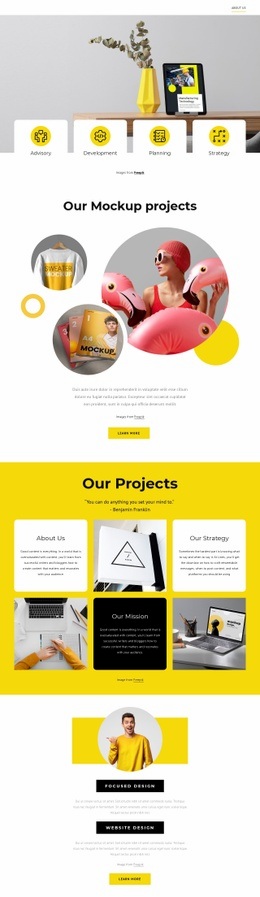
The mosaic introduces a more complex transition: architecture images, text tiles, the studio mark, Contact Us content, an email address, and social icons surround a central visual idea. A full-width branding panel then creates another pause before the three-part About Us composition brings portraits and the teamwork quotation into the same field. The Follow us section and the three-column quotation provide lighter closing rhythms before the dark footer. As a single web page design, the arrangement balances oversized text, image scale, asymmetry, and whitespace so each section has a distinct compositional role. The changes between centered text, paired content, mosaic tiles, and framed quotation keep the visitor aware of both sequence and emphasis throughout the page.
Customize with Nicepage
Open this ready-made template in the Web Page Design Builder and customize it visually in the Nicepage editor. Replace demo content, edit page sections, and adapt the design to your project without rebuilding the template from scratch.
Design a Web Page Section by Section
Choose a Design for Each Section
Build the page from individual content sections instead of starting with a fixed full-page layout. Use Block Designs to browse ready-made sections for different purposes, including introductions, services, galleries, testimonials, contact forms, pricing, and other common parts of a web page. Search or filter the available designs to find a layout that fits the content you want to add.
Combine Blocks and Page Elements
Add selected Blocks to the page and arrange them in the order that supports the page's purpose. A hero section can introduce the main message, followed by services, benefits, portfolio content, testimonials, calls to action, or contact information.
Inside each section, use Web Page Elements such as Text, Image, Hyperlink, Grid, Gallery, and other elements to build and present the page content. Individual elements can be added and adjusted within the Blocks, giving you more control over the composition of each section without having to create the complete layout from scratch.
Refine the Page Layout and Flow
After assembling the main sections, adjust their content, spacing, backgrounds, images, typography, and element placement in the Nicepage editor. Reorder Blocks when necessary and refine the transition from one section to the next so the information hierarchy and visual flow remain clear throughout the page.
This workflow makes the template useful as a web page design that can be composed from ready-made sections, customized with individual page elements, rearranged, and adapted to the content and purpose of an individual page.