Any type of design Web Page Design



Three Columns Set the Page Rhythm for Six Images
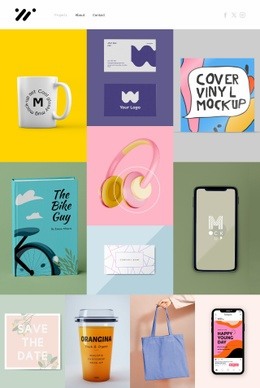
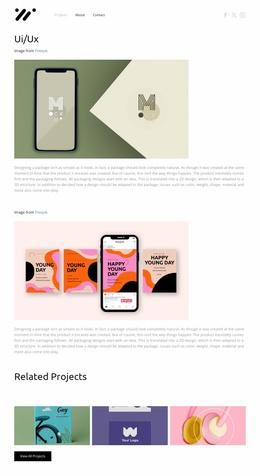
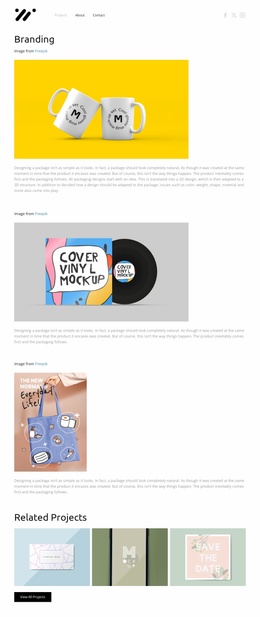
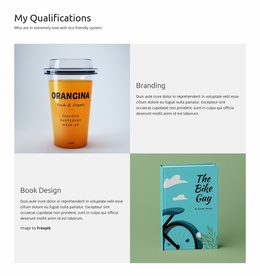
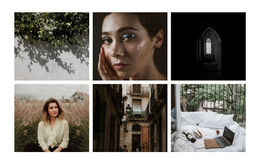
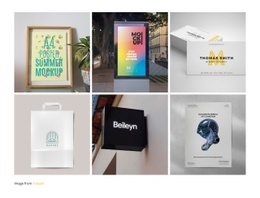
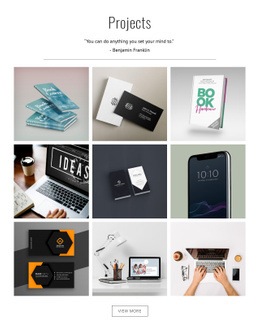
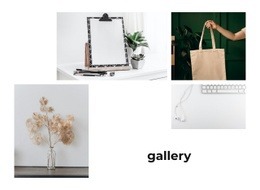
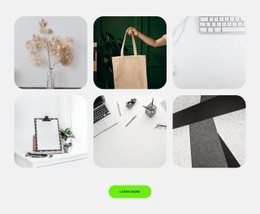
The gallery's page composition depends on a clear balance between repetition and restraint. Six square-format images occupy three columns over two rows, creating a compact rectangle that can function as a visually strong section without becoming an uninterrupted wall of imagery. The book cover, illustrated tote bag, smartphone screen, headphones, beverage container, and save-the-date artwork provide varied subjects, while the repeated tile shape keeps the overall composition orderly.
White gutters act as the separating structure between those subjects. They prevent the colorful images from merging into one oversized visual mass and give the eye a predictable route across the first row before moving to the second. Since there is no visible heading or text overlay, the gallery does not introduce a competing information column; its compositional role is to present visual material directly. A surrounding page can place explanatory copy above or beside the section when context is needed.
Lightbox behavior extends the composition from overview to detail. The grid first supports comparison and scanning, then an individual image can become the temporary focus without requiring another block. This makes the section useful as a mid-page showcase or transition between descriptive content and a later project or contact area. Its contribution to web page design is therefore spatial: a contained, image-led pause that adds visual density while retaining consistent alignment and spacing.
Customize with Nicepage
Open this ready-made template in the Web Page Design Builder and customize it visually in the Nicepage editor. Replace demo content, edit page sections, and adapt the design to your project without rebuilding the template from scratch.
Edit Template Offline
2. Create a new page or select existing
3. Click Add new block, search for id 6169236 and click enter
Edit Template Online
Create Awesome Websites


Free Nicepage Builder
Keywords
Design a Web Page Section by Section
Choose a Design for Each Section
Build the page from individual content sections instead of starting with a fixed full-page layout. Use Block Designs to browse ready-made sections for different purposes, including introductions, services, galleries, testimonials, contact forms, pricing, and other common parts of a web page. Search or filter the available designs to find a layout that fits the content you want to add.
Combine Blocks and Page Elements
Add selected Blocks to the page and arrange them in the order that supports the page's purpose. A hero section can introduce the main message, followed by services, benefits, portfolio content, testimonials, calls to action, or contact information.
Inside each section, use Web Page Elements such as Text, Image, Hyperlink, Grid, Gallery, and other elements to build and present the page content. Individual elements can be added and adjusted within the Blocks, giving you more control over the composition of each section without having to create the complete layout from scratch.
Refine the Page Layout and Flow
After assembling the main sections, adjust their content, spacing, backgrounds, images, typography, and element placement in the Nicepage editor. Reorder Blocks when necessary and refine the transition from one section to the next so the information hierarchy and visual flow remain clear throughout the page.
This workflow makes the template useful as a web page design that can be composed from ready-made sections, customized with individual page elements, rearranged, and adapted to the content and purpose of an individual page.