Book flights, vacation packages, tours Web Page Design


Edit Template Offline
2. Create new page and search for id 4029724
Edit Template Online
Create Awesome Websites


Free Nicepage Builder
Keywords
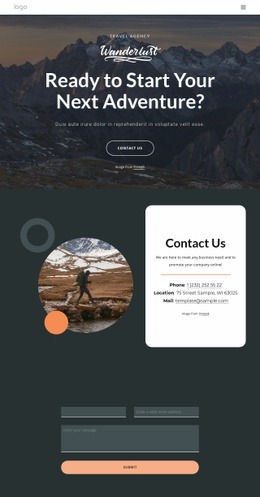
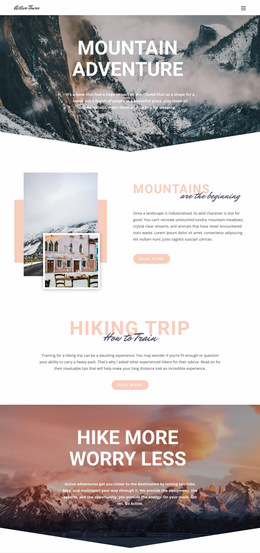
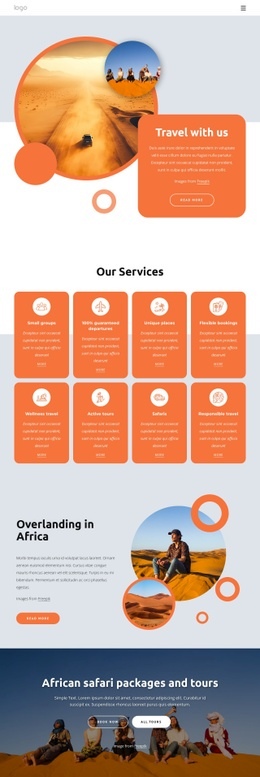
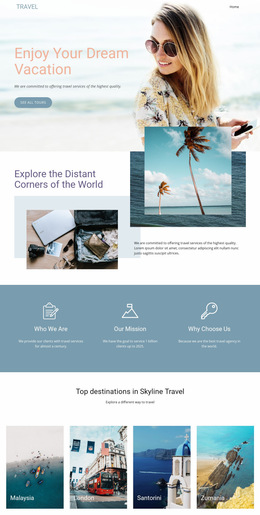
The Page Alternates Dense Choices With Open Image-Led Sections
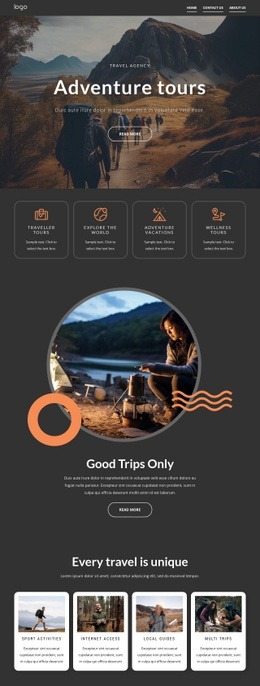
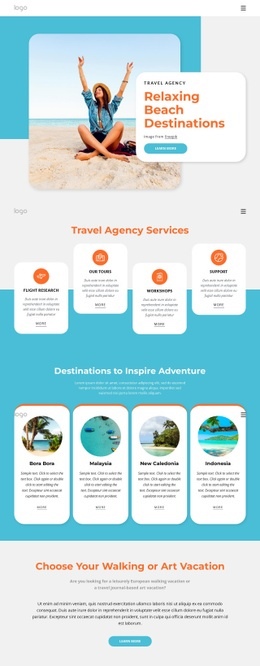
The composition gains rhythm by changing visual density from section to section. The opening Travel Agency block combines a blue field, a white card, overlapping circular images, and a prominent Contact Us action, creating a layered first impression rather than a flat text area. It then shifts to four evenly repeated feature cards, where alignment and repetition make the agency overview easy to scan.
The six-image summer carousel opens the page into a larger visual field. Its thumbnail controls add a second level of image navigation, while the centered heading and Learn more action keep the carousel connected to the surrounding content. After a compact image-and-contact callout, the Active Tours introduction uses overlapping photography and a central promotional card to create another change in spatial composition.
The six-card tour grid provides the clearest information structure on the page. Repeated image, label, price, and Book now relationships create visual consistency, while the later Beach Holiday gallery returns to image-first presentation. Three circular destination cards then reduce the content into smaller category choices before the rounded Contact Info panel gathers phone, email, social links, and form fields. This arrangement gives the single page a readable progression from introduction to exploration, selection, and inquiry.
Customize with Nicepage
Open this ready-made template in the Web Page Design Builder and customize it visually in the Nicepage editor. Replace demo content, edit page sections, and adapt the design to your project without rebuilding the template from scratch.
Design a Web Page Section by Section
Choose a Design for Each Section
Build the page from individual content sections instead of starting with a fixed full-page layout. Use Block Designs to browse ready-made sections for different purposes, including introductions, services, galleries, testimonials, contact forms, pricing, and other common parts of a web page. Search or filter the available designs to find a layout that fits the content you want to add.
Combine Blocks and Page Elements
Add selected Blocks to the page and arrange them in the order that supports the page's purpose. A hero section can introduce the main message, followed by services, benefits, portfolio content, testimonials, calls to action, or contact information.
Inside each section, use Web Page Elements such as Text, Image, Hyperlink, Grid, Gallery, and other elements to build and present the page content. Individual elements can be added and adjusted within the Blocks, giving you more control over the composition of each section without having to create the complete layout from scratch.
Refine the Page Layout and Flow
After assembling the main sections, adjust their content, spacing, backgrounds, images, typography, and element placement in the Nicepage editor. Reorder Blocks when necessary and refine the transition from one section to the next so the information hierarchy and visual flow remain clear throughout the page.
This workflow makes the template useful as a web page design that can be composed from ready-made sections, customized with individual page elements, rearranged, and adapted to the content and purpose of an individual page.