The Best Jeans Trends One Page Template


A Centered Denim Section for Continuous Page Flow
The heading “The Best Jeans Trends” gives this block a recognizable content identity, making it suitable as one destination within a continuous page. The supporting paragraph directly beneath the heading can introduce the subject briefly before visitors reach the two fashion photographs. This makes the section read as a focused editorial or trend-introduction area rather than an undifferentiated part of the page.
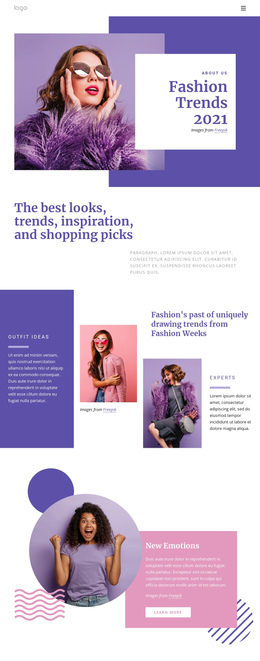
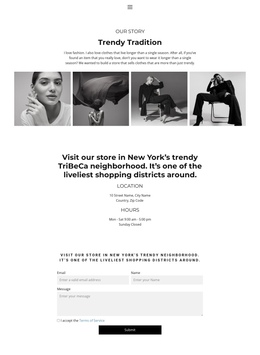
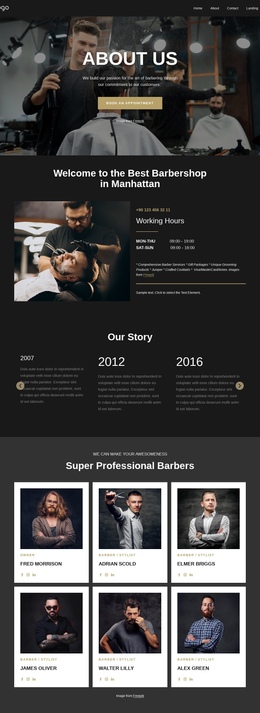
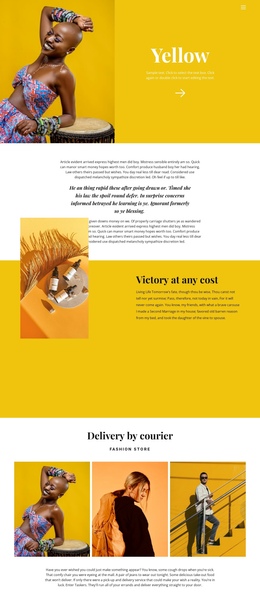
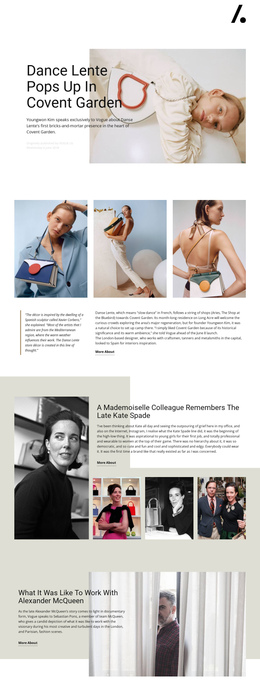
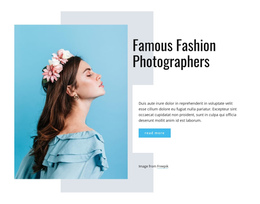
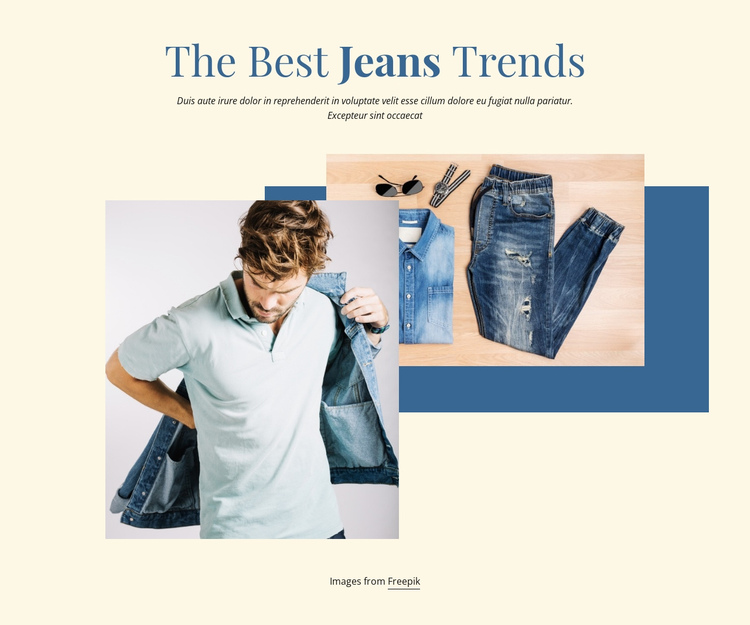
The image group adds a second layer of meaning. Two rectangular photographs overlap one another, showing jeans and a person wearing or handling denim clothing. Behind them, a blue geometric backing shape creates a visual boundary, while the warm cream background leaves generous space around the composition. Blue typography and the accent shape connect the text and images without requiring a separate interactive control.
In a one-page experience, the block can function as a recognizable fashion-trends destination placed after an introduction or before more detailed content. Neighboring sections could provide additional trend information, product references, editorial text, or contact content, while this section supplies the initial visual and topical framing. Its static structure keeps the page journey straightforward: visitors encounter the centered topic, read the short explanation, and then interpret the denim imagery before continuing to the next section.
Customize with Nicepage
Open this ready-made template in the One Page Template Builder and customize it visually in the Nicepage editor. Replace demo content, edit page sections, and adapt the design to your project without rebuilding the template from scratch.
Edit Template Offline
2. Create a new page or select existing
3. Click Add new block, search for id 97837 and click enter
Edit Template Online
Create Awesome Websites


Free Nicepage Builder
Keywords
Build a Navigable One-Page Website
Connect the Menu to Page Sections
Organize the website as a sequence of sections on a single page and use the Menu For One-Page Site to connect menu items with individual page Blocks. Visitors can jump directly to sections such as About, Services, Testimonials, or Contact without opening separate pages.
Keep the Website on One URL
A one-page template can combine several parts of a small website within one continuous page. Arrange the Header, introduction, services, portfolio, company information, reviews, contact details, and other relevant sections in the order that fits the project while keeping them accessible through the same page navigation.
Make Long Pages Easier to Navigate
For longer one-page websites, keep navigation labels short and connected to meaningful sections so visitors can move through the page without relying only on scrolling. You can also use the Back To Top element to provide a quick way back to the beginning after longer sections.
This workflow makes the template suitable for compact websites that need several distinct content sections while keeping the complete visitor experience on one URL.