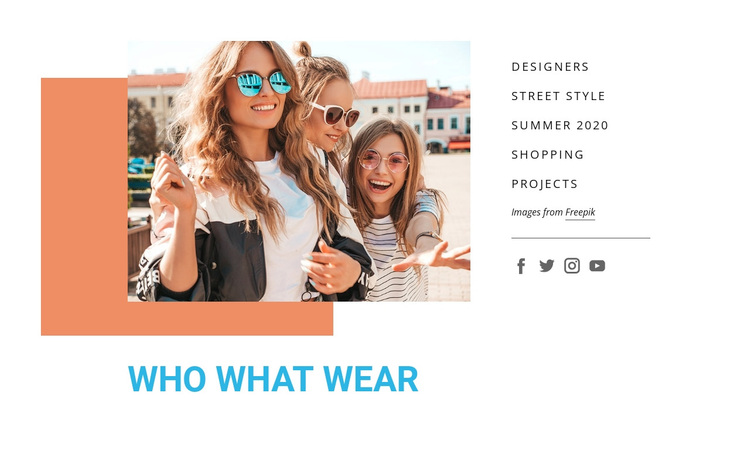
Wie wat draagt Sjabloon


Personaliseer met Nicepage
Wanneer u Sjabloonbouwer gebruikt, kunt u kleuren, lettertypen, koptekst en tekst, lay-out, kolommen en andere ontwerpelementen, evenals inhoud en afbeeldingen aanpassen.
Bewerk sjabloon offline
2. Maak een nieuwe pagina of selecteer een bestaande
3. Klik op Nieuw blok toevoegen, zoek naar id 68903 en klik op Enter
Sjabloon online bewerken
Maak geweldige websites


Gratis Nicepage Builder
Sleutelwoorden
Begin met een kant-en-klaar sjabloon
Kies een ontwerp voor een nieuwe pagina
Gebruik een kant-en-klaar sjabloon als uitgangspunt in plaats van elke pagina helemaal opnieuw te maken. Wanneer u een nieuwe pagina toevoegt in Nicepage, kunt u de beschikbare ontwerpen bekijken, verschillende lay-outs vergelijken en een optie kiezen die al aansluit bij het algemene doel en de visuele richting van uw project.
Blader door verschillende paginaontwerpen
Verken Paginaontwerpen met behulp van de zoekfunctie, thematische categorieën, ontwerpsets en volledige paginavoorbeelden. De collectie bevat lay-outs voor verschillende onderwerpen en paginadoelen, waardoor het gemakkelijker is om alternatieven te vergelijken voordat u een ontwerp selecteert om aan te passen.
Pas het geselecteerde sjabloon aan
Nadat u een ontwerp hebt gekozen, maakt u de pagina aan en bewerkt u deze verder in Nicepage. Vervang de demo-inhoud, pas afbeeldingen, typografie, kleuren, secties en andere elementen aan en pas de kant-en-klare lay-out aan uw eigen inhoud aan in plaats van het ontwerp helemaal opnieuw op te bouwen.
Ontdek meer ontwerpmogelijkheden
Als de eerste optie niet goed genoeg aansluit bij uw project, ga dan terug naar de ontwerpcollectie en vergelijk andere sjablonen voordat u een lay-out kiest. Dit maakt de sjablonenbibliotheek niet alleen handig voor het sneller maken van pagina's, maar ook voor het verkennen van verschillende visuele benaderingen en het vinden van een geschikt uitgangspunt voor een nieuw project.
Deze workflow geeft u toegang tot een uitgebreide collectie kant-en-klare ontwerpen die u kunt selecteren, vergelijken en aanpassen aan de behoeften van elke nieuwe pagina of elk nieuw project.


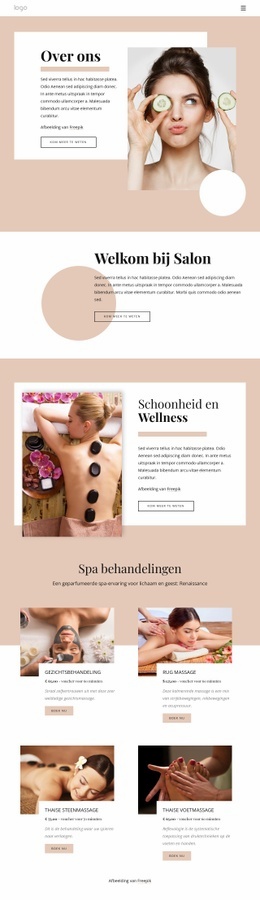
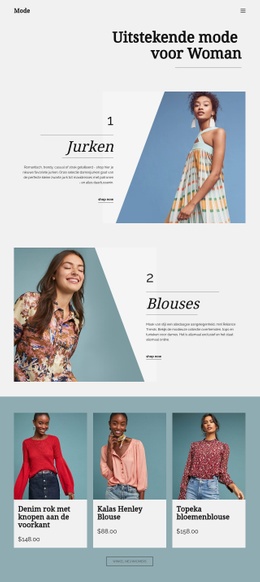
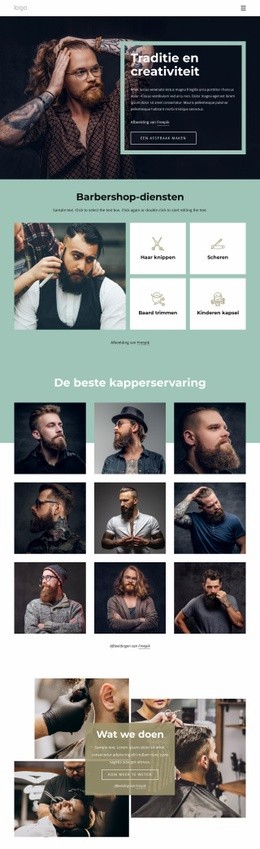
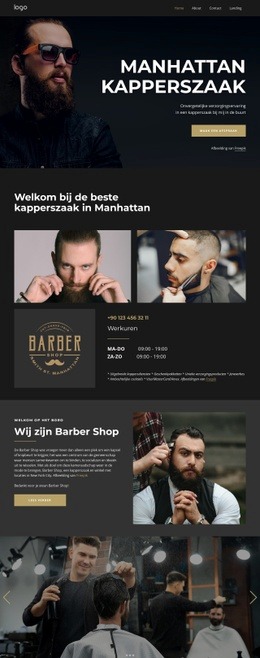
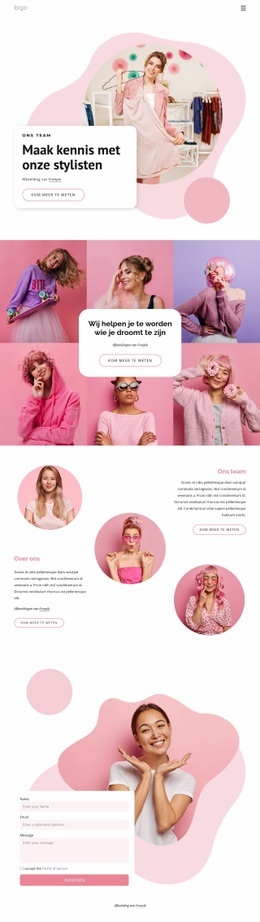

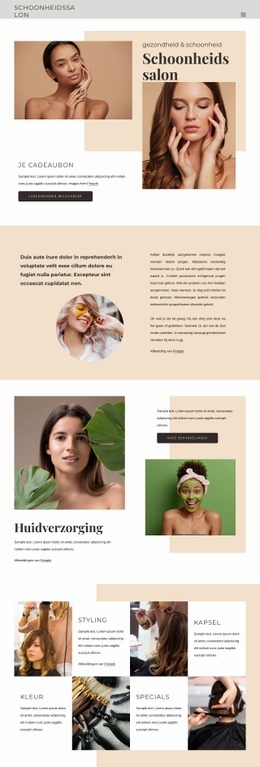
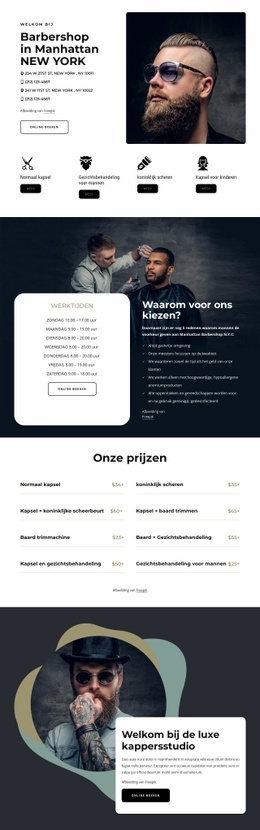
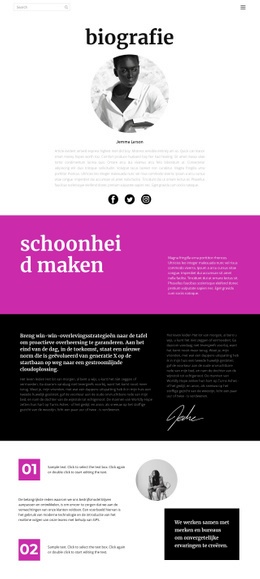
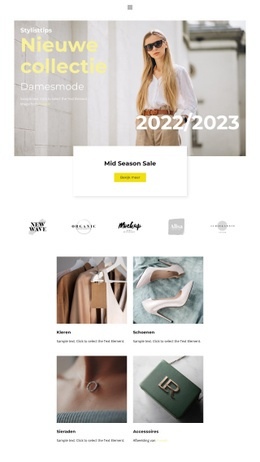
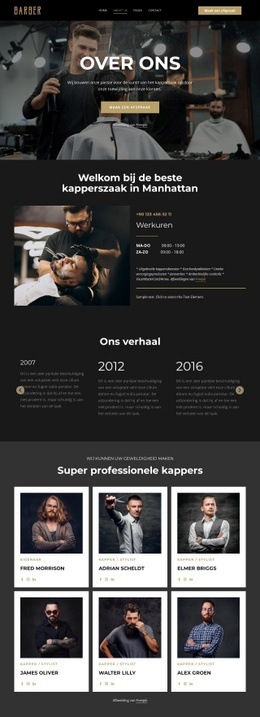
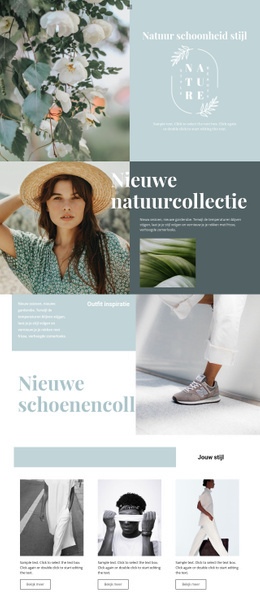
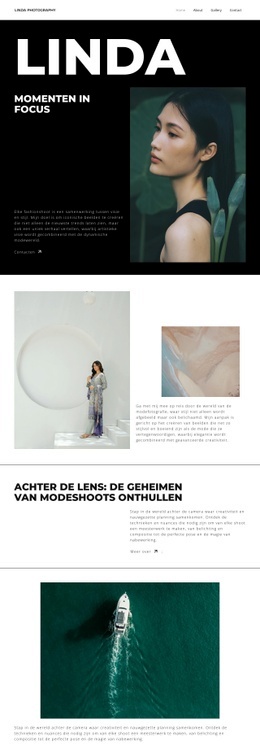
Meer van Mode schoonheid Blocks
-
EN
-

-
EN
-
EN
-
-
-
EN
-
EN
-
-
EN
-
-
EN
-
EN
-
EN
-
EN
-
EN
-
EN
-
EN
-
EN
-
EN






Meer van vormen Blocks
-
EN
-
-
-
-
-
EN
-
EN
-
EN
-
-
EN
-
-
EN
-
-
EN
-
-
-
-
EN
-
-
EN