Weekly Class Timetable HTML Template


Edit Template Offline
2. Create new page and search for id 6678178
Edit Template Online
Create Awesome Websites


Free Nicepage Builder
Keywords
A Weekly Schedule Connects the Finished Static Page
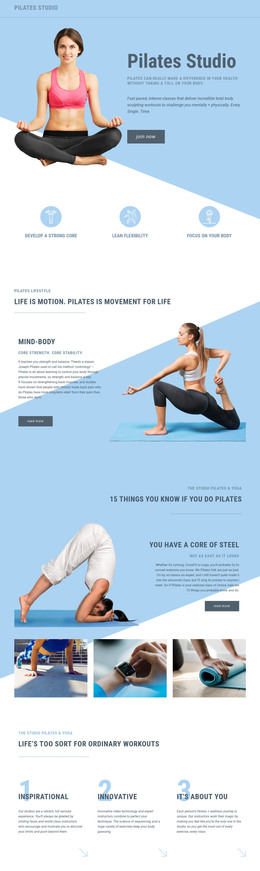
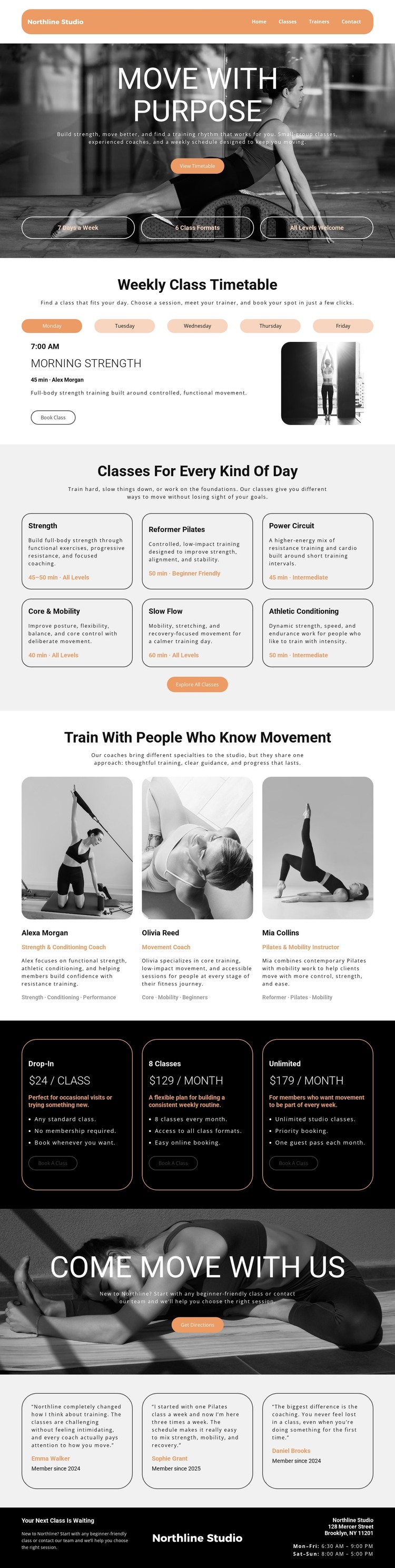
The design already contains the major content relationships expected from a standalone fitness studio page. Navigation leads into the “Move With Purpose” hero, where the “View Timetable” action establishes the visitor’s first route. The weekly schedule then gives the page a practical center, combining weekday choices with a named class, trainer information, description, image, and “Book Class” button rather than presenting only promotional text.
Further down, six class-category cards broaden the offer from one timetable entry to a range of formats: Strength, Reformer Pilates, Power Circuit, Core & Mobility, Slow Flow, and Athletic Conditioning. Three trainer profiles add human context, and three pricing cards translate the available activities into Drop-In, 8 Classes, and Unlimited options. These sections make the page useful as a complete static presentation because visitors can move from schedule to class range, expertise, cost, and social proof within one coherent document.
The later “Come Move With Us” image section and three testimonial cards maintain the invitation to participate before the dark footer supplies the Northline Studio identity, Brooklyn address, and weekday and weekend hours. The result is more than a visual opening: it is a finished content arrangement with navigation, information, action points, proof, and contact context. That completeness makes the design suitable for a self-contained HTML implementation without requiring its core sections to be invented first.
Customize with Nicepage
Open this ready-made template in the HTML Builder and customize it visually in the Nicepage editor. Replace demo content, edit page sections, and adapt the design to your project without rebuilding the template from scratch.
Export and Use This Template as an HTML Website
Create a Portable HTML Website
When the template is ready, use the HTML Export option to create a static website with the files required for deployment. The exported website can be used independently of the Nicepage editor and deployed on your preferred hosting.
Nicepage also provides SEO settings and optimization features, including Page Titles and Descriptions, Canonical settings, headings, image Alt Text, and other page-level properties that help prepare the website for search engines.
Deploy Without a CMS
Upload the finished website to the hosting environment that fits your project. Because the exported site does not require WordPress, Joomla, or another CMS to deliver its pages, it can be placed on your own server, uploaded to a hosting provider, or deployed through an existing web infrastructure.
Hand Off the Website Files
The generated website files can also be provided to a client, developer, or hosting team. They remain available outside the Nicepage editor for deployment, technical review, or project-specific development when additional work is required.
This workflow makes the template a practical foundation for a portable static website that can be exported from the Nicepage editor and deployed independently.