Running сlub HTML Template


Edit Template Offline
2. Create new page and search for id 5777293
Edit Template Online
Create Awesome Websites


Free Nicepage Builder
Keywords
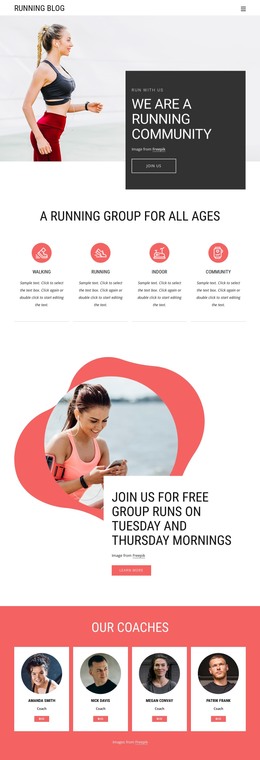
A Running Activity Page With Its Main Content Already Connected
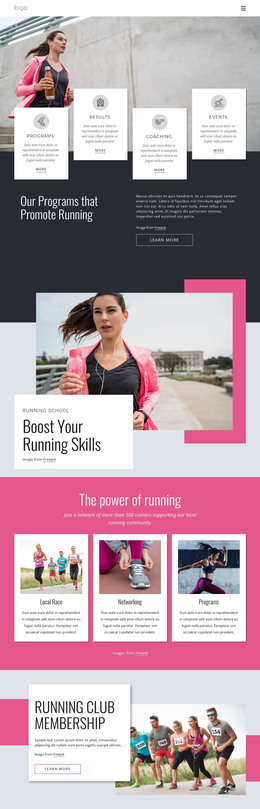
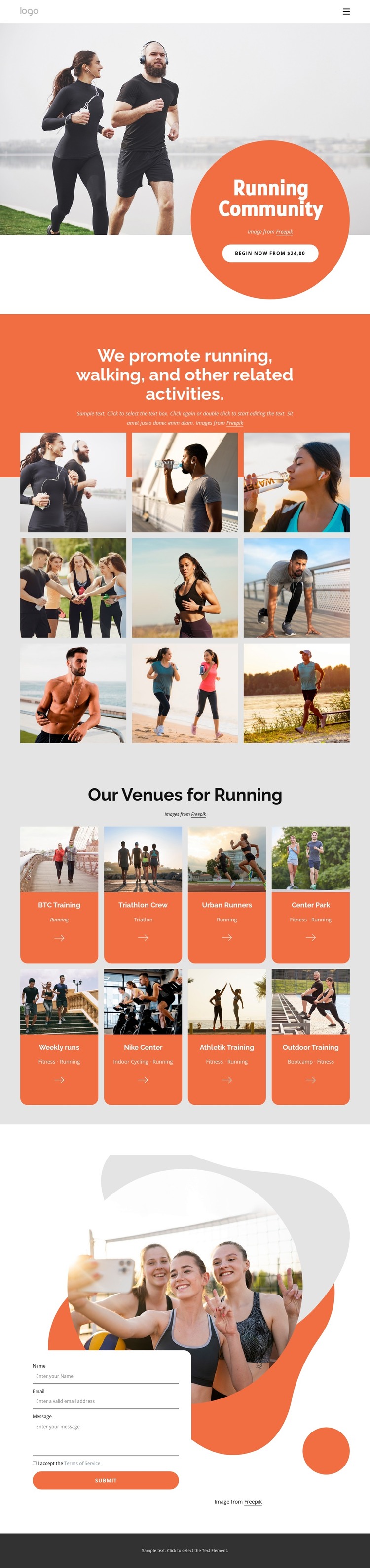
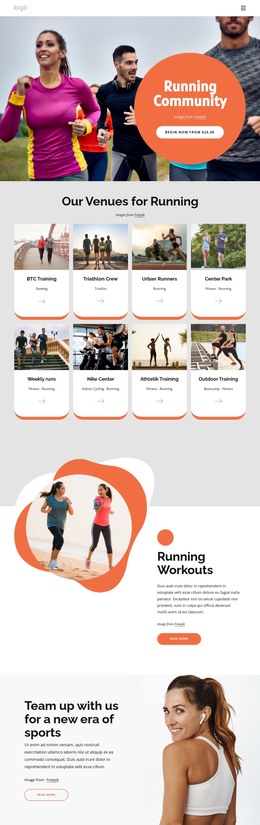
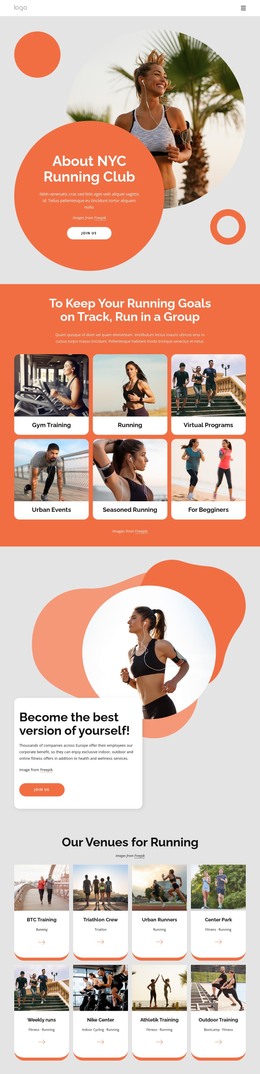
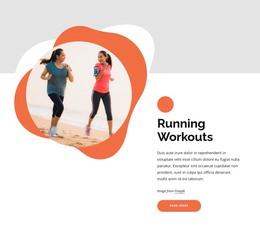
The opening navigation, community message, activity gallery, venue directory, contact area, and footer form a coherent standalone page rather than an isolated visual fragment. The hero introduces the running theme with a large photograph and the “Begin now” action, giving the page an immediate entry point. The following text and nine-image gallery broaden that introduction by showing running, walking, and related activities through both explanation and visual material.
The eight repeated venue cards add a practical directory-like layer. Each card pairs an image with a venue or activity label, including examples such as BTC Training, Triathlon Crew, Urban Runners, and Outdoor Training. This makes the middle of the page useful for presenting several related options without requiring a separate content arrangement for every activity. The repeated card structure also keeps the page understandable as one finished HTML implementation.
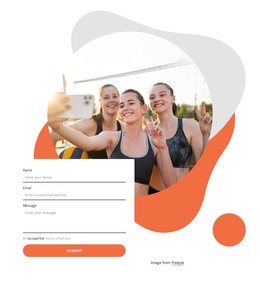
The contact form near the bottom provides a natural closing area for visitors who want to ask about the activities or venues. It is positioned after the page has established the community, shown the gallery, and presented the available activity cards. Together with the footer, these sections give the design the essential content coverage of a self-contained static page. Its value as an HTML template lies in this connected arrangement: introduction, visual proof, activity choices, inquiry, and closing site information are already present in one usable page concept.
Customize with Nicepage
Open this ready-made template in the HTML Builder and customize it visually in the Nicepage editor. Replace demo content, edit page sections, and adapt the design to your project without rebuilding the template from scratch.
Export and Use This Template as an HTML Website
Create a Portable HTML Website
When the template is ready, use the HTML Export option to create a static website with the files required for deployment. The exported website can be used independently of the Nicepage editor and deployed on your preferred hosting.
Nicepage also provides SEO settings and optimization features, including Page Titles and Descriptions, Canonical settings, headings, image Alt Text, and other page-level properties that help prepare the website for search engines.
Deploy Without a CMS
Upload the finished website to the hosting environment that fits your project. Because the exported site does not require WordPress, Joomla, or another CMS to deliver its pages, it can be placed on your own server, uploaded to a hosting provider, or deployed through an existing web infrastructure.
Hand Off the Website Files
The generated website files can also be provided to a client, developer, or hosting team. They remain available outside the Nicepage editor for deployment, technical review, or project-specific development when additional work is required.
This workflow makes the template a practical foundation for a portable static website that can be exported from the Nicepage editor and deployed independently.

Design Set (19)
-

-
-
-
-
-
-
Free Website Builder SoftwareDownload
-
-
-
-
-
-
-
-
-










More from Sports HTML Templates
-
Free Website Builder SoftwareDownload