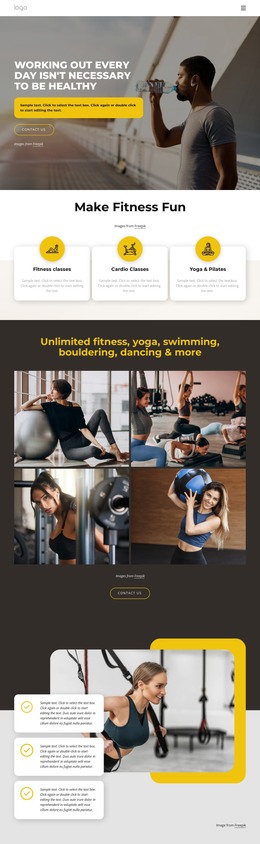
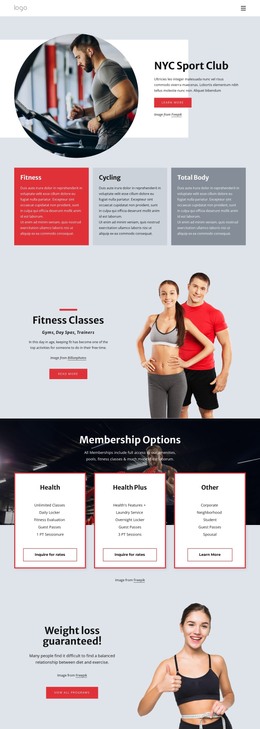
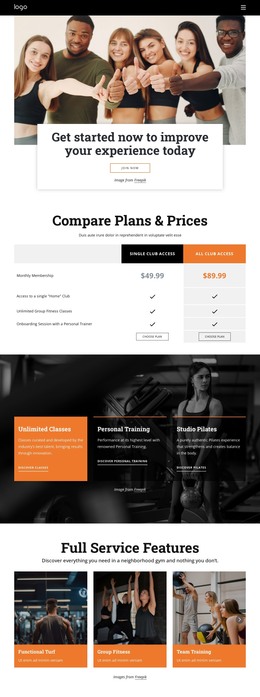
Meet our trainers HTML Template


Edit Template Offline
2. Create new page and search for id 4919015
Edit Template Online
Create Awesome Websites


Free Nicepage Builder
Keywords
Eight Trainer Profiles Lead Into a Complete Contact Page
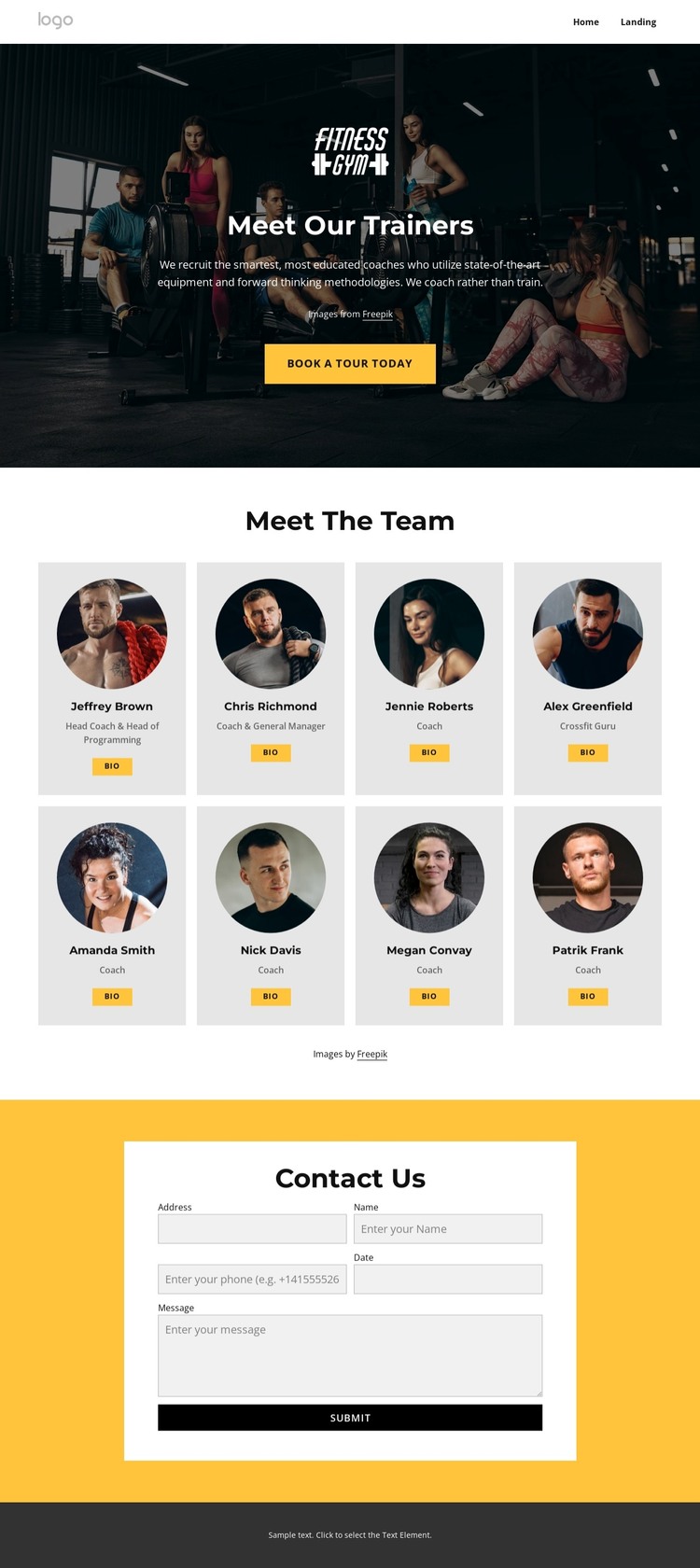
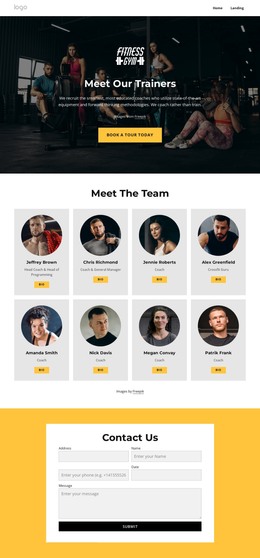
The dark photographic hero gives the page an immediate fitness context while introducing the trainer team and presenting the Book A Tour Today action. That opening is followed by a clearly defined Meet The Team section, where eight repeated profile cards create a finished directory rather than leaving the page dependent on one featured coach. Circular images, role labels, and Bio buttons give each card the same basic presentation, so the team can be understood as a coordinated group with different responsibilities.
The page also includes the content needed to continue beyond the directory. Role labels such as Head Coach, General Manager, Coach, and Crossfit Guru provide structural distinctions between profiles without requiring long descriptions in the main view. At the end, the yellow contact area changes the visual emphasis and frames a centered white contact panel. Name, email, phone, date, and message inputs support a concrete inquiry path, while the Submit button provides a defined closing action. A dark footer completes the page with a compact final area.
As a standalone HTML implementation, this arrangement already covers introduction, team information, contact capture, and page closure. It can therefore function as a ready-made static team page while its sample names, images, copy, and form details are replaced with project-specific content.
Customize with Nicepage
Open this ready-made template in the HTML Builder and customize it visually in the Nicepage editor. Replace demo content, edit page sections, and adapt the design to your project without rebuilding the template from scratch.
Export and Use This Template as an HTML Website
Create a Portable HTML Website
When the template is ready, use the HTML Export option to create a static website with the files required for deployment. The exported website can be used independently of the Nicepage editor and deployed on your preferred hosting.
Nicepage also provides SEO settings and optimization features, including Page Titles and Descriptions, Canonical settings, headings, image Alt Text, and other page-level properties that help prepare the website for search engines.
Deploy Without a CMS
Upload the finished website to the hosting environment that fits your project. Because the exported site does not require WordPress, Joomla, or another CMS to deliver its pages, it can be placed on your own server, uploaded to a hosting provider, or deployed through an existing web infrastructure.
Hand Off the Website Files
The generated website files can also be provided to a client, developer, or hosting team. They remain available outside the Nicepage editor for deployment, technical review, or project-specific development when additional work is required.
This workflow makes the template a practical foundation for a portable static website that can be exported from the Nicepage editor and deployed independently.

Design Set (23)
-

-
-
-
-
Free Website Builder SoftwareDownload
-
-
-
-
-
-
-
-
-
-
-
-
-








More from Sports HTML Templates
-
Free Website Builder SoftwareDownload