Our business partners HTML Template


A Four-Logo Row Ready for Static Page Placement
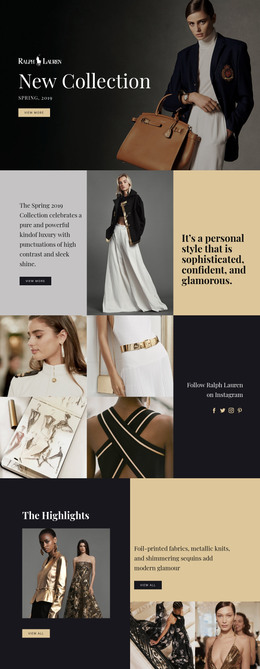
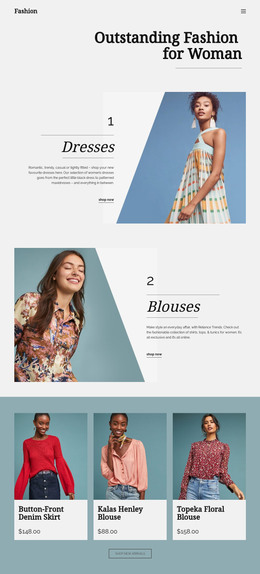
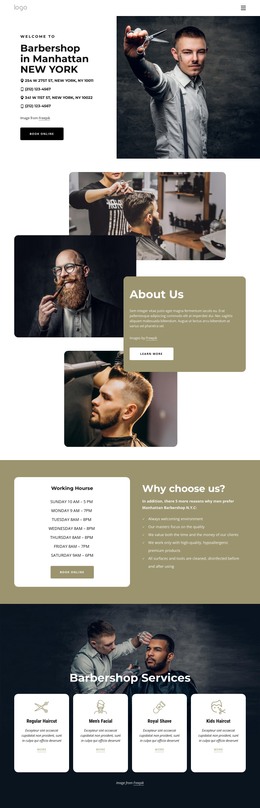
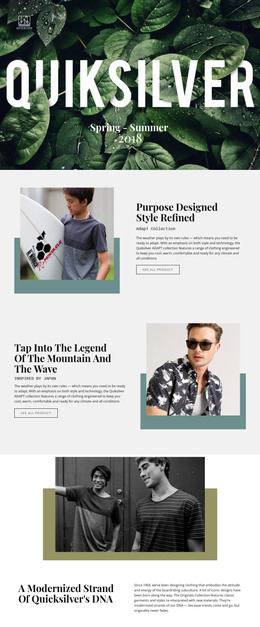
The section arrives with a complete visual message for one narrow purpose: presenting four partner or featured-brand identities together. ELLE begins the row, Herald Sun follows, ORIBE contributes both an emblem and wordmark treatment, and L'Oréal Paris completes the sequence. Their images are arranged horizontally with even spacing and vertical centering, so the group reads as a coordinated recognition band rather than as four unrelated pictures. The black background gives the gold artwork a consistent visual frame without requiring additional copy.
Inside a static HTML page, this block can sit between other content areas as a ready-made brand section. It supplies its own logo arrangement, while the containing page can provide introductions, service information, calls to action, or other sections around it. The static interaction keeps the behavior straightforward: visitors see the four marks in one stable presentation rather than moving through a slider or opening a gallery. That makes the section suitable when a page needs concise partner visibility without adding a dense text explanation. Its finished value comes from the relationship between the ordered images, open spacing, centered alignment, and dark background—not from claiming that it represents a complete HTML page or website.
Customize with Nicepage
Open this ready-made template in the HTML Builder and customize it visually in the Nicepage editor. Replace demo content, edit page sections, and adapt the design to your project without rebuilding the template from scratch.
Edit Template Offline
2. Create a new page or select existing
3. Click Add new block, search for id 40799 and click enter
Edit Template Online
Create Awesome Websites


Free Nicepage Builder
Keywords
Use This Block in a Static HTML Page
Start With a Ready-Made Section
A block provides one prepared content area that can be combined with other sections to build a static HTML page. Customize its text, images, spacing, colors, and other elements in the Nicepage editor while keeping the block focused on its own purpose, such as services, testimonials, pricing, contact information, or visual presentation.
Export the Containing HTML Project
When the page or website that contains the block is ready, use HTML Export to create the files required for a static HTML project. The export applies to the containing page/site rather than turning one individual block into a complete website by itself.
Reuse the Section Within the Project
The same block design can be adapted as one content section within a larger static site. Other Blocks can provide navigation, introductions, portfolios, forms, footers, and additional page content while this section keeps its own verified content and layout role.
This workflow makes the block useful as a ready-made section inside a static HTML implementation, with export and deployment handled at the page or website level.