Summer Trends HTML Template


Edit Template Offline
2. Create new page and search for id 38862
Edit Template Online
Create Awesome Websites


Free Nicepage Builder
Keywords
Fashion-week stories form a complete static editorial page
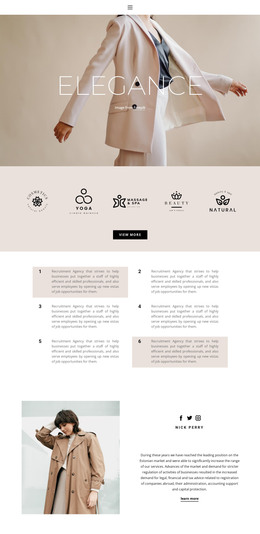
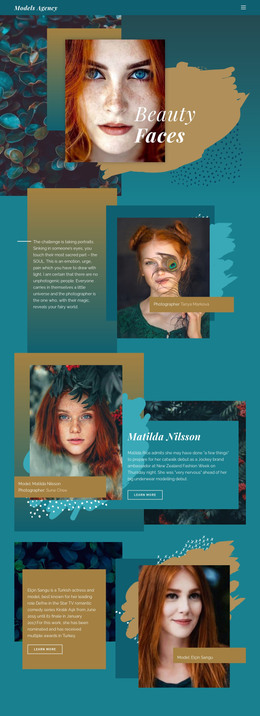
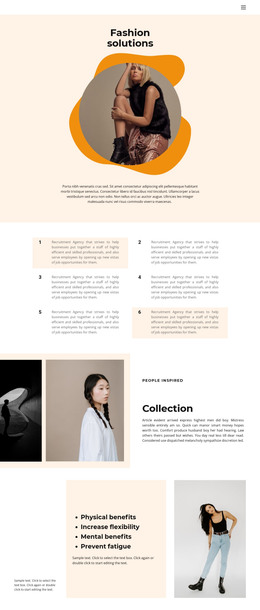
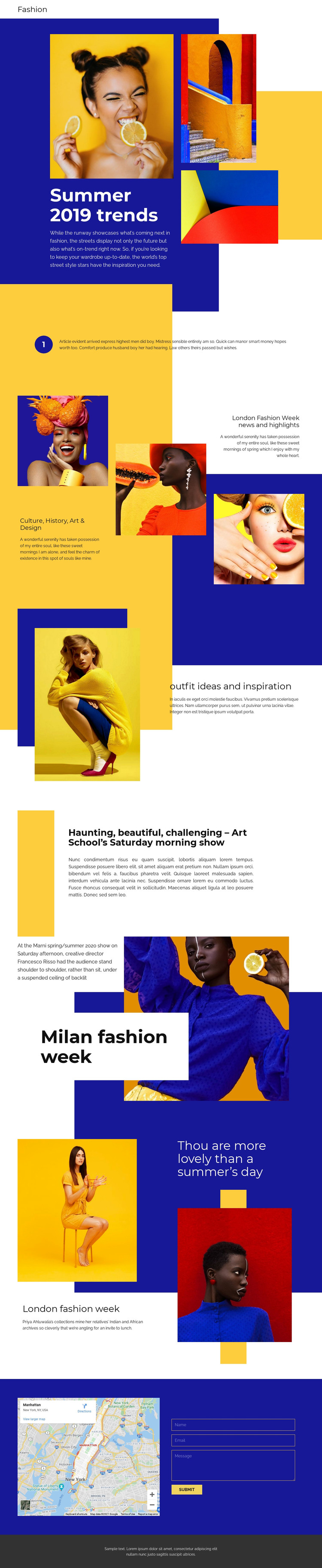
The opening collage, seasonal headline, and supporting fashion images give this HTML template an immediate editorial starting point. Instead of presenting a single promotional message, the page develops several related content areas: culture, history, art, and design; outfit ideas and inspiration; and fashion-week coverage connected with London and Milan. Each topic is presented through a combination of photography, headings, color blocks, and short or extended editorial text, so the finished arrangement already has the substance of a standalone fashion page.
The sections also create a clear progression from broad seasonal trends to more specific editorial features. A long article about Art School’s Saturday morning show adds depth, while references to Marni, Francesco Risso, and Priya Ahluwalia reinforce the page’s fashion-media character without requiring the sample copy to be treated as verified reporting. The map and contact form provide a practical closing area with name, email, message, and submission controls, and the dark footer completes the page visually.
As a static HTML implementation, this design is useful when the project needs one coherent editorial presentation rather than a collection of disconnected content blocks. Its strong image treatment, asymmetrical compositions, and varied section formats can be retained while the placeholder writing, photographs, and contact details are replaced with project-specific material.
Customize with Nicepage
Open this ready-made template in the HTML Builder and customize it visually in the Nicepage editor. Replace demo content, edit page sections, and adapt the design to your project without rebuilding the template from scratch.
Export and Use This Template as an HTML Website
Create a Portable HTML Website
When the template is ready, use the HTML Export option to create a static website with the files required for deployment. The exported website can be used independently of the Nicepage editor and deployed on your preferred hosting.
Nicepage also provides SEO settings and optimization features, including Page Titles and Descriptions, Canonical settings, headings, image Alt Text, and other page-level properties that help prepare the website for search engines.
Deploy Without a CMS
Upload the finished website to the hosting environment that fits your project. Because the exported site does not require WordPress, Joomla, or another CMS to deliver its pages, it can be placed on your own server, uploaded to a hosting provider, or deployed through an existing web infrastructure.
Hand Off the Website Files
The generated website files can also be provided to a client, developer, or hosting team. They remain available outside the Nicepage editor for deployment, technical review, or project-specific development when additional work is required.
This workflow makes the template a practical foundation for a portable static website that can be exported from the Nicepage editor and deployed independently.

More from Fashion & Beauty HTML Templates
-
Free Website Builder SoftwareDownload