Ideas for autumn looks HTML Template


Edit Template Offline
2. Create new page and search for id 20409
Edit Template Online
Create Awesome Websites


Free Nicepage Builder
Keywords
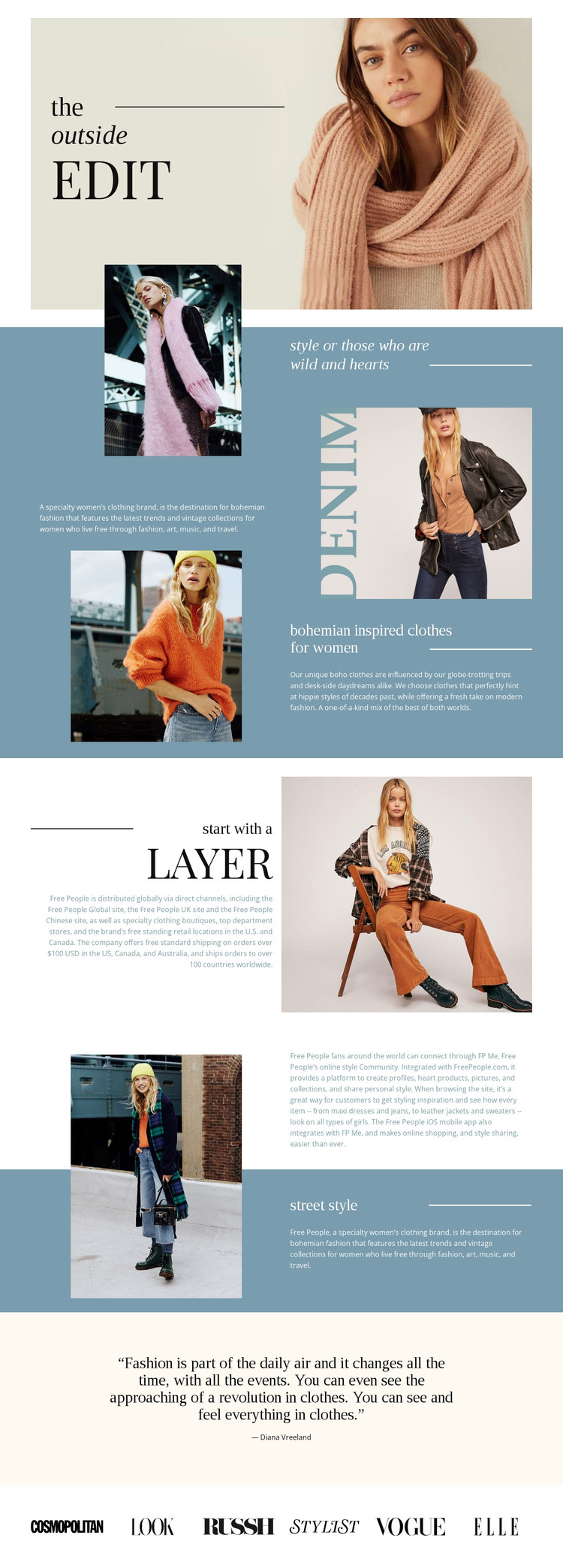
The Outside Edit Builds a Complete Static Fashion Presentation
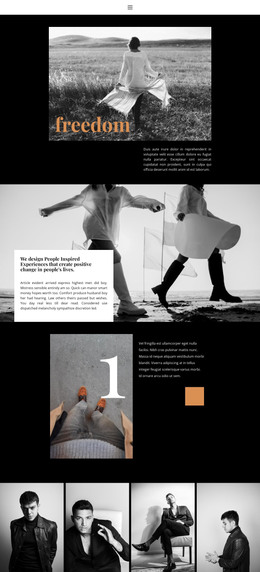
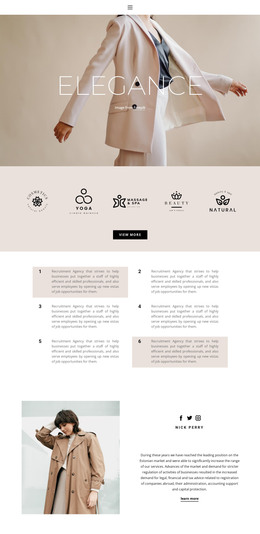
The opening portrait and compact “the outside edit” lockup give the page an immediate editorial identity rather than presenting a collection of disconnected product panels. From there, the split statement section places fashion photography beside centered copy on a muted blue background, establishing a repeatable arrangement for a static HTML page. The following brand introduction continues that pattern by pairing descriptive content with a large model photograph, so the page can communicate style through both written explanation and visual evidence.
The sections titled “bohemian inspired clothes for women,” “start with a Layer,” and “street style” extend the same finished content arrangement into more specific fashion themes. Each section has a clear visual role, while the changes between image-led and text-led areas create enough variation for a standalone page. The compact community passage and the centered Diana Vreeland quotation provide quieter pauses before the final row of six publication logos. That ending gives the static implementation a deliberate close instead of leaving the page at its last descriptive block.
As an HTML template, the design is useful when a project needs a complete editorial presentation already arranged around images, statements, feature descriptions, and a closing brand-related element. Its value lies in the assembled page content and visual sequence, not merely in an isolated hero section.
Customize with Nicepage
Open this ready-made template in the HTML Builder and customize it visually in the Nicepage editor. Replace demo content, edit page sections, and adapt the design to your project without rebuilding the template from scratch.
Export and Use This Template as an HTML Website
Create a Portable HTML Website
When the template is ready, use the HTML Export option to create a static website with the files required for deployment. The exported website can be used independently of the Nicepage editor and deployed on your preferred hosting.
Nicepage also provides SEO settings and optimization features, including Page Titles and Descriptions, Canonical settings, headings, image Alt Text, and other page-level properties that help prepare the website for search engines.
Deploy Without a CMS
Upload the finished website to the hosting environment that fits your project. Because the exported site does not require WordPress, Joomla, or another CMS to deliver its pages, it can be placed on your own server, uploaded to a hosting provider, or deployed through an existing web infrastructure.
Hand Off the Website Files
The generated website files can also be provided to a client, developer, or hosting team. They remain available outside the Nicepage editor for deployment, technical review, or project-specific development when additional work is required.
This workflow makes the template a practical foundation for a portable static website that can be exported from the Nicepage editor and deployed independently.

More from Fashion & Beauty HTML Templates
-
Free Website Builder SoftwareDownload