Good mood good food HTML Template


Edit Template Offline
2. Create new page and search for id 14548
Edit Template Online
Create Awesome Websites


Free Nicepage Builder
Keywords
The Store Story Already Forms a Complete Static Page
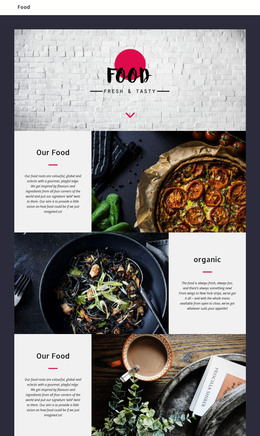
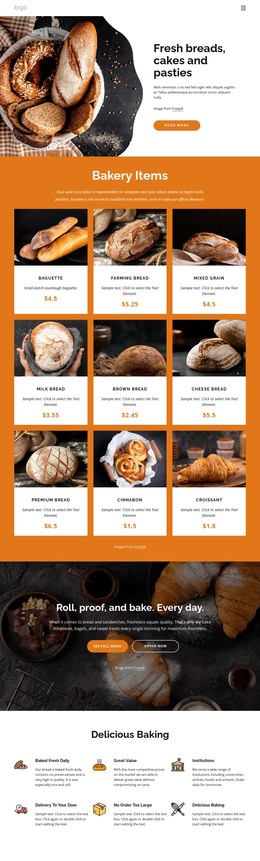
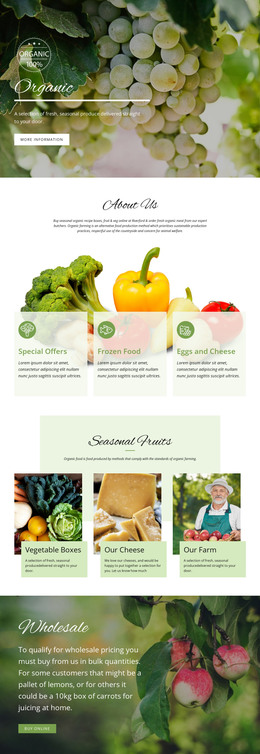
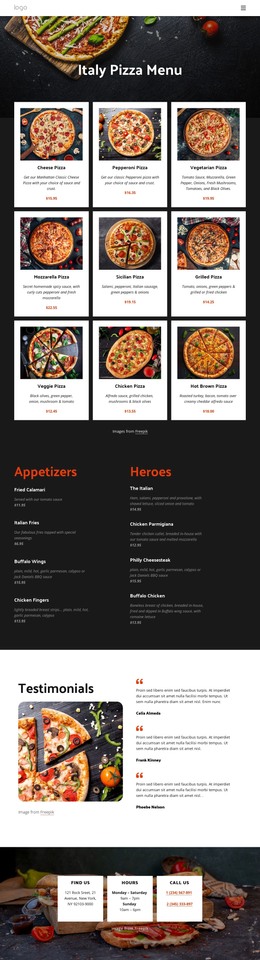
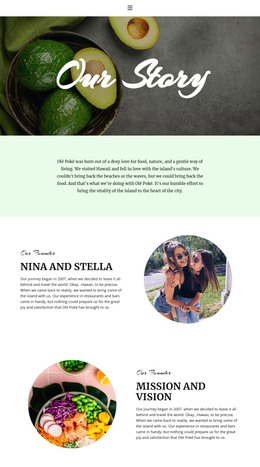
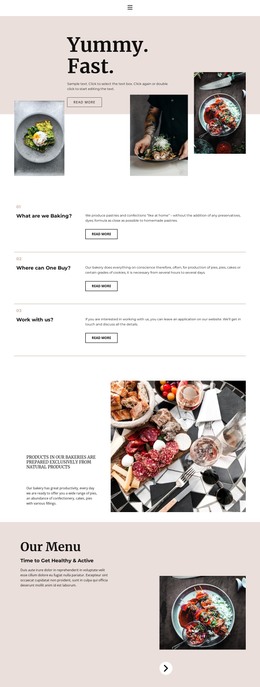
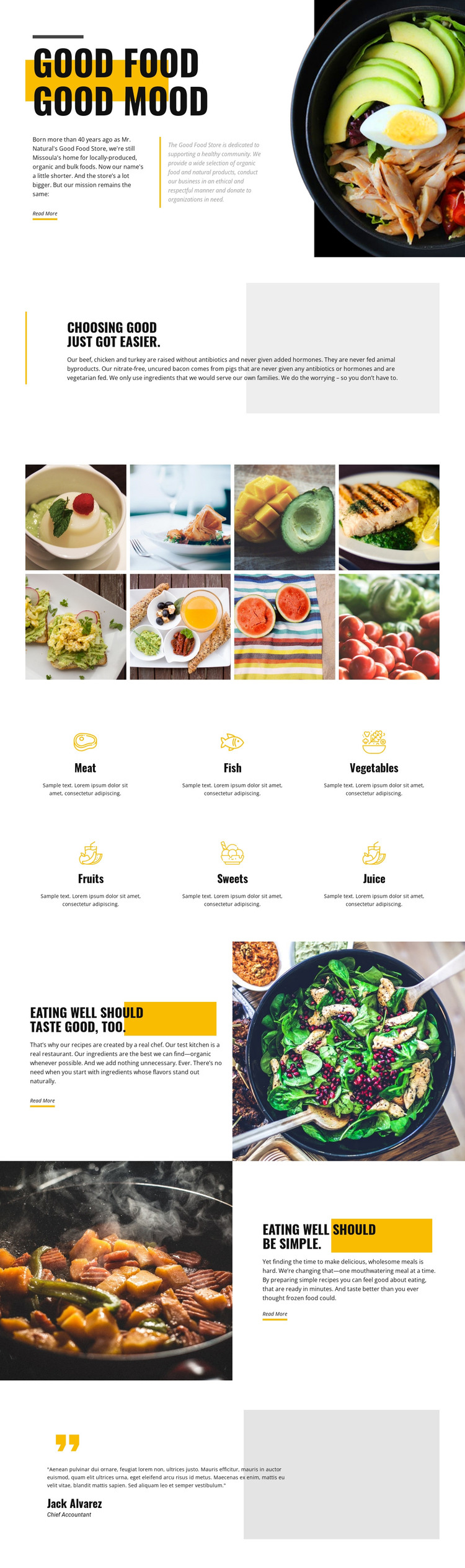
The page combines the main content areas needed for a standalone food-retail presentation without relying on a single isolated visual block. The opening slogan introduces the store identity, the following quality section explains the food approach, and the eight-image gallery supplies visual evidence of the meals and ingredients being discussed. Six category items then organize the selection into meat, fish, vegetables, fruits, sweets, and juice.
The later sections add depth rather than simply repeating the introduction. The chef-created recipe message connects food quality with preparation, while the reversed split section presents convenient meals as a separate reason to explore the store’s offering. Each section uses a Read More action, creating clear places for a static implementation to connect to fuller information when the project provides it. The testimonial-style panel closes the sequence with a customer-oriented note, although its sample name and role should be treated as demonstration content.
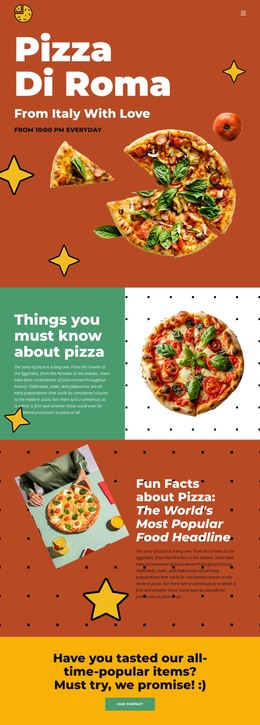
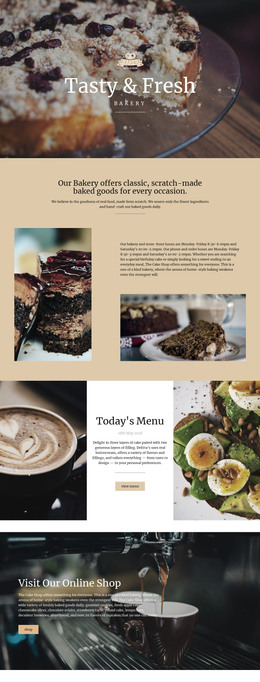
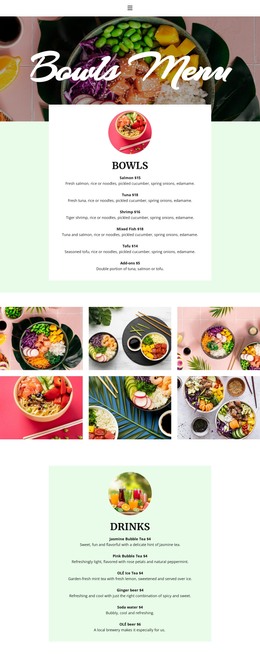
This arrangement works as a finished HTML page because the design covers identity, sourcing, categories, imagery, recipes, convenience, and social proof in one continuous presentation. Its content can be replaced while keeping the established order and visual relationships. The result is more than a decorative homepage concept: it is a coherent static implementation for presenting a food brand and its selection.
Customize with Nicepage
Open this ready-made template in the HTML Builder and customize it visually in the Nicepage editor. Replace demo content, edit page sections, and adapt the design to your project without rebuilding the template from scratch.
Export and Use This Template as an HTML Website
Create a Portable HTML Website
When the template is ready, use the HTML Export option to create a static website with the files required for deployment. The exported website can be used independently of the Nicepage editor and deployed on your preferred hosting.
Nicepage also provides SEO settings and optimization features, including Page Titles and Descriptions, Canonical settings, headings, image Alt Text, and other page-level properties that help prepare the website for search engines.
Deploy Without a CMS
Upload the finished website to the hosting environment that fits your project. Because the exported site does not require WordPress, Joomla, or another CMS to deliver its pages, it can be placed on your own server, uploaded to a hosting provider, or deployed through an existing web infrastructure.
Hand Off the Website Files
The generated website files can also be provided to a client, developer, or hosting team. They remain available outside the Nicepage editor for deployment, technical review, or project-specific development when additional work is required.
This workflow makes the template a practical foundation for a portable static website that can be exported from the Nicepage editor and deployed independently.

More from Food & Restaurant HTML Templates
-
Free Website Builder SoftwareDownload