Pro health and medicine Html Code Example


Edit Template Offline
2. Create new page and search for id 16719
Edit Template Online
Create Awesome Websites


Free Nicepage Builder
Keywords
The portal, service directory, and inquiry form create clear extension zones
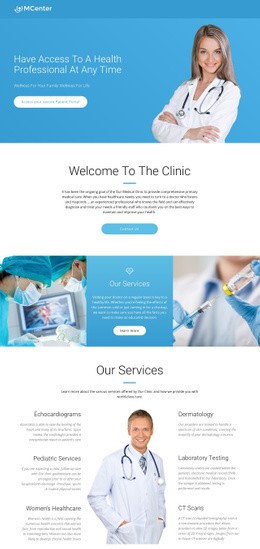
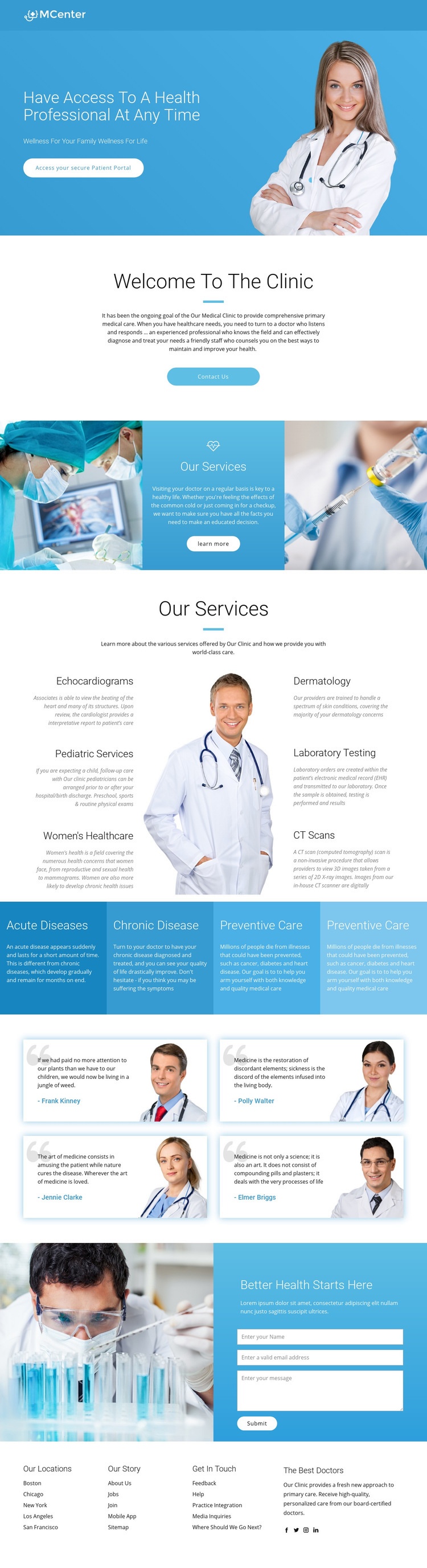
The secure Patient Portal action sits beside the opening healthcare message, making the hero a defined area for access-related content. The service directory then separates six named medical offerings into recognizable content units around a central doctor image. That arrangement leaves clear neighboring zones if a project later needs an external service component, a specialized information panel, or another custom integration without disturbing the main visual sequence.
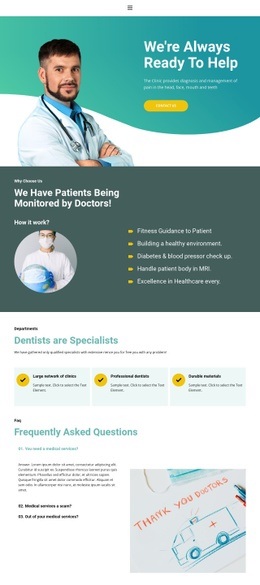
The four care-category panels provide a second type of extension point. Acute Diseases, Chronic Disease, and Preventive Care are presented as compact colored panels, so additional project-specific content could be associated with a category area rather than inserted into the middle of the service descriptions. The testimonial cards likewise establish a contained place for patient-focused presentation, although the displayed names and quotations are sample content and should not be treated as verified clinical evidence.
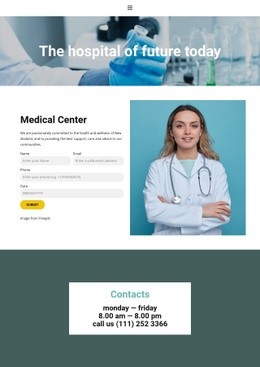
Near the end, the laboratory photograph is paired with a contact form under “Better Health Starts Here.” This is a practical boundary between informational content and an inquiry interaction. If the project requires functionality beyond the standard elements, the HTML Element can provide a place for custom markup or an external component beside the relevant section. The existing hierarchy can remain intact while that functionality is added selectively.
Customize with Nicepage
Open this ready-made template in the HTML Code Generator and customize it visually in the Nicepage editor. Replace demo content, edit page sections, and adapt the design to your project without rebuilding the template from scratch.
Extend This Page With Custom HTML Code
Insert Code With the HTML Element
Use the HTML Element to add custom code directly to a Block in the Nicepage editor. Enter the required markup in the Code field when the page needs content or functionality that is not available through the standard page elements.
Place the HTML Element in the Layout
Treat the HTML Element as part of the visual page composition. Adjust its position, width, height, alignment, and margins to place the custom content where it belongs alongside text, images, buttons, and other elements. This makes it possible to combine visually edited sections with project-specific code without separating the custom element from the rest of the layout.
Add HTML, CSS, JavaScript, and External Components
The HTML Element supports HTML, CSS, and JavaScript, allowing you to extend the page with custom markup and interactive functionality. It can also be used to embed custom code and third-party components, such as social feeds, advertising code, widgets, or other external functionality required by the project.
This workflow makes the template useful for projects that need a visual page editor together with custom HTML code, JavaScript, embedded components, and functionality beyond the standard page elements.

More from Medicine & Science Html Code Examples
-
Customize Any TemplateDownload