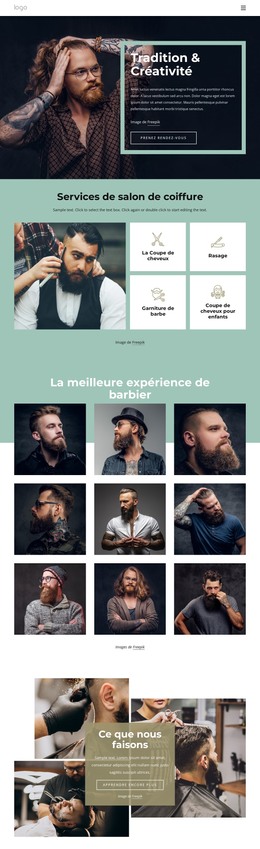
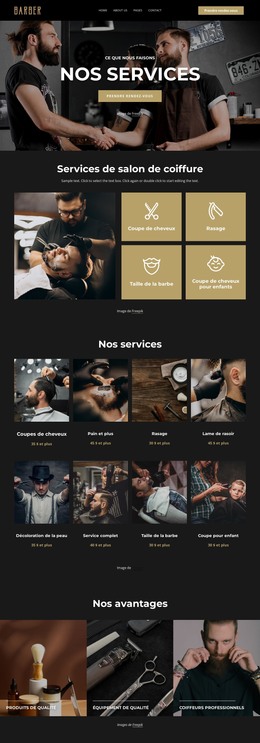
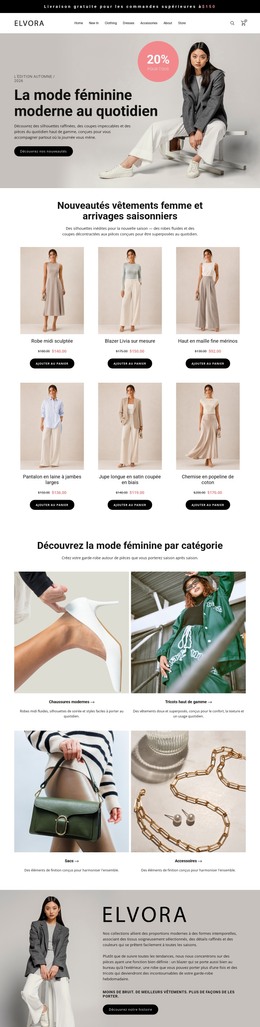
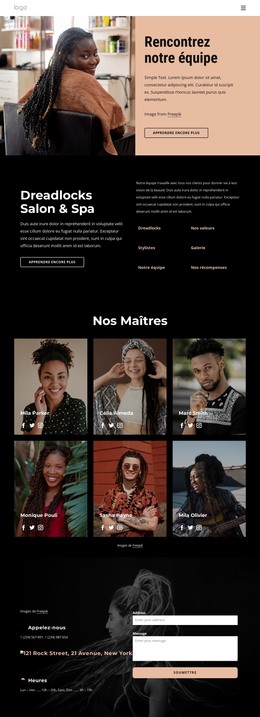
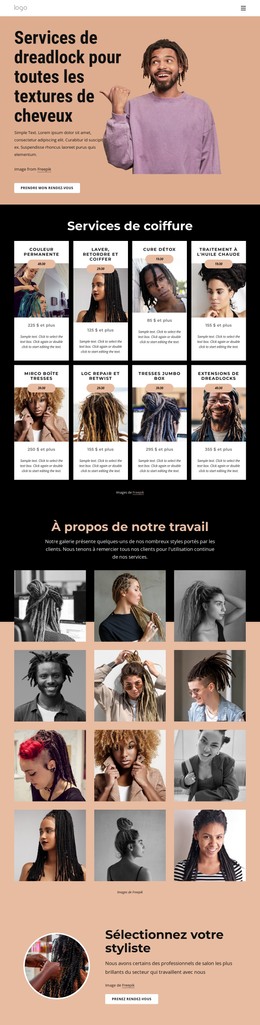
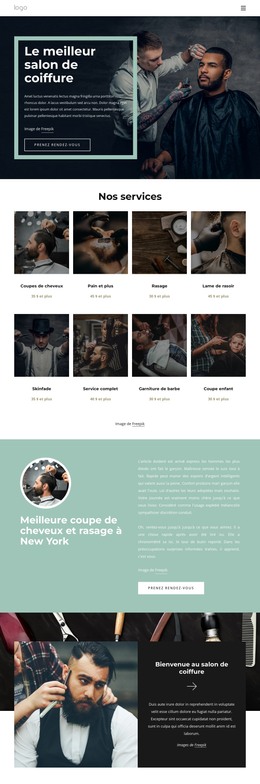
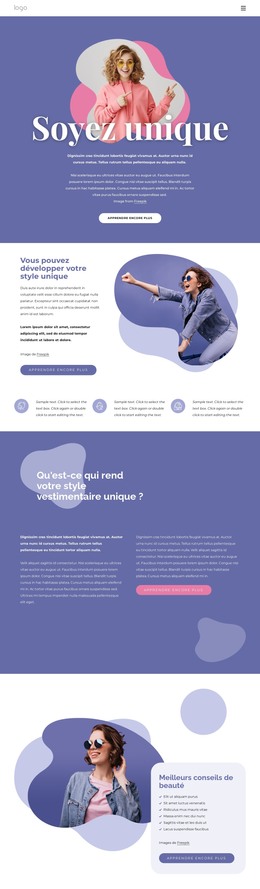
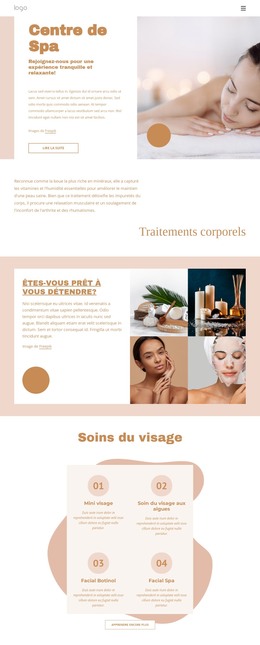
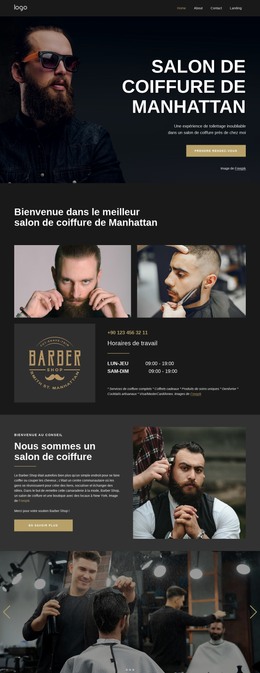
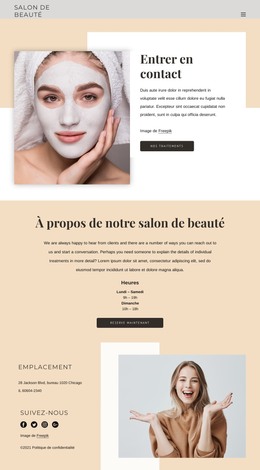
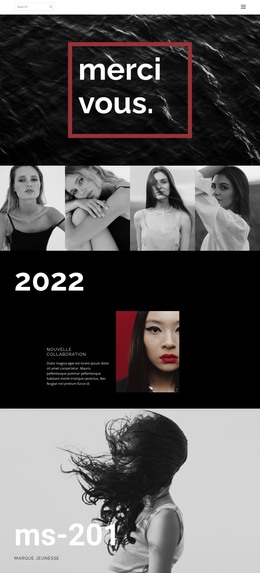
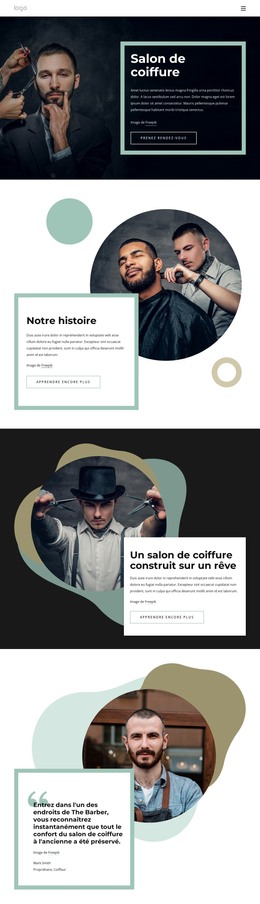
Alicia Keys Modèle HTML


Modifier le modèle hors ligne
2. Créez une page et recherchez l'identifiant 12861
Modifier le modèle en ligne
Créez des sites Web géniaux


Nicepage Builder gratuit
Mots clés
Personnalisez avec Nicepage
Lorsque vous utilisez Générateur HTML, vous pourrez ajuster les couleurs, les polices, l'en-tête et le texte, la mise en page, les colonnes et autres éléments de conception, ainsi que le contenu et les images.
Exporter et utiliser ce modèle comme site web HTML
Créer un site web HTML portable
Une fois le modèle prêt, utilisez l'option Exportation HTML pour créer un site web statique contenant les fichiers nécessaires au déploiement. Le site exporté peut être utilisé indépendamment de l'éditeur Nicepage et déployé sur l'hébergement de votre choix.
Nicepage propose également des paramètres SEO et des fonctionnalités d'optimisation, notamment les titres et descriptions de page, les balises canoniques, les balises de titre, le texte alternatif des images et d'autres propriétés de page qui contribuent à optimiser le site pour les moteurs de recherche.
Déploiement sans CMS
Téléversez le site web finalisé sur l'environnement d'hébergement adapté à votre projet. Comme le site exporté ne nécessite ni WordPress, ni Joomla, ni aucun autre CMS pour afficher ses pages, il peut être installé sur votre propre serveur, téléchargé chez un hébergeur ou déployé via une infrastructure web existante.
Transmission des fichiers du site web
Les fichiers du site web générés peuvent également être fournis à un client, un développeur ou une équipe d'hébergement. Ils restent disponibles en dehors de l'éditeur Nicepage pour le déploiement, la revue technique ou le développement spécifique au projet lorsque des travaux supplémentaires sont nécessaires.
Ce flux de travail fait du modèle une base pratique pour un site web statique portable, exportable depuis l'éditeur Nicepage et déployable indépendamment.

Plus de Fashion beauté Modèles HTML
-
Logiciel gratuit de création de site WebTélécharger